
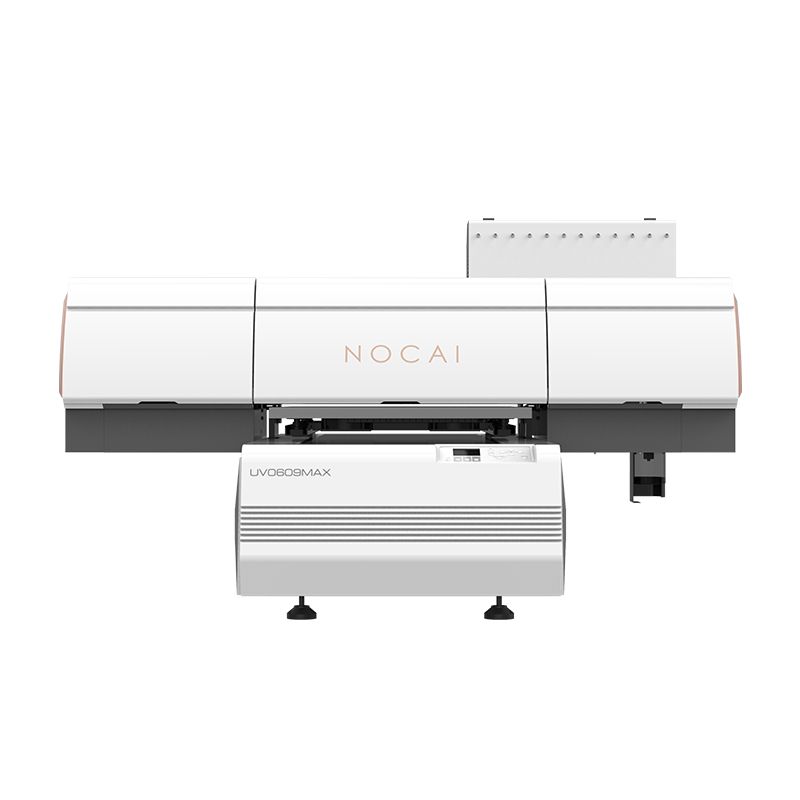
Common Malfunctions & DIY Fixes for UV Flatbed Printers
UV flatbed printers may run into some common issues during use. Knowing basic troubleshooting and solutions helps you get the device back up quickly, saving repair time and costs.
1.Clogged or Misaligned Nozzles
Symptoms: White lines, missing colors, or blurry spots in prints.
DIY Fixes:
- Run the device’s built-in nozzle cleaning program (solves mild clogs).
- Wipe the nozzle surface gently with a non-woven cloth dipped in special cleaning fluid.
- For heavy clogs, use a syringe with cleaning fluid to manually flush nozzles.
- Print test patterns daily to keep nozzles active.
2.Misaligned or Ghosted Prints
Symptoms: Pattern offset or double imaging.
DIY Fixes:
- Check if the encoder strip is clean; wipe gently with an alcohol pad.
- Calibrate the levelness of the printing platform.
- Re-run the printer’s positioning calibration program.
- Check belt tightness and adjust appropriately.
3.UV Lamp Malfunctions
Symptoms: Incomplete curing, non-lighting, or flickering of the lamp.
DIY Fixes:
- Ensure the UV lamp power connection is secure.
- Clean dust and ink splatters from the lamp surface.
- Check if the printer’s cooling system works properly (overheat protection may activate).
- Record the UV lamp’s service life and replace aging lamps on schedule.
4.Poor Material Adhesion to Platform
Symptoms: Material shifts on the platform, affecting printing accuracy.
DIY Fixes:
- Clean the printing platform to remove dust and oil stains.
- Adjust platform suction power based on material type.
- Flatten curled materials or use auxiliary fixing tools.
- Check for clogged platform suction holes and clear them promptly.
5.Color Deviation
Symptoms: Printed colors differ significantly from the design draft.
DIY Fixes:
- Re-perform color calibration.
- Check if ink is expired or mismatched in model.
- Clean and calibrate the ICC color profile.
- Ensure color management settings are consistent between design software and the printer.
Daily Maintenance Tips
Prevention is better than cure; regular maintenance drastically reduces malfunctions:
- Print a test strip before daily startup to check nozzle condition.
- Clean precision components (guide rails, encoder strips, etc.) weekly.
- Use original or certified ink to avoid pigment sedimentation.
- Keep the environment clean and control temperature (25–28℃ recommended) and humidity (35–65% recommended).
When to Seek Professional Support
Contact technicians promptly if issues persist after trying the above fixes, or if you encounter:
- Abnormal noises or alarms from the printer.
- Circuit system-related problems.
- Physical damage to nozzles.
- Recurring same malfunctions.
Mastering these basic troubleshooting methods helps you use the UV flatbed printer more effectively and ensures smooth production. Regular maintenance and proper operation are the keys to the printer’s long-term stable performance.
-
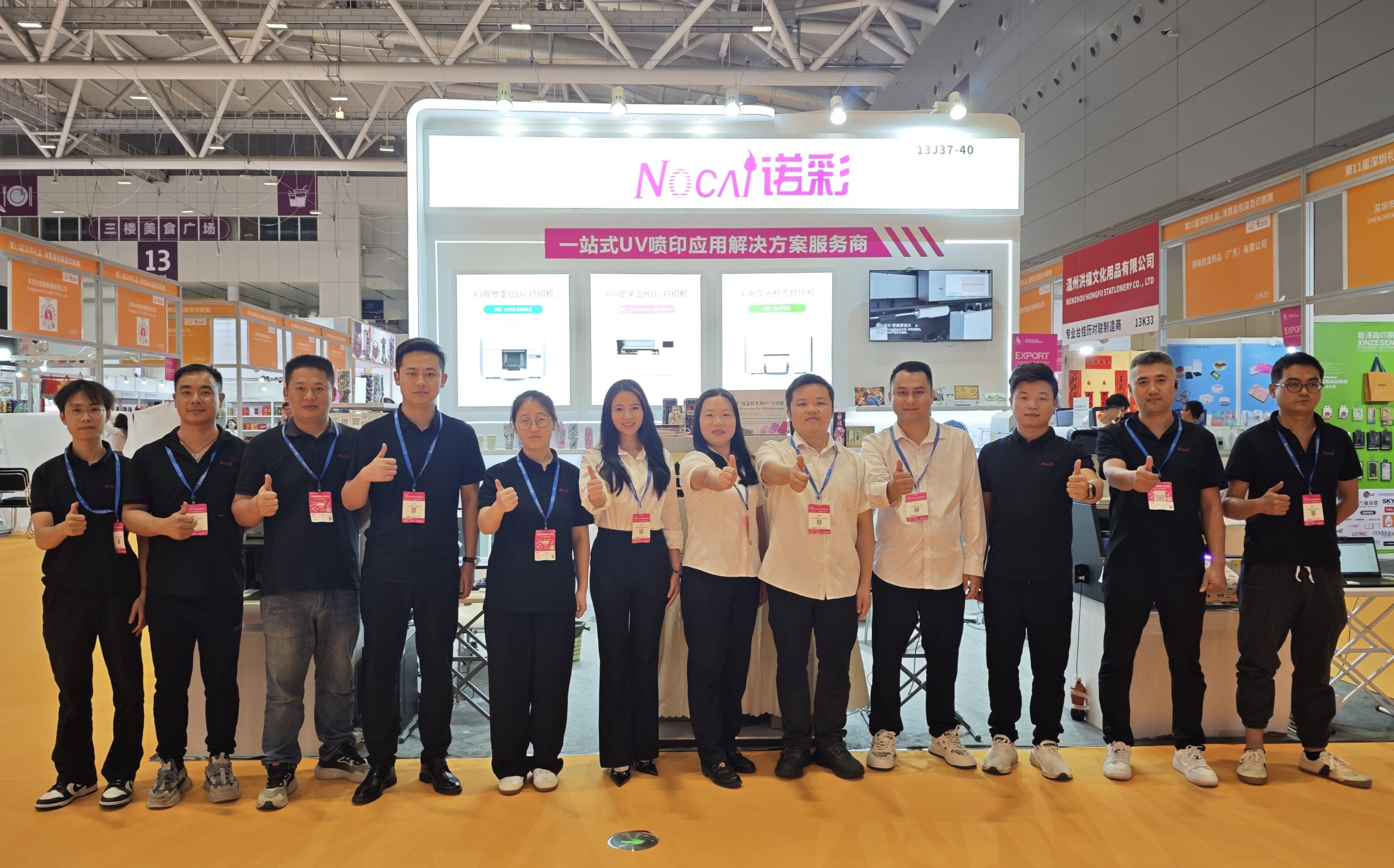
Successfully Concluded! Nocai Shenzhen Expo Achieves a Double Harvest of Popularity and Results—We Sincerely Invite You to Visit and Inspect!
2025-10-23 -
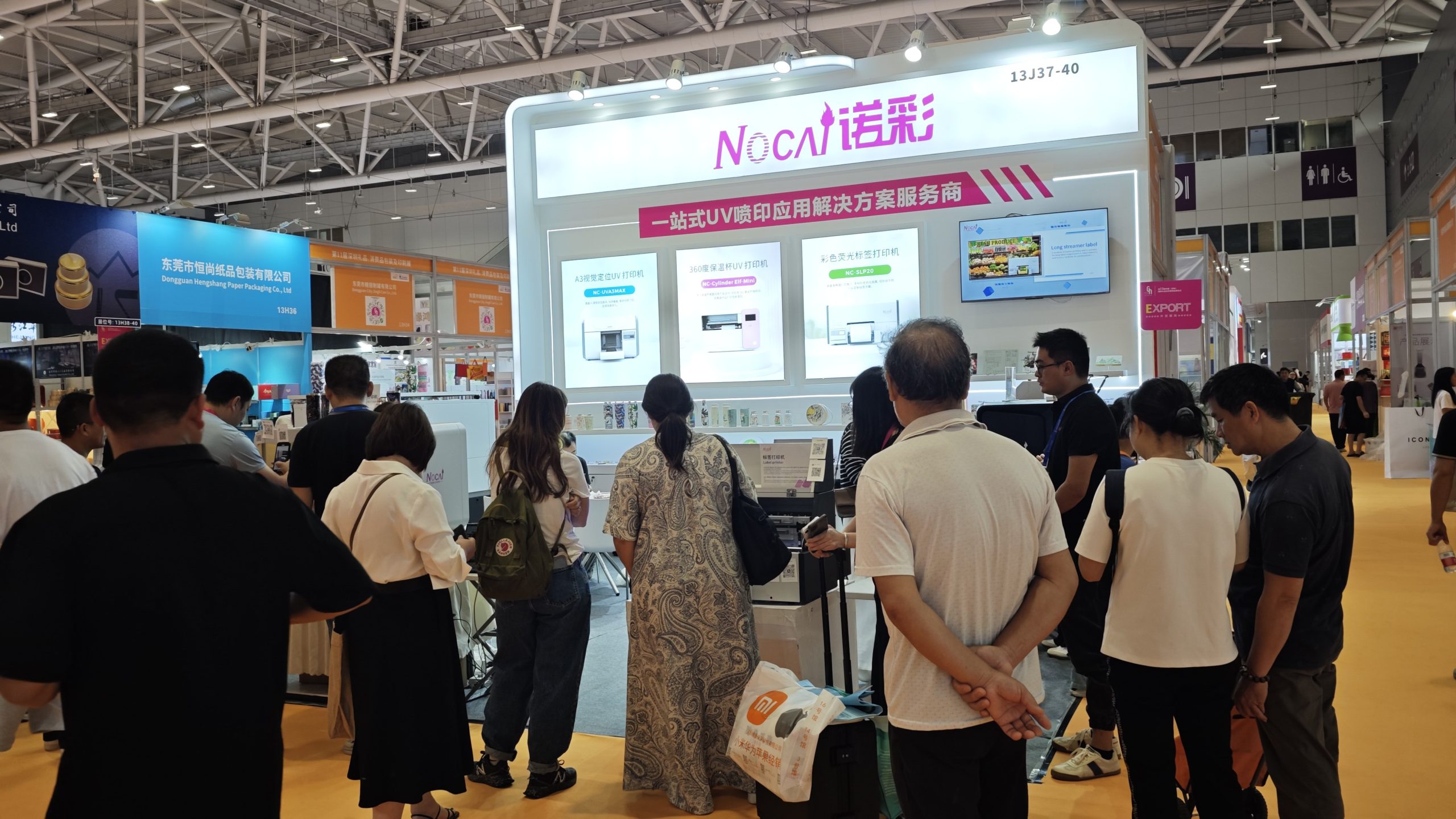
Nocai Shenzhen Expo Day 3 is a hit! Tomorrow is the last day—Hall 13, Booth J37-40 is waiting for you!
2025-10-22 -
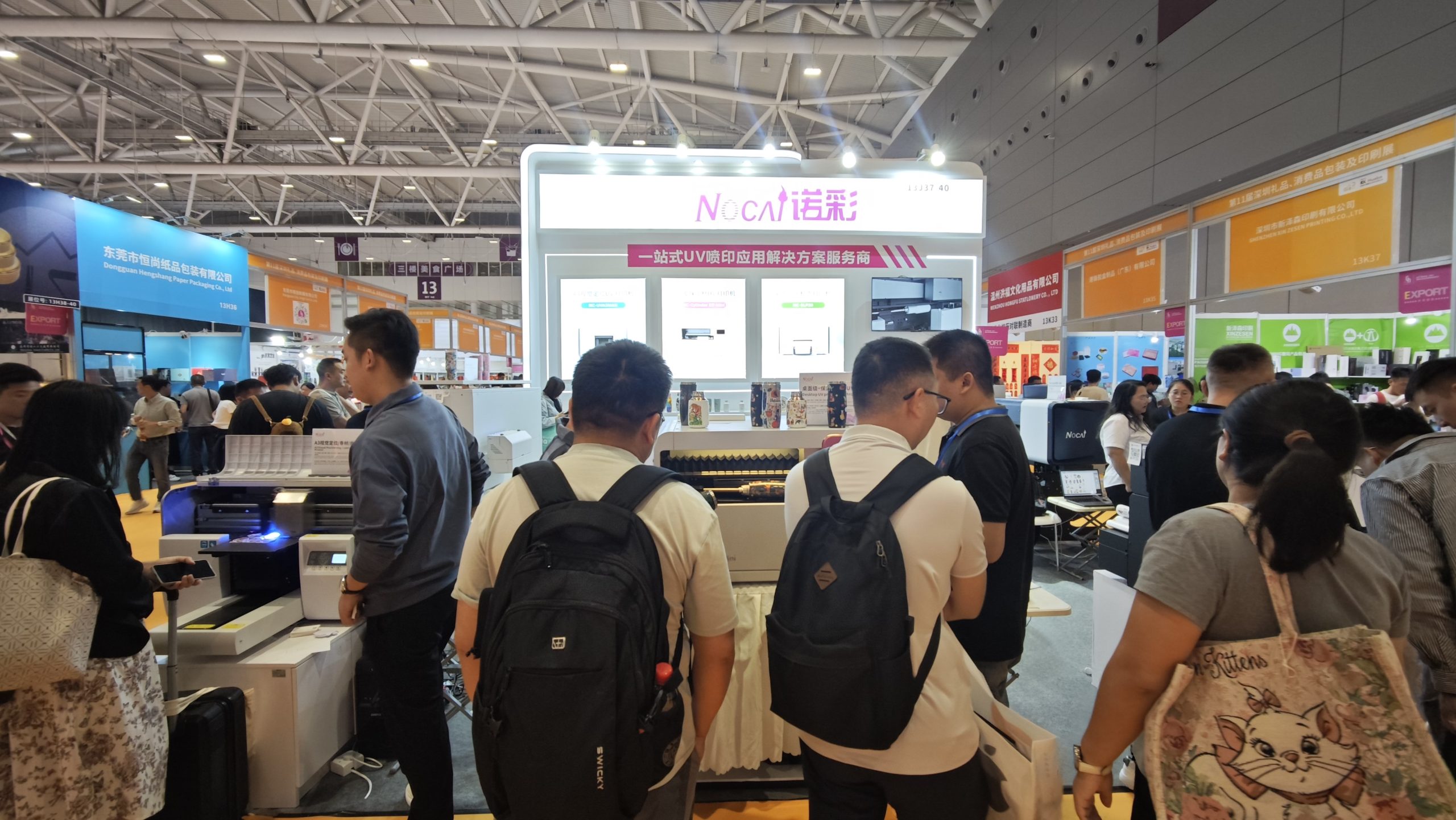
Shenzhen Gift Expo Day2 Focus: Nocai Bestsellers Set the Venue on Fire, Hidden Exhibition Area Exclusively Open
2025-10-21 -
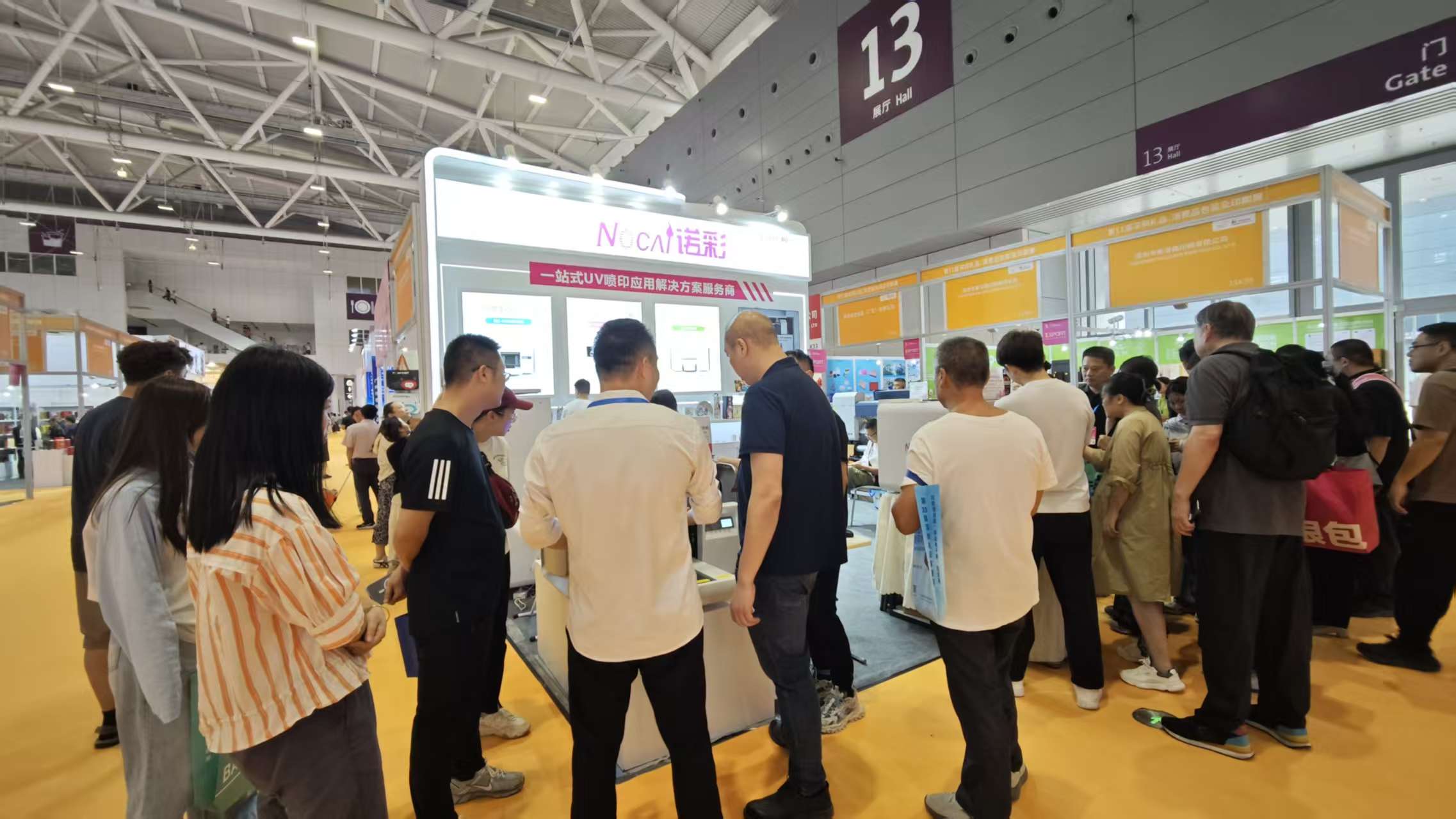
Grand Opening! Live Coverage of the 33rd Shenzhen Gift Expo – Nocai Presents 5 Core Printing Devices at Booth 13J37-40
2025-10-20 -
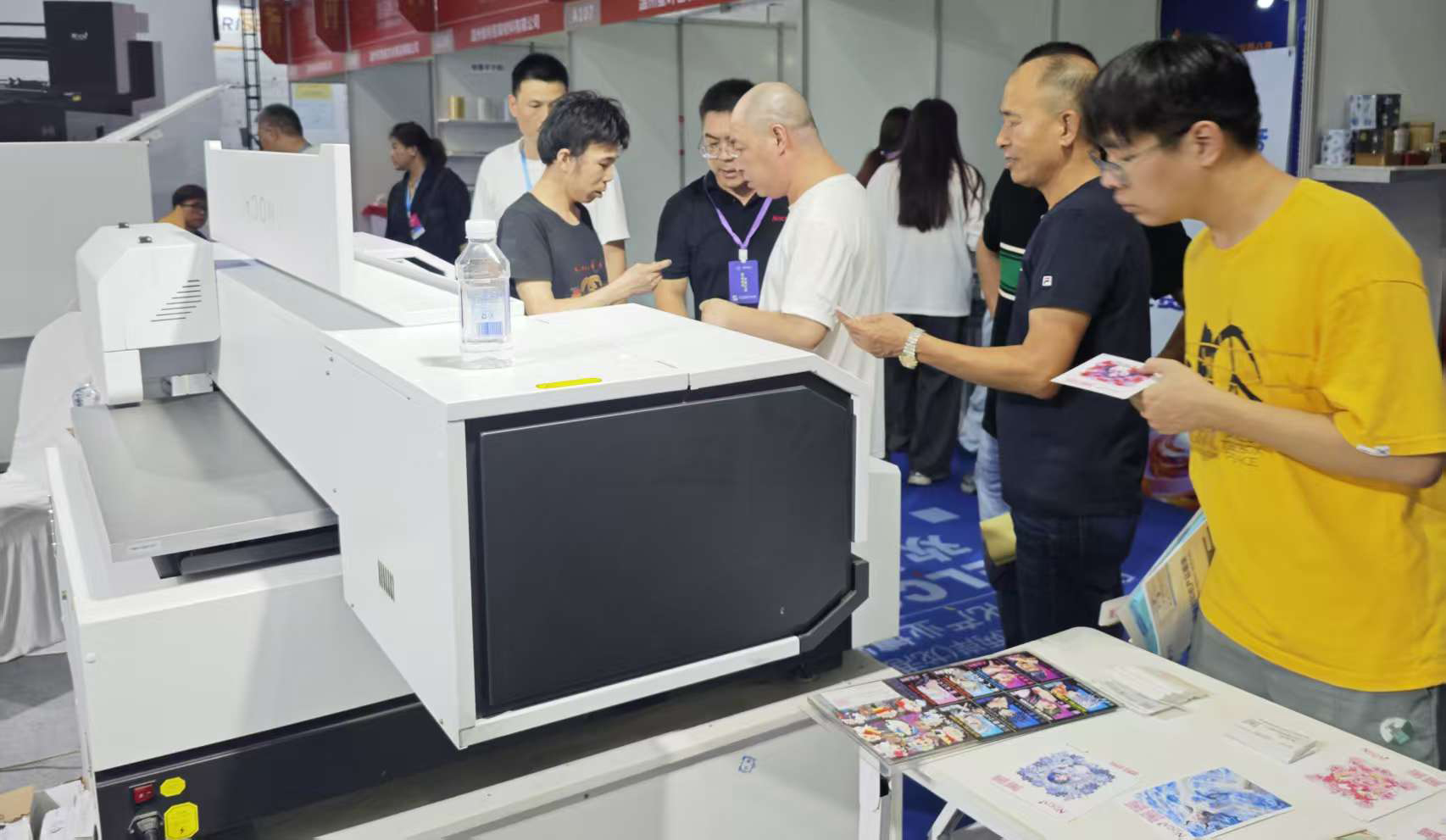
27th Cross-Strait Longgang Print & Culture Expo Wraps Up! NOCAI Booth A-G7-2: 4 Core Devices + Pro Services Unlock New Industry Potential
2025-10-20 -
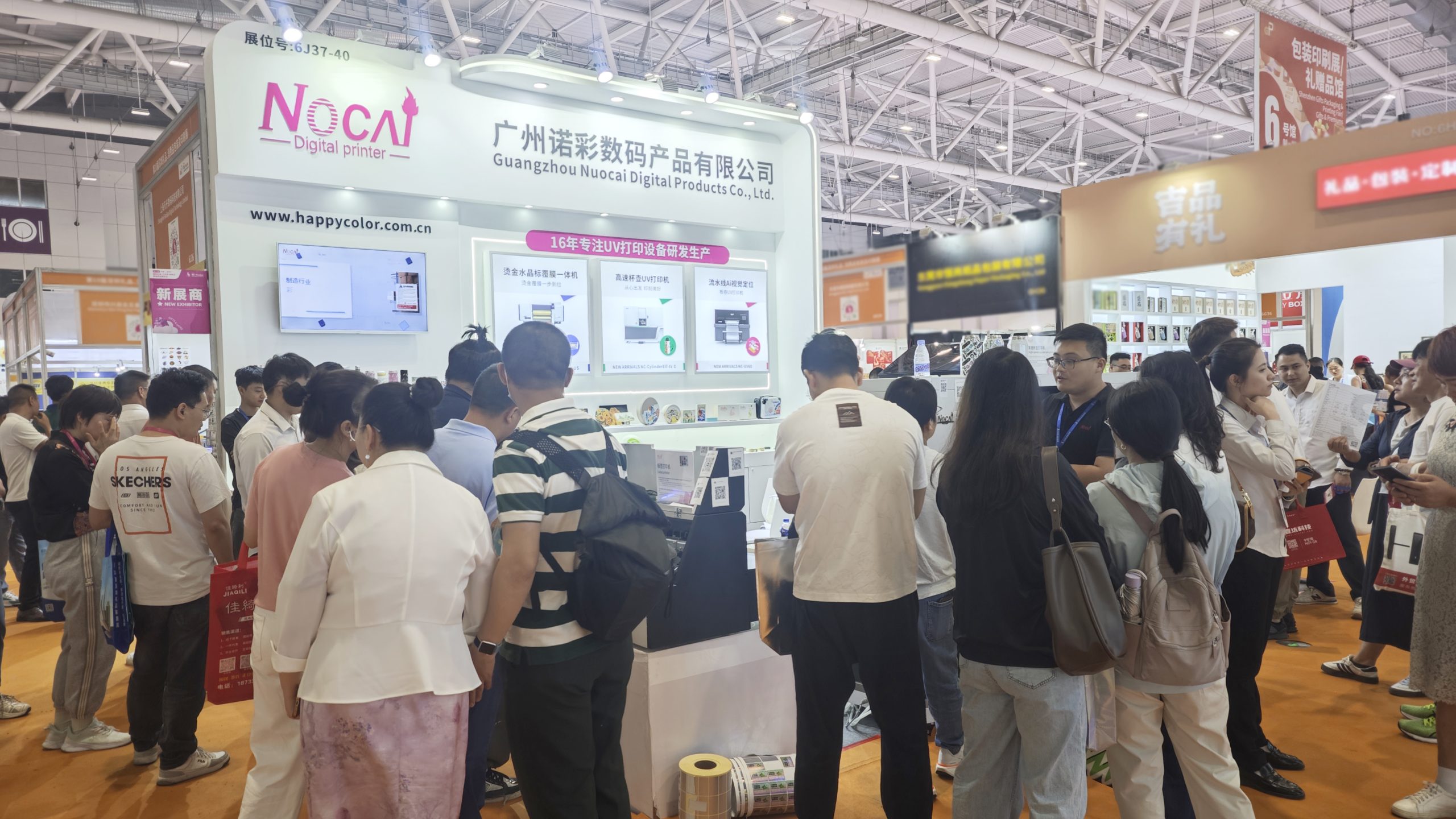
Shenzhen Gifts Fair Concludes Successfully, Nocai Embarks on a New Journey!
2025-08-15 -

Planting for the future- 3.12 Arbor Day, Voluntary action building a green home together!
2025-08-15 -

Women’s Day | “Saluting Your Brilliance, Honoring Trailblazing Women — Nocai Celebrates Every Woman with Festive Blessings & Heartwarming Gifts!”
2025-08-15 -

APPPEXPO Concludes Successfully Today! Nocai and Global Partners Co-“Print” Brilliance, Next Stop Will Be Even More Exciting!
2025-08-15 -
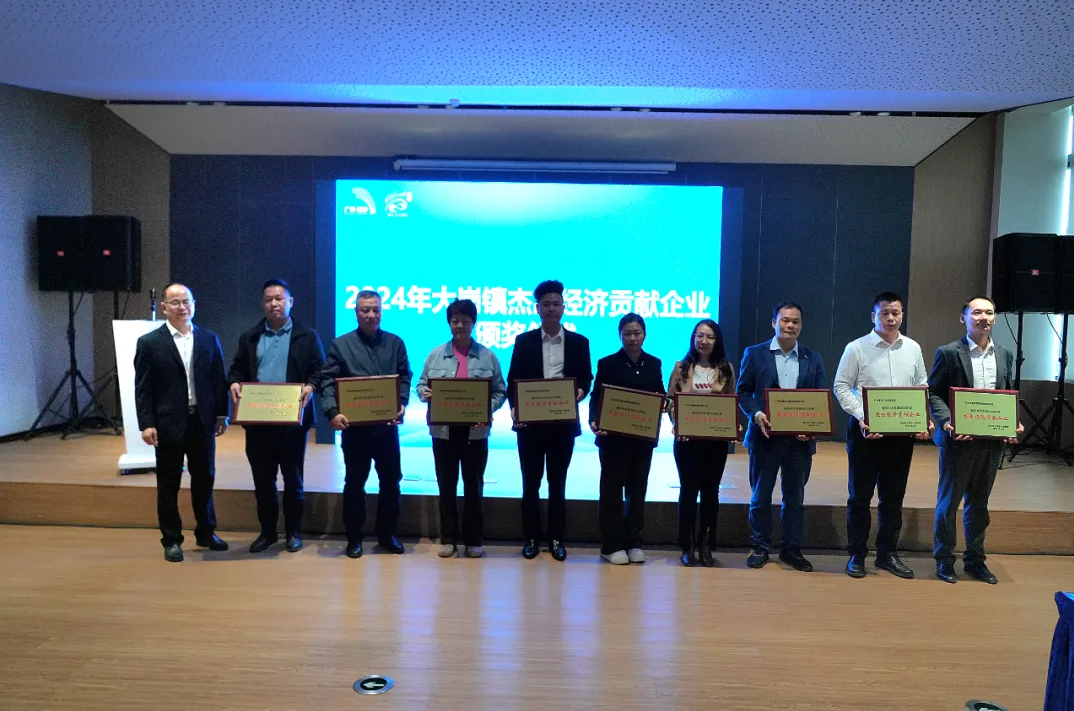
“Charting the Course in the Bay Area • Building Dreams in Dagang” — Guangzhou Nocai Invited to High-Quality Growth Forum in Dagang Town
2025-08-15
-
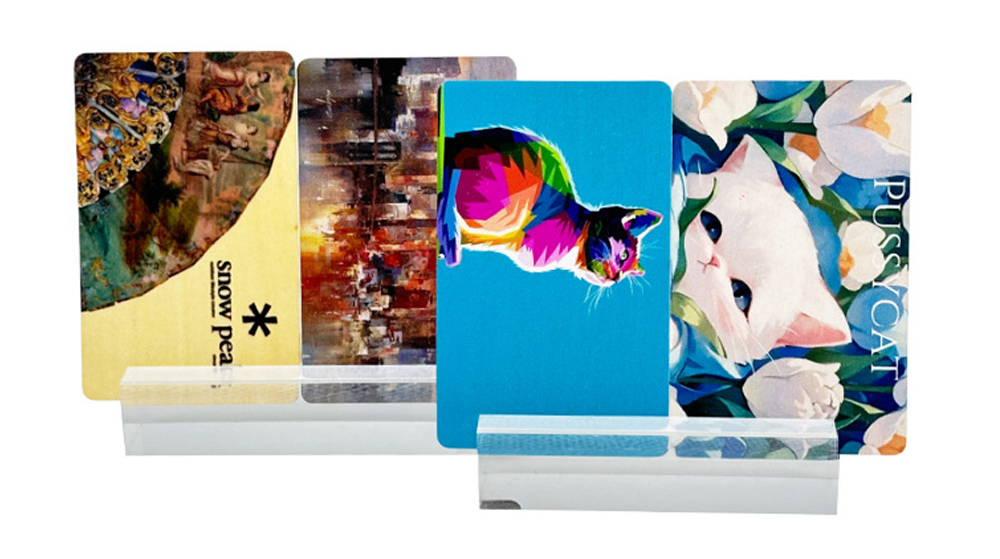
Common Malfunctions & DIY Fixes for UV Flatbed Printers
2026-01-10 -
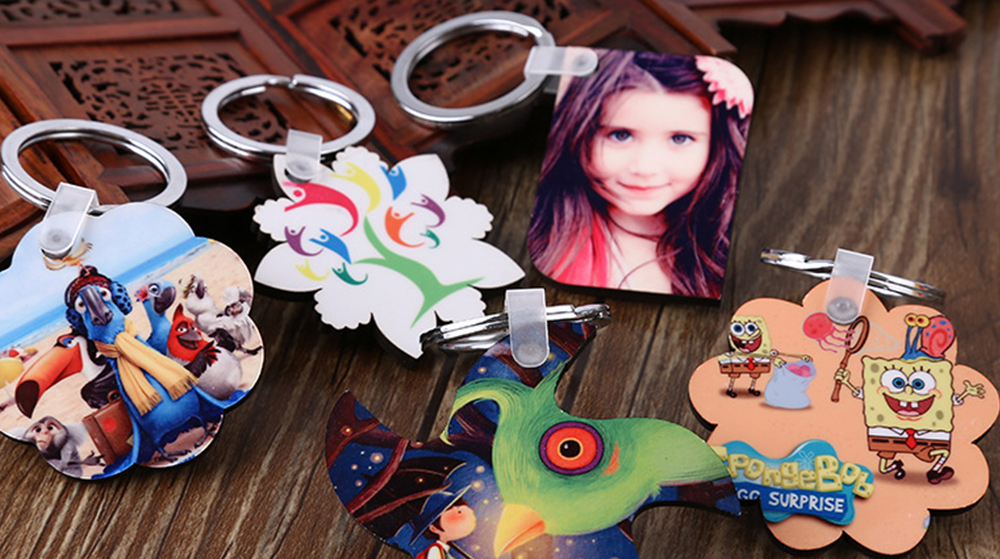
Why Small UV Printers Are Ideal for Personalized Customization
2026-01-10 -
New Tech Awakens Old Crafts: How UV Printing Revives Traditional Visual Charm
2026-01-03 -
Unveiling the 6090 UV Printer: Why It’s a Must-Have for Entrepreneurs?
2026-01-03 -
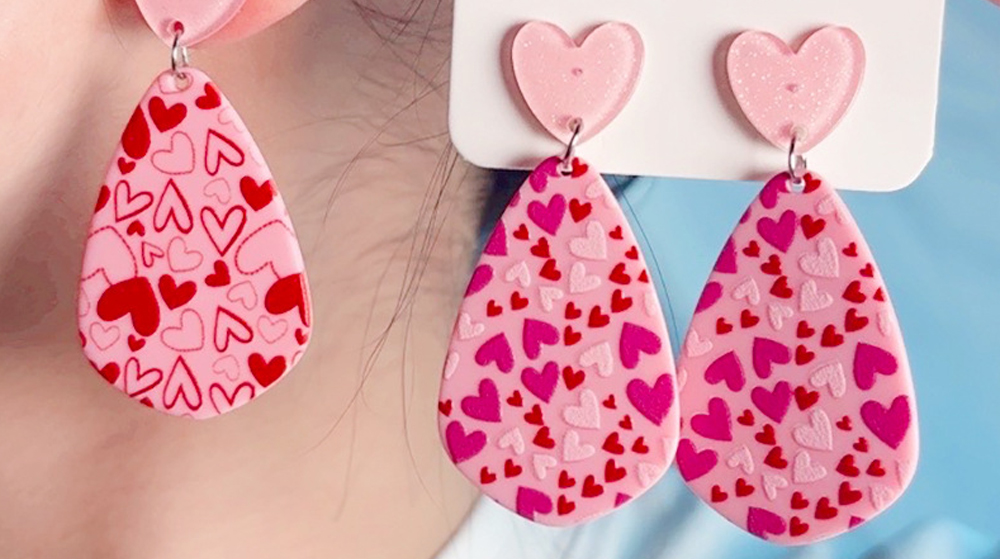
UV Flatbed Printers: Industrial Potential & Innovative Applications
2025-12-26 -

6090 UV Flatbed Printer: Media Compatibility Study & Detailed Compatible Materials List
2025-12-26 -
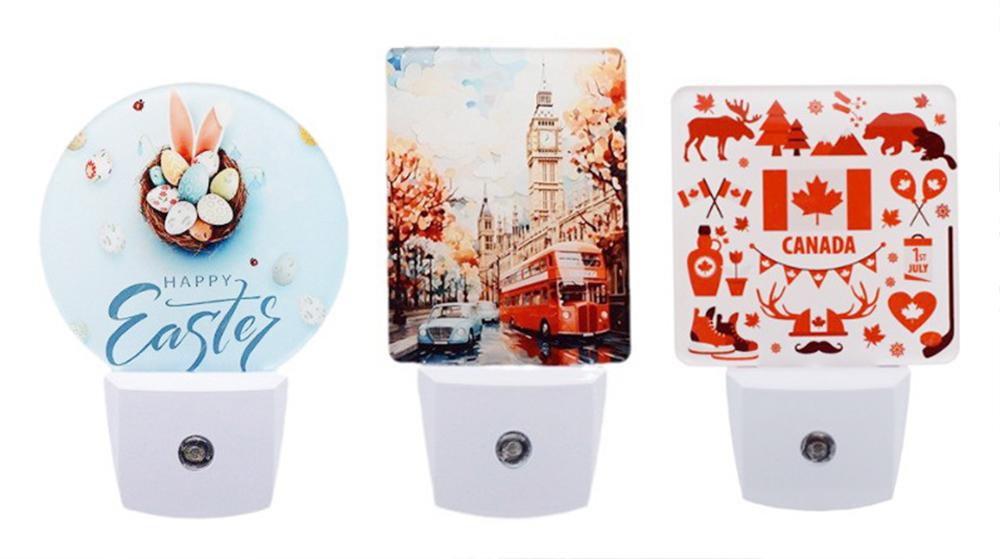
“Print first, then form” or “Form first, then print”? — Process choice in collaborative manufacturing
2025-12-18 -

What special effects can cylinder printer achieve? It makes each bottle of wine into a work of art.
2025-12-18 -
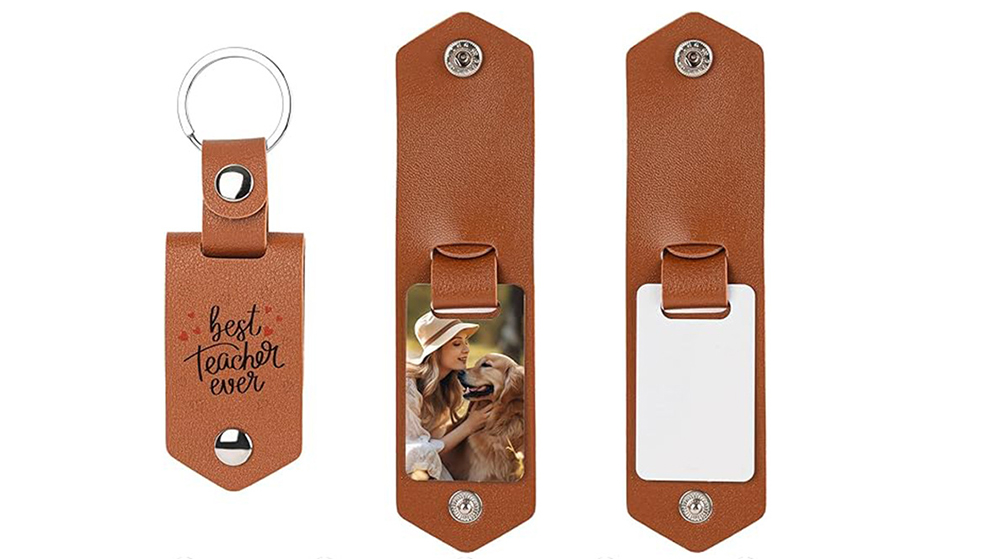
Say Goodbye to “Stringing” & “Ink Piling”: Practical Tips for Fine-Tuning UV Printer Nozzle Height
2025-12-11 -

The Business of Custom Phone Cases: How a UV Printer Unlocks Thousands of Creative Ideas
2025-12-11
CONTACT US


Guangzhou Nuocai Digital Products Co., Ltd.
If you would like to keep touch with us directly, please go to contact us
-
![]()
Home
-
![]()
Tel
-
![]()
Email
-
![]()
Contact


