
Maintenance of Small-Sized UV Flatbed Printers: 4 Steps to Extend Equipment Lifespan
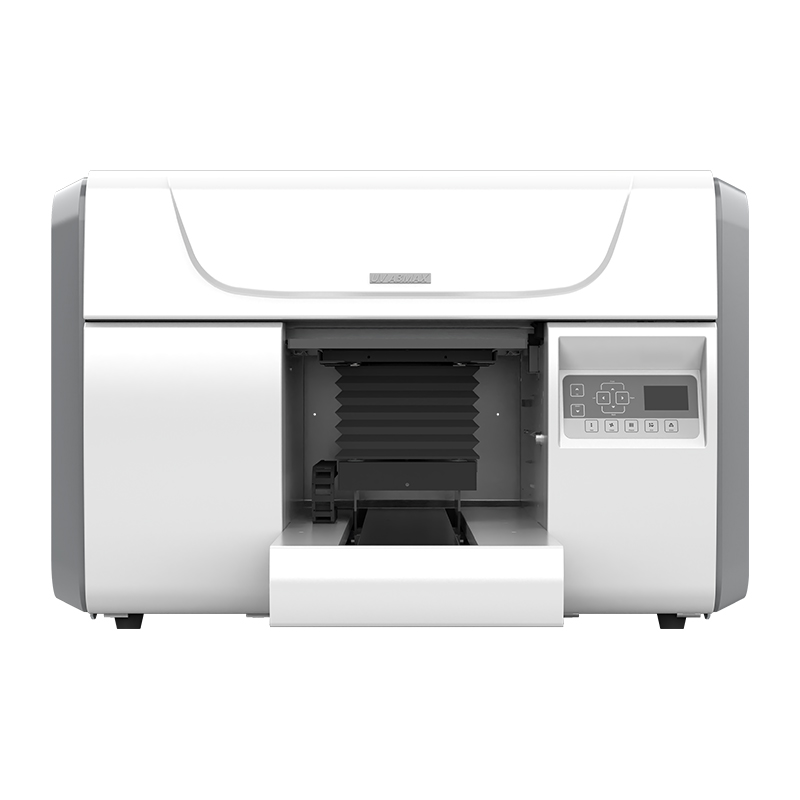
A small-sized UV flatbed printer is a sophisticated investment, and its long-term stable operation and excellent printing results directly depend on the user’s careful daily care. Just like cars require regular maintenance, a simple yet rigorous “4-step maintenance method” can effectively prevent most malfunctions, significantly extend the equipment’s lifespan, and protect your return on investment.
Step 1: Daily Routine – Basic Cleaning and Moisturization (Key 10 Minutes)
Maintenance after daily operation is a top priority, serving as the “golden rule” to prevent nozzle clogging. This step takes only 10 minutes but delivers significant results.
1.Platform and Housing Cleaning: After turning off the UV lamp and power supply, first use a lint-free cloth to wipe the printing platform, removing dust, material debris, and any potential ink splatters generated during the day. At the same time, briefly clean the machine’s exterior to prevent accumulated external dust from being sucked into the internal fan.
2.Nozzle Moisturization (Core Step): This is an indispensable daily task. Move the printhead carriage to the maintenance position on the right side, ensuring the printhead fits tightly against the cap top. This creates a moist microenvironment for the nozzles, effectively preventing ink from evaporating and drying out – it is the most cost-effective and efficient method to avoid nozzle clogging.
3.Ink Tank Inspection: Securely close the lids of all main ink bottles and secondary ink tanks to ensure a tight seal, preventing ink deterioration and dust contamination.
Step 2: Weekly Deep Maintenance – Deep Maintenance and Calibration
Conduct approximately 30 minutes of deep maintenance every week or after completing a large-batch order, focusing on the maintenance of key moving components.
1.Guide Rail and Grating Strip Cleaning:
- Guide Rails: As the track for the printhead carriage’s movement, the cleanliness and lubrication of metal guide rails are crucial. Use a lint-free cloth dipped in high-purity alcohol to clean the rail surface, removing oil stains and dust. Then apply a very small amount of specialized guide rail lubricating oil to ensure smooth operation and reduce wear.
- Grating Strip:This transparent strip with scales is essential for ensuring printing precision. Use a lint-free cloth dipped in alcohol to wipe it gently in a single direction – never wipe back and forth, as this may damage the precision scales on it.
2.Perform Automatic Cleaning: Run the printer’s built-in nozzle cleaning function 1-2 times, and check if waste ink is smoothly discharged into the waste ink bottle. Meanwhile, inspect the liquid level in the waste ink bottle and clean it promptly to eliminate spill risks.
Step 3: Monthly Check – Systematic Inspection and Prevention
Conduct a systematic inspection once a month to prevent problems before they occur.
1.Inspect the Ink Circuit System: Carefully check all ink tubes and connections for cracks, ink leakage, or air leakage. Verify the remaining levels of each color ink and make a procurement plan accordingly.
2.Clean the UV Lamp Cover: Dust accumulation and ink stains on the UV lamp cover will reduce UV intensity and affect curing results. Use alcohol wipes to thoroughly clean the surface of the lamp cover, ensuring optimal light transmittance.
3.Check the Surrounding Environment: Reconfirm that the printer is in an environment with appropriate temperature and humidity (ideal range: temperature 25-28°C, humidity 40%-60%), and keep it away from vibration sources and direct sunlight.
Step 4: Develop Habits – Optimize Usage and Environment
Excellent maintenance lies not only in “taking action” but also in “cultivating good practices.” Sound usage habits are the foundation of a long-lasting device.
- Environment is Paramount: A stable, clean, and suitable environment is a prerequisite for the printer’s stable operation.
- Authentic Consumables: Insist on using original or certified ink and cleaning fluid. Inferior consumables are “invisible killers” that damage printheads and the ink circuit system.
- Stable Power Supply: Equip the printer with a voltage stabilizer or uninterruptible power supply (UPS) to resist the impact of power grid fluctuations.
- Maintain Operational Condition: If the printer needs to be idle for several days, be sure to moisturize the nozzles before shutting it down. Before long-term idleness, perform a thorough cleaning and moisturization of the printer.
Establishing and implementing this “four-step maintenance schedule” for your UV flatbed printer is not an extra burden, but a high-return investment. Ten minutes of daily maintenance can help you avoid future maintenance troubles; half an hour of weekly maintenance can ensure long-term printing precision. With persistence, your device will surely reward your efforts with a longer service life and more stable output quality.
-

Thank You for Every Connection! Nuocai Wraps Up the Shenzhen Gifts & Home Fair Successfully — Visit Our Factory to Discover More
2026-10-23 -

Final Countdown! Day Three at the Shenzhen Gifts & Home Fair: Nuocai’s Last-Chance Show Specials Are Bigger Than Ever
2026-10-22 -

Day Two at the Shenzhen Gifts & Home Fair: Nuocai Keeps the Crowds Coming! Live Demos of 3D Figures, 2.5D Relief Crafts, Perfume Bottles, Tumblers, and UV DTF Stickers
2026-10-22 -

A Decade of Excellence: Nuocai Unveils Its Latest Innovations on Day One of the Shenzhen Gifts & Home Fair! Full-Color 3D Printing Steals the Show
2026-10-20 -

Nuocai Successfully Concludes PRINTING United Expo 2026 in Las Vegas
2026-09-28 -

Making an Impact in Las Vegas — Nuocai Makes a Strong Debut at PRINTING United Expo 2026
2026-09-24 -

Growing Together, Moving Forward with Purpose | Guangzhou Nuocai 2026 Production Trainee Representative Symposium
2026-08-29 -

A Truckload of Henan Melons, A Thousand-Mile Bond with Guangdong|Nocai’s Charitable Purchase: Supporting Farmers, Refreshing Our Team
2026-08-11 -

Topping-out Ceremony Successfully Held! NOCAI Digital’s Capital Increase & Capacity Expansion Project Officially Topped Out, Embarking on a New Journey of Smart Manufacturing
2026-04-28 -
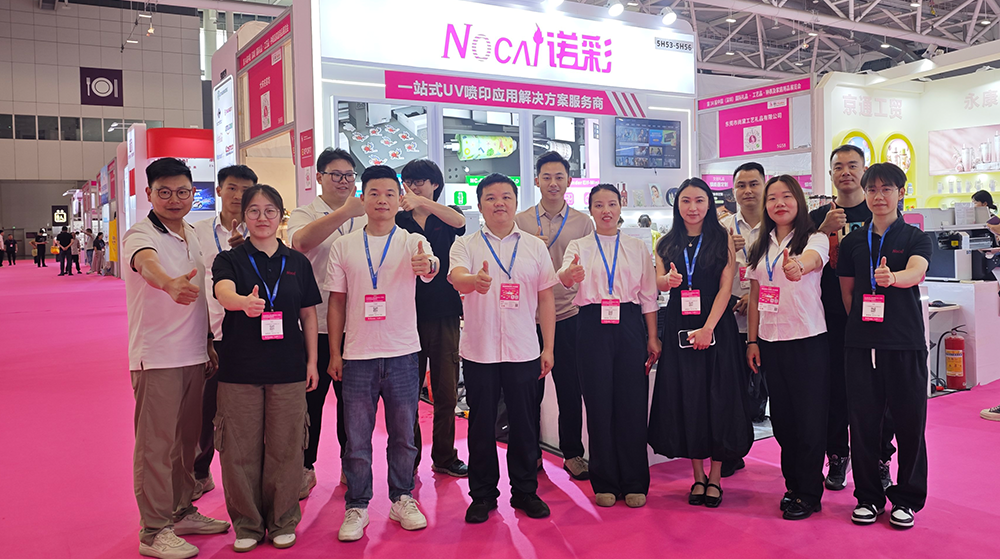
NOCAI’s Shenzhen Gift Fair Successfully Concluded. You Are Warmly Invited to Visit Our Factory for New Cooperation
2026-04-28
-

Tackling the Four Major Pain-Points of Cylindrical UV Printers: Height Variation, Cones, Special-Shaped Parts & Transparent Materials
2026-10-27 -

Simulating Mother-of-Pearl Inlay with UV Printers
2026-10-27 -

What Can a 6090 UV Flatbed Printer Produce? From Phone Cases to Metal Signs and Acrylic Artwork
2026-10-23 -
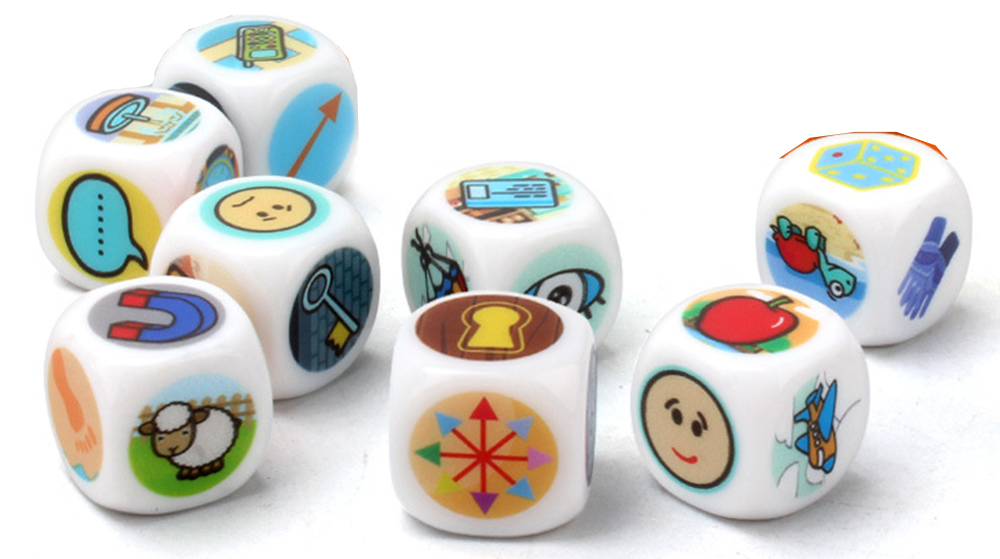
What to Do When a UV Flatbed Printer Printhead Clogs After Long-Term Inactivity?
2026-10-23 -
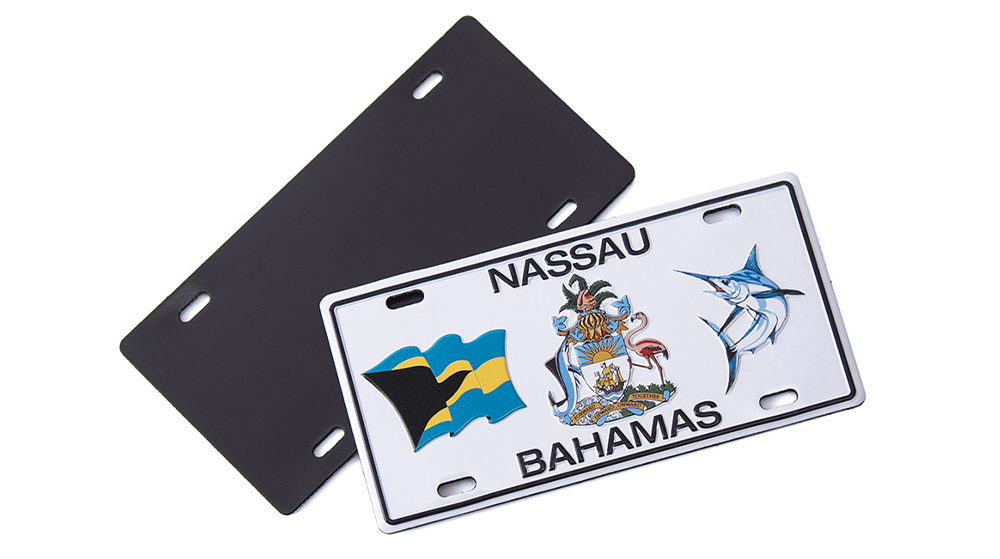
Full-Color Printing, Plate-Free Production, Multi-Material Compatibility — Three Core Advantages of UV Printers
2026-10-23 -

Key Factors Affecting the Actual Print Quality of Small UV Printers
2026-10-23 -

Figure out the differences between flatbed printers and cylindrical printers before purchasing a cosmetic printing machine
2026-10-10 -
Small UV Printer Buying Guide to Avoid Pitfalls: Printhead vs Curing System, Which Matters More?
2026-10-10 -

Which Industries Are Suitable for A3 UV Printers? What Value Can They Bring to New Entrepreneurs?
2026-09-21 -
How Critical Is Printhead Technology for UV Flatbed Printers? Professional Comparison Between Ricoh & Epson Printheads
2026-09-21
CONTACT US


Guangzhou Nuocai Digital Products Co., Ltd.
If you would like to keep touch with us directly, please go to contact us
-
![]()
Home
-
![]()
Tel
-
![]()
Email
-
![]()
Contact


