
best desktop uv printer
In today’s fast-paced world of printing, where technology is constantly evolving and new innovations are constantly emerging, the best desktop UV printer has become an essential tool for businesses and individuals alike. A desktop UV printer offers a range of benefits, from high-quality printing to increased efficiency and portability, making it an attractive option for a variety of uses. In this article, we will explore the concept of the best desktop UV printer, detail its features, benefits, and potential applications, as well as provide a comprehensive guide on how to choose the best model for your specific needs.
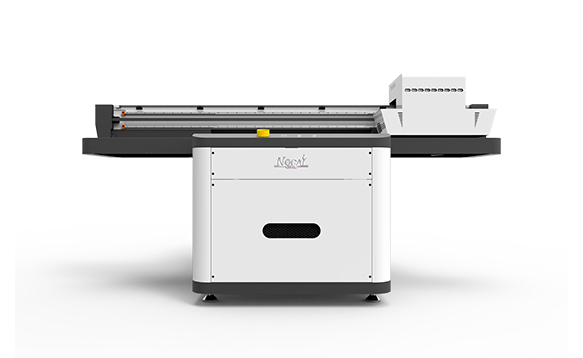
What is a Desktop UV Printer?
A desktop UV printer is a small, compact printer that uses ultraviolet light to cure the ink, resulting in a high-quality, durable print. These printers are designed to be used on desktops or workstations, offering convenient and efficient printing capabilities.
Benefits of Desktop UV Printers
Desktop UV printers offer a range of benefits to users, including:
High-Quality Printing: UV printing provides a high-resolution, fade-resistant print with rich colors and fine details. The ink cures instantly under UV light, resulting in a smooth and durable finish.
Versatile Applications: Desktop UV printers can be used for a variety of printing needs, including but not limited to printing photos, posters, flyers, packaging materials, and more.
Fast Printing: UV printers generally offer fast printing speeds, allowing users to print large volumes of documents or materials quickly and efficiently.
Mobile Connectivity: Many desktop UV printers come with wireless connectivity options, allowing users to print from mobile devices such as tablets and smartphones.
User-Friendly Design: These printers often have an intuitive user interface, making it easy to set up and use. Some models even have touchscreens for easy navigation.
Cost-Effective: Desktop UV printers are generally more cost-effective than larger commercial printers, making them a more affordable solution for home and small office use.
Applications of Desktop UV Printers
Desktop UV printers are well-suited for a variety of printing needs, including:
Home Use: Home users can use desktop UV printers to print photos, crafting materials, invitations, and other personal or family-related materials. These printers are perfect for those who need high-quality prints without the cost associated with commercial printing solutions.
Office Use: Desktop UV printers are popular in small offices and workspaces due to their compact size, high-quality printing capabilities, and efficiency. They are perfect for printing documents, reports, marketing materials, and other essential materials needed in a busy work environment.
Graphic Design: Graphic designers and artists often rely on desktop UV printers for printing graphics, posters, and other design-related materials. The high-quality prints and rich colors provided by these printers make them a popular choice in the design industry.
Event Planning: Event planners often use desktop UV printers to print event flyers, posters, and other promotional materials. The printers’ fast printing capabilities and ability to handle large-format printing make them an essential tool for events of all sizes.
E-commerce: If you run an online business or sell printed products online, a desktop UV printer can be an essential tool for producing high-quality prints and packaging materials. These printers offer a cost-effective solution for small-scale printing operations.
-

Nuocai Successfully Concludes PRINTING United Expo 2026 in Las Vegas
2026-09-28 -

Making an Impact in Las Vegas — Nuocai Makes a Strong Debut at PRINTING United Expo 2026
2026-09-24 -

Growing Together, Moving Forward with Purpose | Guangzhou Nuocai 2026 Production Trainee Representative Symposium
2026-08-29 -

A Truckload of Henan Melons, A Thousand-Mile Bond with Guangdong|Nocai’s Charitable Purchase: Supporting Farmers, Refreshing Our Team
2026-08-11 -
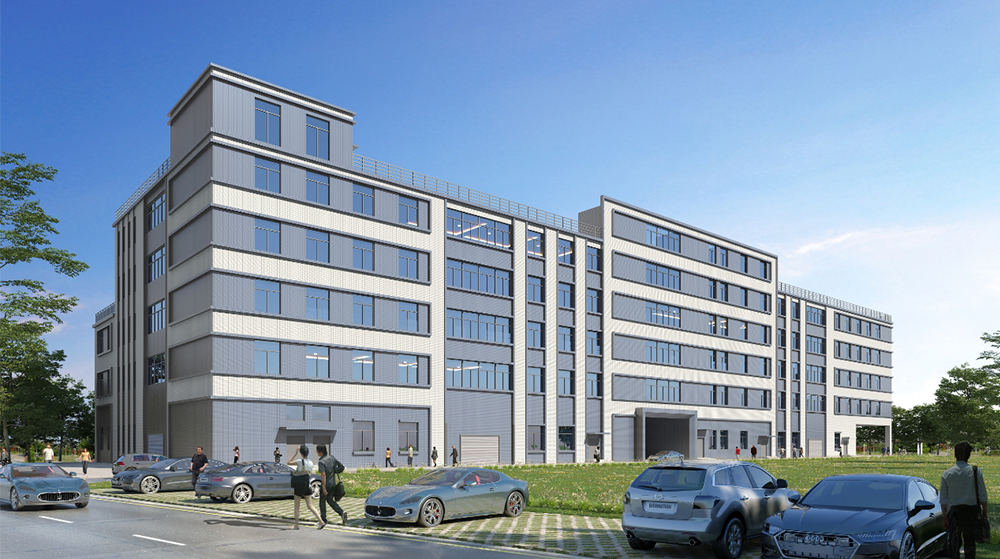
Topping-out Ceremony Successfully Held! NOCAI Digital’s Capital Increase & Capacity Expansion Project Officially Topped Out, Embarking on a New Journey of Smart Manufacturing
2026-04-28 -
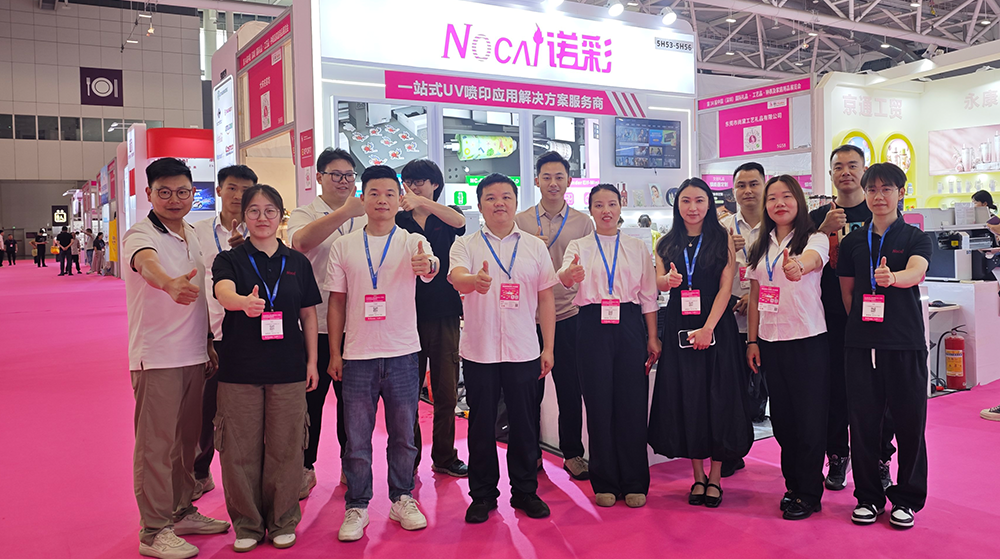
NOCAI’s Shenzhen Gift Fair Successfully Concluded. You Are Warmly Invited to Visit Our Factory for New Cooperation
2026-04-28 -
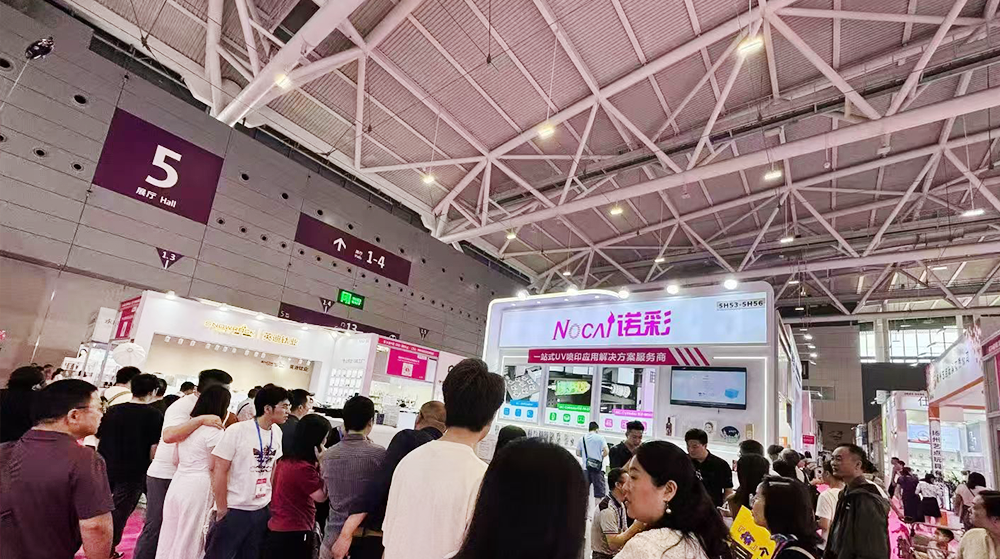
Shenzhen Gift Fair · Day 3|Booming Momentum Continues NOCAI all-scenario customized gift printing solutions unlock new industry business opportunities
2026-04-27 -
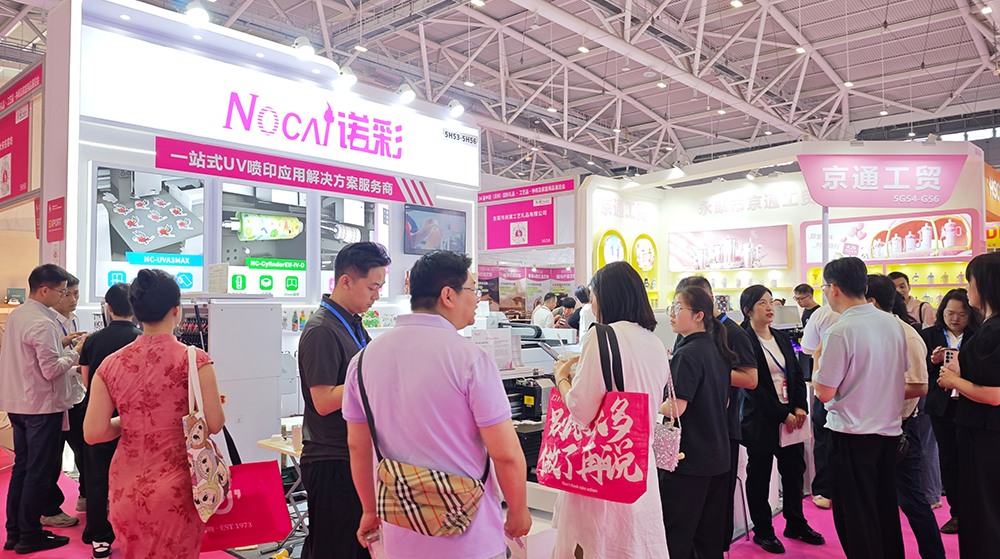
Shenzhen Gift Fair Day 2 | NOCAI Booth Packed! Explore New UV Printing Game — Unlimited Materials & Instant Drying
2026-04-27 -
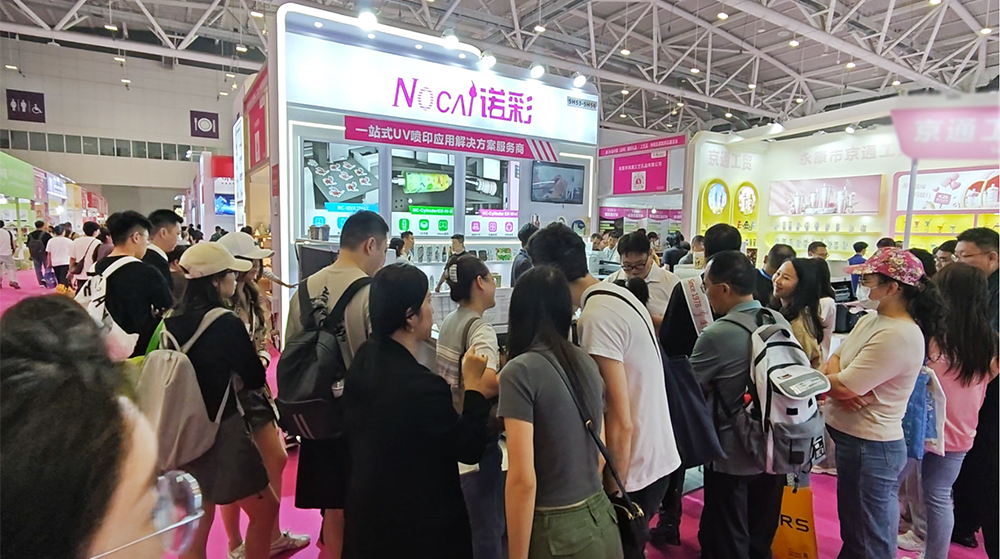
Day 1 of Shenzhen Gift Fair | NOCAI UV Inkjet Printing Technology, Unlock Infinite Creativity for Gifts
2026-04-25 -
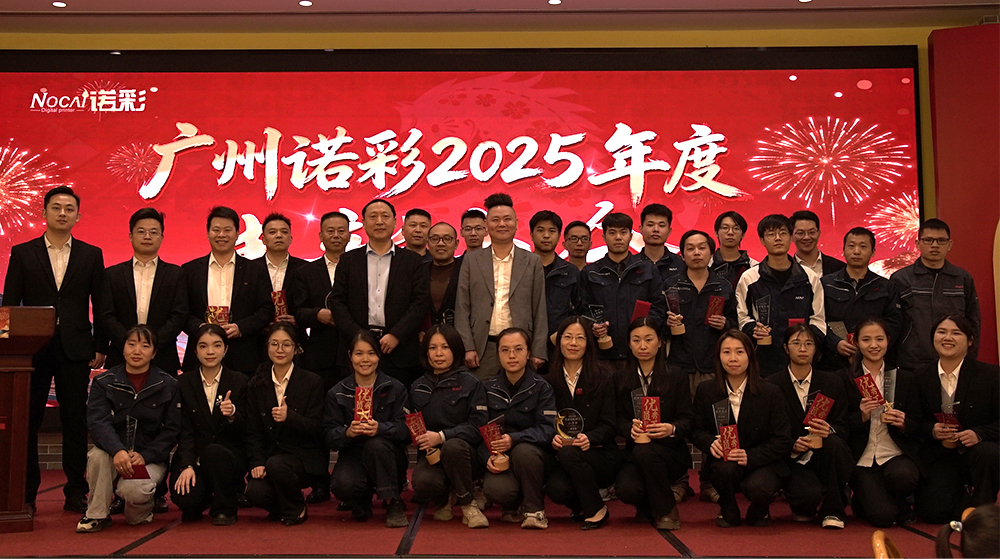
Guangzhou NOCAI 2025 Annual Recognition Conference Successfully Concluded
2026-02-24
-

Figure out the differences between flatbed printers and cylindrical printers before purchasing a cosmetic printing machine
2026-10-10 -
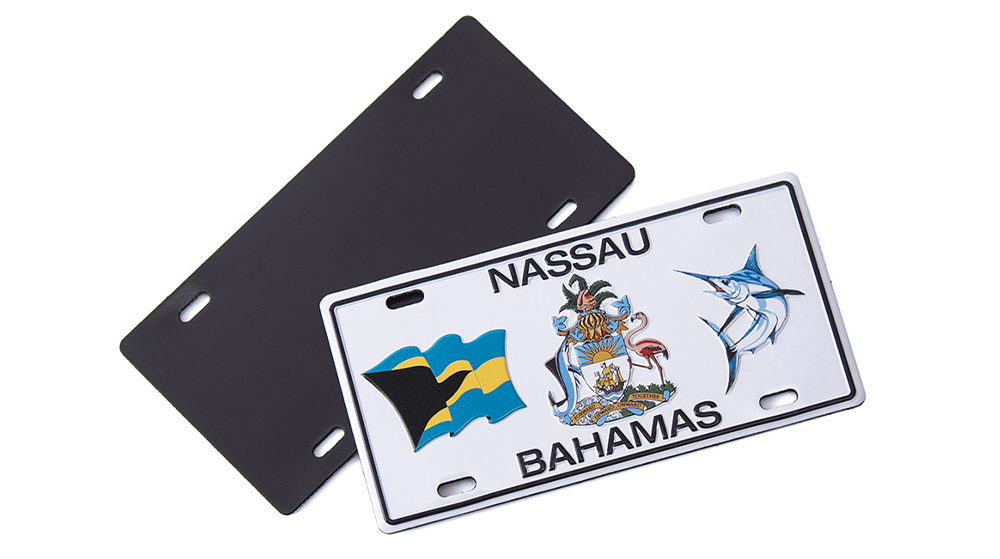
Small UV Printer Buying Guide to Avoid Pitfalls: Printhead vs Curing System, Which Matters More?
2026-10-10 -

Which Industries Are Suitable for A3 UV Printers? What Value Can They Bring to New Entrepreneurs?
2026-09-21 -
How Critical Is Printhead Technology for UV Flatbed Printers? Professional Comparison Between Ricoh & Epson Printheads
2026-09-21 -

How to Troubleshoot Ink System Issues on a UV Flatbed Printer?
2026-09-17 -
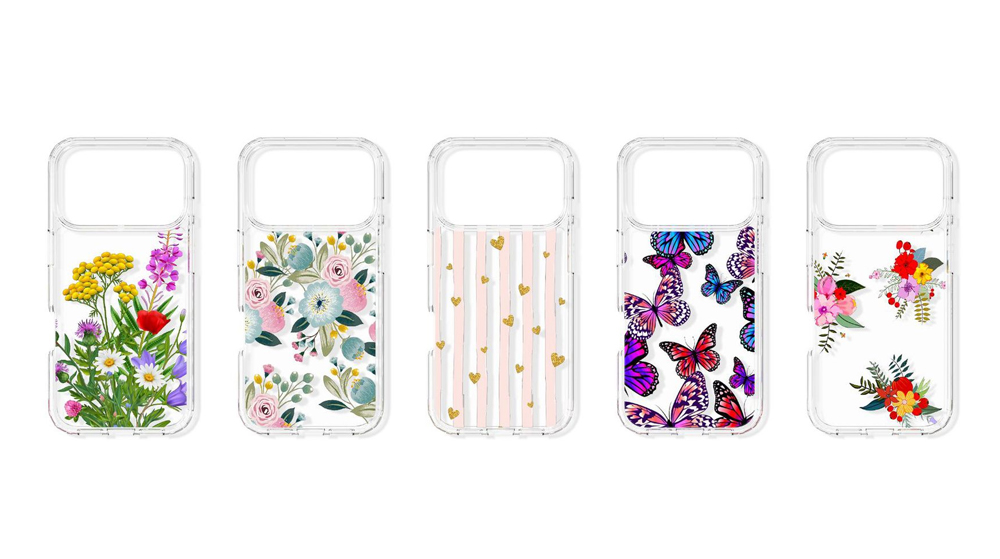
Choosing a UV Printer for Gift Customization Is More Complex Than It Looks: Printheads and Ink Systems Make the Difference
2026-09-17 -

Bought a Rotary Printer but Struggling with Tapered Cups? Auto Height Detection and Printhead Protection Make the Difference
2026-09-10 -
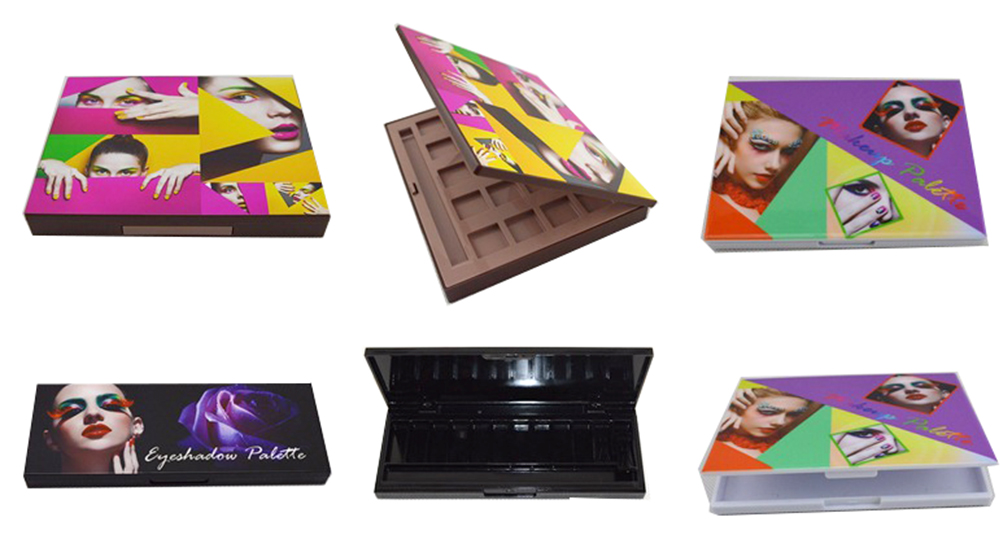
Waiting Days for Samples and Starting Over After Design Changes? How UV Flatbed Printers Help Designers Capture Every Idea
2026-09-10 -

Bought a Rotary Printer but Struggling with Tapered Cups? Auto Height Detection and Printhead Protection Make the Difference
2026-09-03 -

Waiting Days for Samples and Starting Over After Design Changes? How UV Flatbed Printers Help Designers Capture Every Idea
2026-09-03
CONTACT US


Guangzhou Nuocai Digital Products Co., Ltd.
If you would like to keep touch with us directly, please go to contact us
-
![]()
Home
-
![]()
Tel
-
![]()
Email
-
![]()
Contact


