Are Mini UV Flatbed Printers Hard to Operate? Beginners Can Produce Finished Products Quickly
For beginners new to UV printing, most do not prioritize equipment parameters or printing speed. Instead, their biggest concern is whether they can master the machine easily. It is completely normal to worry about complicated operations and equipment damage when facing a mini device integrating machinery, circuits, ink systems and software. In fact, mini UV flatbed printers have a far lower operation threshold than most people imagine.
Only 3 Steps from Power On to Finished Printing
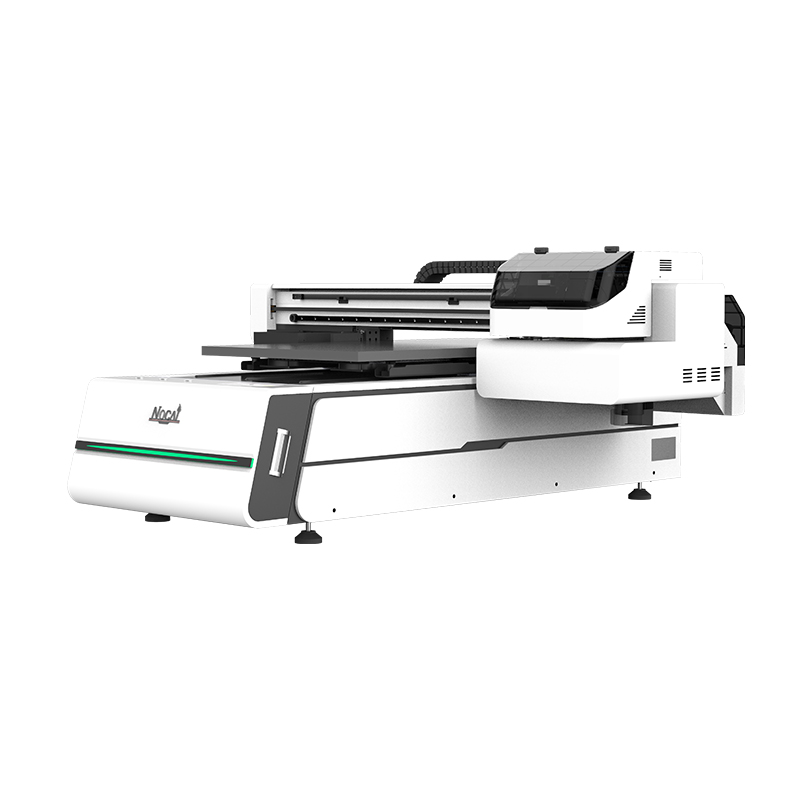
The operation of mainstream mini UV flatbed printers is simplified into three core procedures, allowing zero-beginners to finish complete printing work.
- Place printing materials
Lay printing items such as phone cases, acrylic signs and metal business cards flat on the printing platform. Adjust the printhead height to maintain a reasonable printing distance between the printhead and product surface. This intuitive step can be mastered within two minutes.
- Edit and set images
Open target pictures via RIP software on a computer, then set parameters including printing size, ink volume and feathering before sending files to the device. Though it may seem technical, mainstream manufacturers provide pre-set printing modes. Beginners only need to select corresponding options such as metal printing or dark surface printing. The software will automatically match professional parameters without manual color tuning or curve adjustment.
- Start automatic printing
Tap the start button on the device touch panel, and the machine will complete the whole process automatically, including printhead movement, ink injection and instant UV curing. Finished products with vivid colors and instant-dry effects can be completed within tens of seconds to several minutes.
What Do Beginners Actually Need to Learn?
While the device is easy to operate, basic professional skills are still required. Beginners only need to grasp three core skills: daily printhead maintenance including ink pumping and wiper cleaning, standard ink replacement sequence for different color inks, and simple troubleshooting for common issues such as broken ink output, ink scattering and uneven platforms. All these skills can be fully mastered within half a day to one day of professional training, and proficiency will improve with daily use.
User-Friendly Design of Mini UV Printers
Different from large industrial printers, mini UV flatbed printers are tailor-made for personal studios, startup stores and e-commerce sellers. Most models adopt an integrated ink system with no manual negative pressure adjustment required. Equipped with icon-guided color touch screens, the devices deliver intuitive operation. Some models even support offline U-disk printing, working independently without a computer. Most importantly, mini printers feature far lower maintenance and replacement costs than industrial equipment in case of operational errors, offering higher fault tolerance for new users.
Tips for Beginner Operators
Zero-based beginners can achieve smoother operation with the following suggestions: Choose reliable suppliers with complete professional training and after-sales support instead of only focusing on equipment prices; start with standard ink sets, and try special-effect inks after stable operation; practice printing on flat and regular items like cards and phone cases first, then gradually try irregular and curved products.
Operating a mini UV flatbed printer is no more difficult than using a household photo printer plus basic printhead maintenance. No art background or mechanical repair experience is needed — standardized operating procedures are all it takes. Most beginners can produce qualified, customer-satisfying finished products on the very first day after half a day of learning. For UV printing business, the real threshold is not operation difficulty, but your business creativity and market layout.
-

Thank You for Every Connection! Nuocai Wraps Up the Shenzhen Gifts & Home Fair Successfully — Visit Our Factory to Discover More
2026-10-23 -

Final Countdown! Day Three at the Shenzhen Gifts & Home Fair: Nuocai’s Last-Chance Show Specials Are Bigger Than Ever
2026-10-22 -

Day Two at the Shenzhen Gifts & Home Fair: Nuocai Keeps the Crowds Coming! Live Demos of 3D Figures, 2.5D Relief Crafts, Perfume Bottles, Tumblers, and UV DTF Stickers
2026-10-22 -

A Decade of Excellence: Nuocai Unveils Its Latest Innovations on Day One of the Shenzhen Gifts & Home Fair! Full-Color 3D Printing Steals the Show
2026-10-20 -

Nuocai Successfully Concludes PRINTING United Expo 2026 in Las Vegas
2026-09-28 -

Making an Impact in Las Vegas — Nuocai Makes a Strong Debut at PRINTING United Expo 2026
2026-09-24 -

Growing Together, Moving Forward with Purpose | Guangzhou Nuocai 2026 Production Trainee Representative Symposium
2026-08-29 -

A Truckload of Henan Melons, A Thousand-Mile Bond with Guangdong|Nocai’s Charitable Purchase: Supporting Farmers, Refreshing Our Team
2026-08-11 -

Topping-out Ceremony Successfully Held! NOCAI Digital’s Capital Increase & Capacity Expansion Project Officially Topped Out, Embarking on a New Journey of Smart Manufacturing
2026-04-28 -
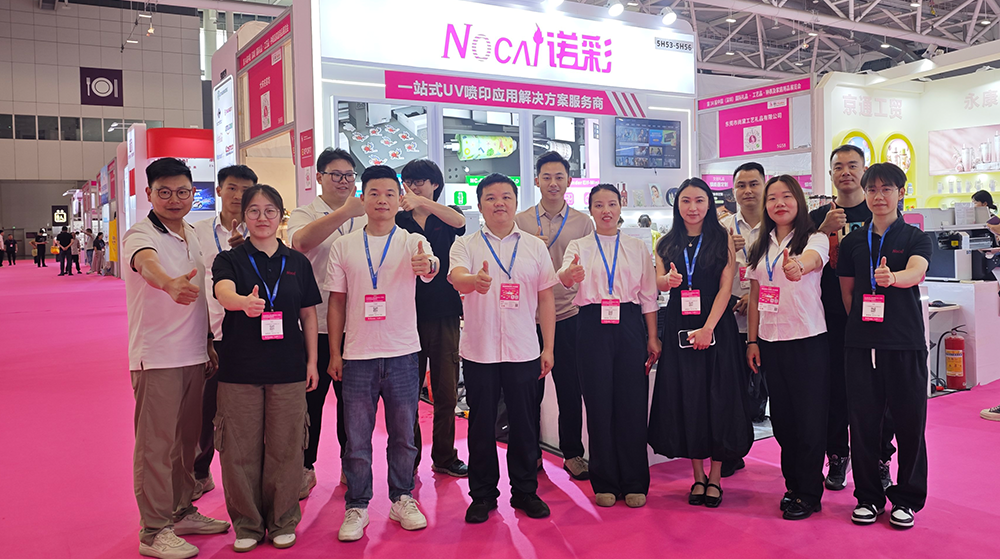
NOCAI’s Shenzhen Gift Fair Successfully Concluded. You Are Warmly Invited to Visit Our Factory for New Cooperation
2026-04-28
-

Beyond Simulated Mother of Pearl: What Other Traditional Crafts Can UV Printers Replicate?
2026-11-04 -

From Flat to Emboss: How Compact UV Printers Build Tactile Texture
2026-11-04 -

Tackling the Four Major Pain-Points of Cylindrical UV Printers: Height Variation, Cones, Special-Shaped Parts & Transparent Materials
2026-10-27 -

Simulating Mother-of-Pearl Inlay with UV Printers
2026-10-27 -

What Can a 6090 UV Flatbed Printer Produce? From Phone Cases to Metal Signs and Acrylic Artwork
2026-10-23 -
What to Do When a UV Flatbed Printer Printhead Clogs After Long-Term Inactivity?
2026-10-23 -
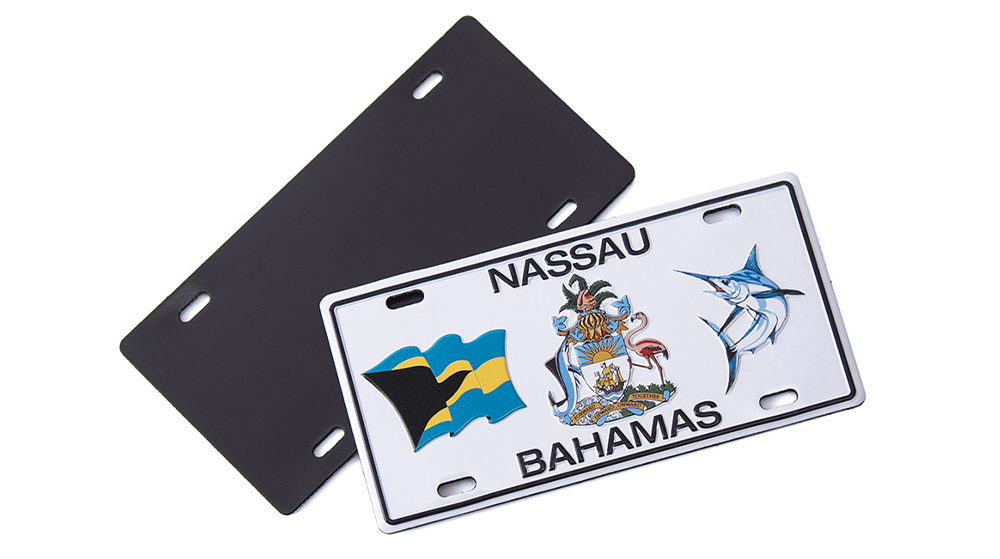
Full-Color Printing, Plate-Free Production, Multi-Material Compatibility — Three Core Advantages of UV Printers
2026-10-23 -
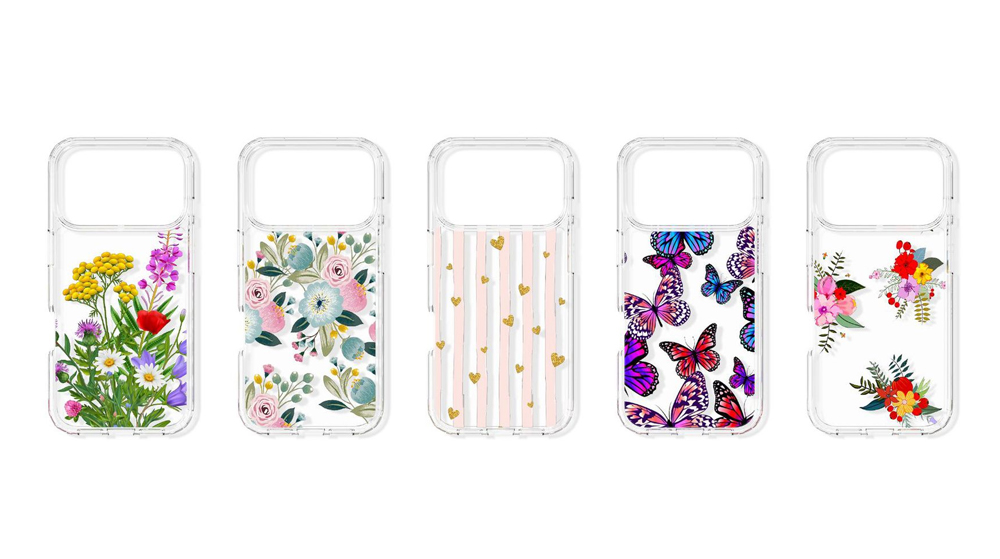
Key Factors Affecting the Actual Print Quality of Small UV Printers
2026-10-23 -
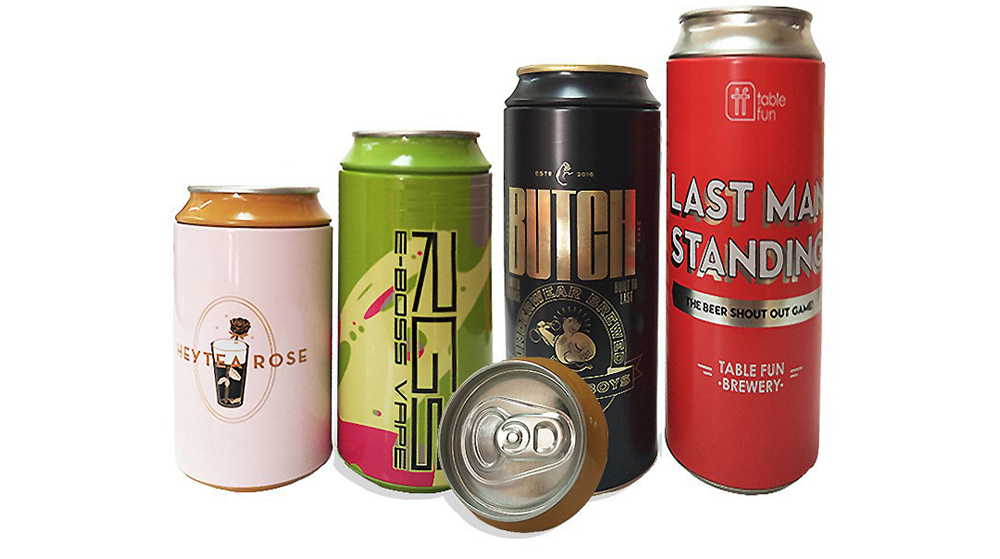
Figure out the differences between flatbed printers and cylindrical printers before purchasing a cosmetic printing machine
2026-10-10 -
Small UV Printer Buying Guide to Avoid Pitfalls: Printhead vs Curing System, Which Matters More?
2026-10-10
CONTACT US


Guangzhou Nuocai Digital Products Co., Ltd.
If you would like to keep touch with us directly, please go to contact us
-
![]()
Home
-
![]()
Tel
-
![]()
Email
-
![]()
Contact


