Don’t Replace a Clogged 6090 UV Printer Printhead Yet—Try These Troubleshooting Steps First
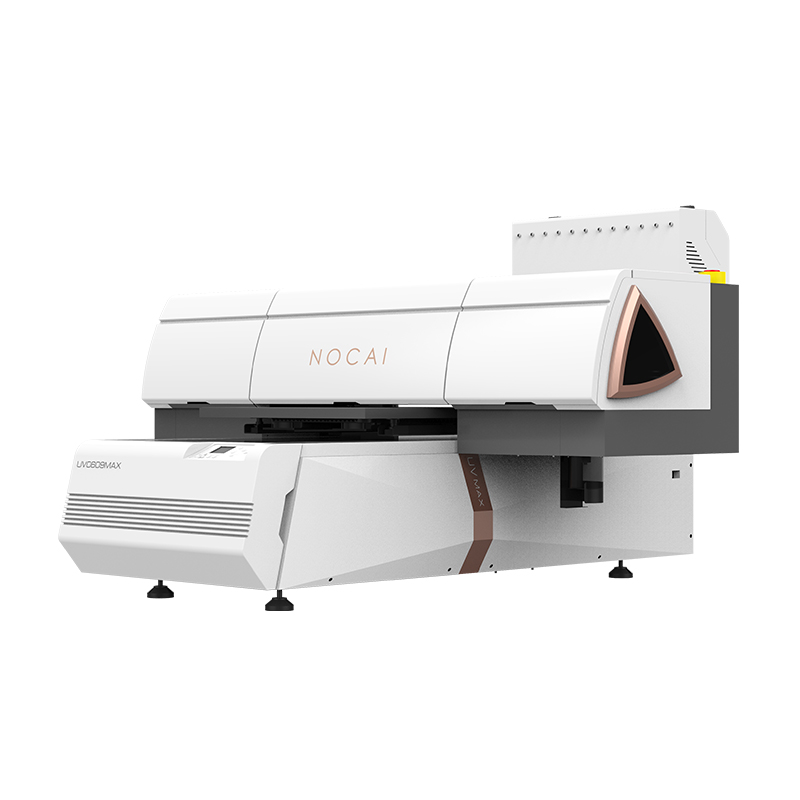
A clogged printhead is one of the most common issues with a 6090 UV printer. When missing nozzles, misfiring, or no ink output occurs, many users assume the printhead has failed and needs to be replaced. In reality, most clogs are reversible. Before investing in a new printhead, try these troubleshooting steps.
Step 1: Check the Ink Supply
Before performing any cleaning, make sure the ink bottles or ink bags contain enough ink and that the ink supply system is working properly. Missing nozzles are sometimes caused by low ink levels or air bubbles in the ink lines rather than a damaged printhead. Check the dampers for trapped air and perform an ink pumping procedure if necessary. Also inspect the ink tubes for loose connections or kinks that may restrict ink flow.
Step 2: Run an Automatic Cleaning Cycle
Most UV printers include an automatic cleaning function. For minor clogs, run one standard cleaning cycle to force ink through the nozzles and clear dried ink or trapped air. Then print a nozzle check pattern to evaluate the result. If necessary, perform one more cleaning cycle, but avoid repeated cleaning, as it wastes ink and may shorten printhead life. Allow the printer to rest for a few minutes between cleaning cycles.
Step 3: Clean the Printhead Surface
If automatic cleaning does not solve the problem, clean the printhead manually. Use a lint-free cloth or cleaning swab with a small amount of approved cleaning solution to gently remove ink residue from the printhead surface. Wipe in one direction only and avoid excessive pressure to prevent damage to the nozzle plate. After cleaning, print another nozzle check to see if the condition has improved.
Step 4: Soak the Printhead
For more stubborn clogs, add an appropriate amount of cleaning solution to the capping station and park the printhead over it. Let the printhead soak for 15–30 minutes, allowing the cleaning solution to soften dried ink inside the nozzles. After soaking, run a standard cleaning cycle and print a nozzle check. If necessary, the soaking time can be extended.
Step 5: Contact Technical Support
If the printhead still does not recover after these steps, contact the manufacturer’s technical support for further diagnosis or replacement. Regular printhead maintenance remains the best way to prevent clogging, but when problems do occur, following the correct recovery procedure can often restore the printhead and extend its service life.
-

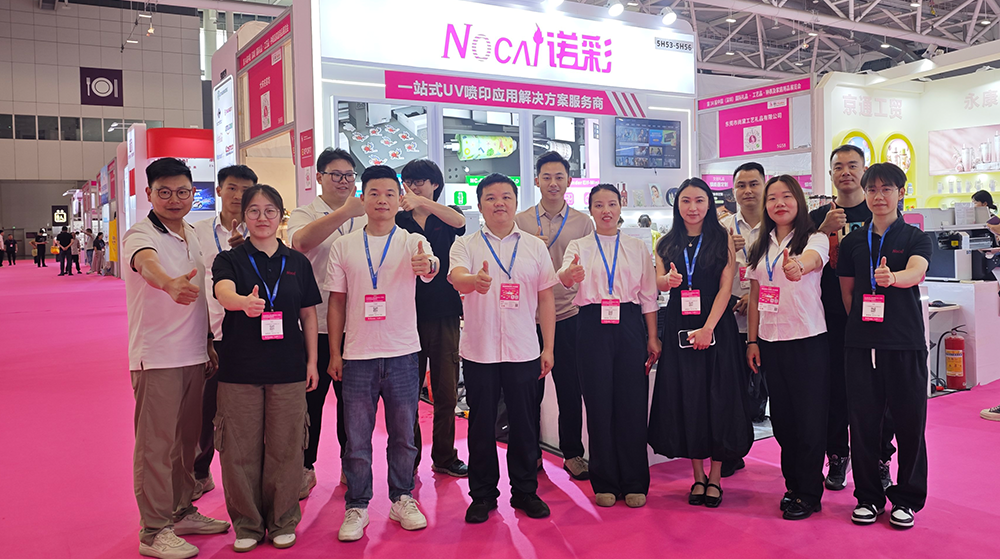
Thank You for Every Connection! Nuocai Wraps Up the Shenzhen Gifts & Home Fair Successfully — Visit Our Factory to Discover More
2026-10-23 -

Final Countdown! Day Three at the Shenzhen Gifts & Home Fair: Nuocai’s Last-Chance Show Specials Are Bigger Than Ever
2026-10-22 -

Day Two at the Shenzhen Gifts & Home Fair: Nuocai Keeps the Crowds Coming! Live Demos of 3D Figures, 2.5D Relief Crafts, Perfume Bottles, Tumblers, and UV DTF Stickers
2026-10-22 -

A Decade of Excellence: Nuocai Unveils Its Latest Innovations on Day One of the Shenzhen Gifts & Home Fair! Full-Color 3D Printing Steals the Show
2026-10-20 -

Nuocai Successfully Concludes PRINTING United Expo 2026 in Las Vegas
2026-09-28 -

Making an Impact in Las Vegas — Nuocai Makes a Strong Debut at PRINTING United Expo 2026
2026-09-24 -

Growing Together, Moving Forward with Purpose | Guangzhou Nuocai 2026 Production Trainee Representative Symposium
2026-08-29 -

A Truckload of Henan Melons, A Thousand-Mile Bond with Guangdong|Nocai’s Charitable Purchase: Supporting Farmers, Refreshing Our Team
2026-08-11 -

Topping-out Ceremony Successfully Held! NOCAI Digital’s Capital Increase & Capacity Expansion Project Officially Topped Out, Embarking on a New Journey of Smart Manufacturing
2026-04-28 -
NOCAI’s Shenzhen Gift Fair Successfully Concluded. You Are Warmly Invited to Visit Our Factory for New Cooperation
2026-04-28
-

Tackling the Four Major Pain-Points of Cylindrical UV Printers: Height Variation, Cones, Special-Shaped Parts & Transparent Materials
2026-10-27 -

Simulating Mother-of-Pearl Inlay with UV Printers
2026-10-27 -

What Can a 6090 UV Flatbed Printer Produce? From Phone Cases to Metal Signs and Acrylic Artwork
2026-10-23 -
What to Do When a UV Flatbed Printer Printhead Clogs After Long-Term Inactivity?
2026-10-23 -
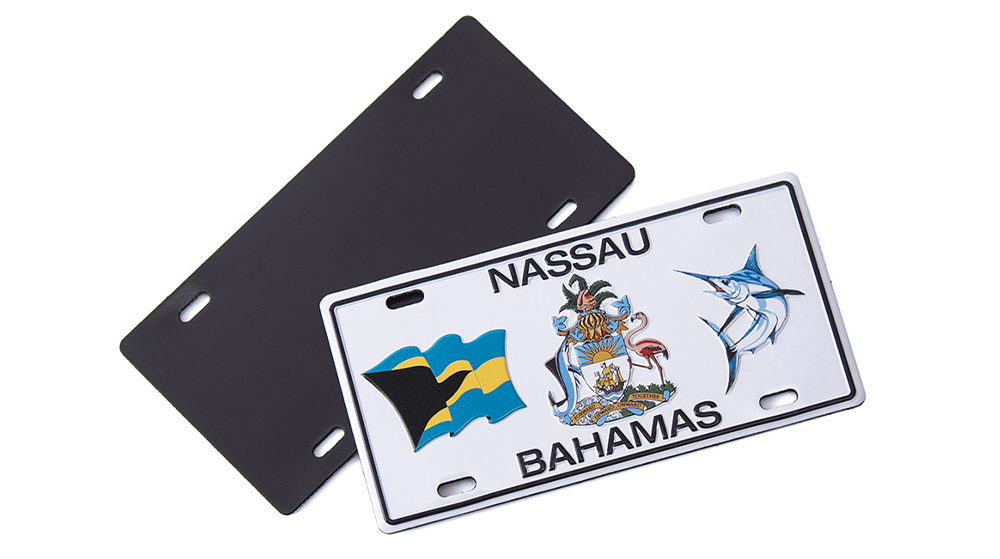
Full-Color Printing, Plate-Free Production, Multi-Material Compatibility — Three Core Advantages of UV Printers
2026-10-23 -
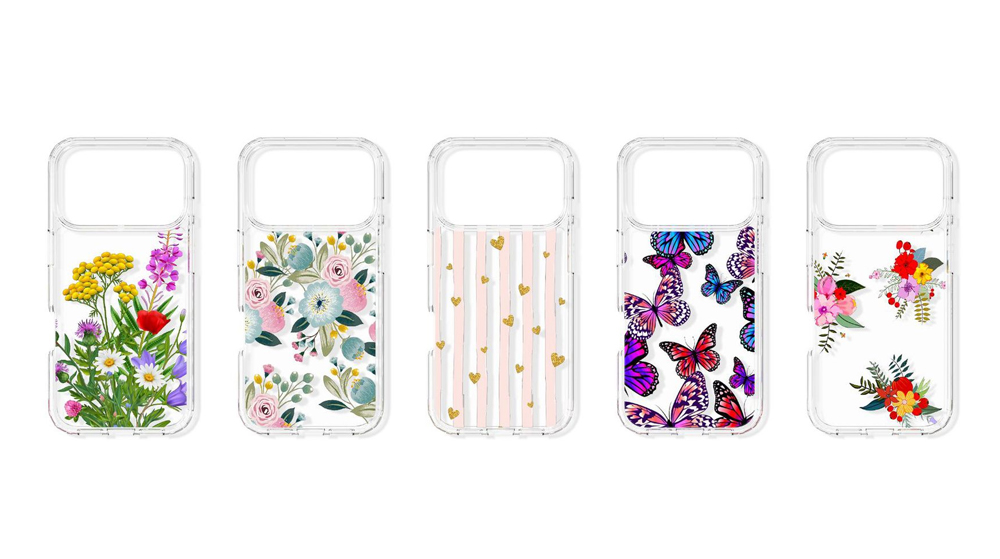
Key Factors Affecting the Actual Print Quality of Small UV Printers
2026-10-23 -
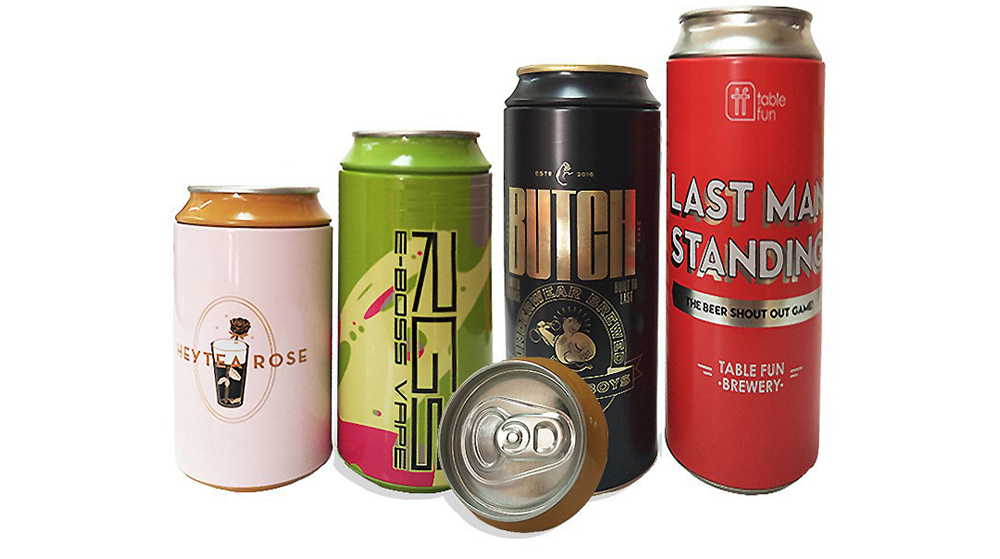
Figure out the differences between flatbed printers and cylindrical printers before purchasing a cosmetic printing machine
2026-10-10 -
Small UV Printer Buying Guide to Avoid Pitfalls: Printhead vs Curing System, Which Matters More?
2026-10-10 -
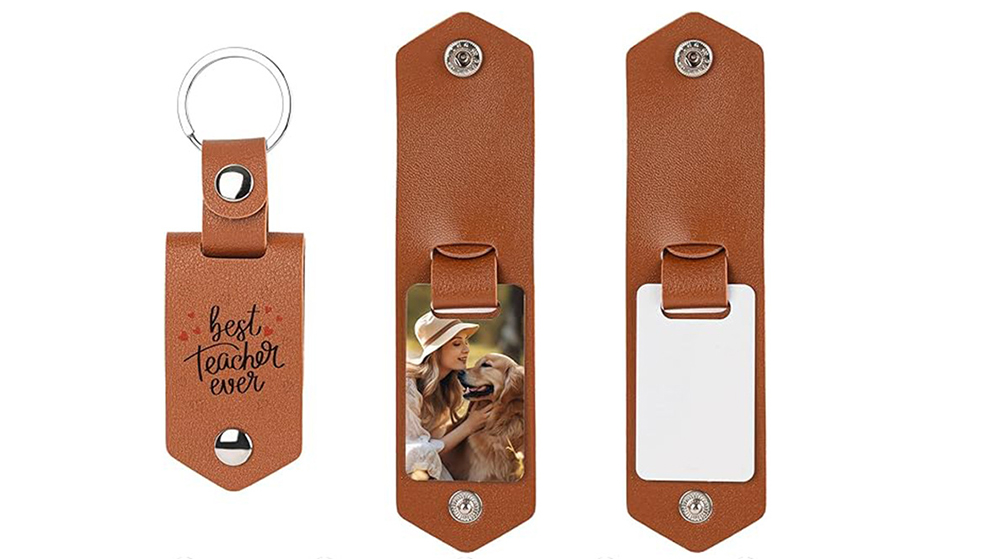
Which Industries Are Suitable for A3 UV Printers? What Value Can They Bring to New Entrepreneurs?
2026-09-21 -
How Critical Is Printhead Technology for UV Flatbed Printers? Professional Comparison Between Ricoh & Epson Printheads
2026-09-21
CONTACT US


Guangzhou Nuocai Digital Products Co., Ltd.
If you would like to keep touch with us directly, please go to contact us
-
![]()
Home
-
![]()
Tel
-
![]()
Email
-
![]()
Contact


