
Four-Step Maintenance Routine for Small UV Flatbed Printers: Daily Minor Care Extends Equipment Lifespan
Small UV flatbed printers feature compact frames and broad material compatibility, making them staple equipment for studios, retail stores and lightweight production lines. However, small size does not mean zero maintenance. On the contrary, consistent daily minor care determines equipment service life and printing stability far more than occasional major overhauls. This simple, actionable four-step maintenance routine helps users keep printers in optimal condition with minimal effort.

1. Daily Printhead Cleaning: The printhead is the printer’s core component, and it is highly susceptible to environmental interference. Before powering on each day, wipe the printhead surface and surrounding areas gently with dedicated lint-free cloth dampened with a small amount of UV cleaning fluid to remove accumulated floating ink and dust. Always wipe in one single direction; repeated back-and-forth rubbing may carry impurities into nozzles. After finishing print jobs, quickly check for residual ink on the printhead and clear it promptly to reduce buildup of dried ink deposits.
2. Ink System Inspection: Unobstructed ink supply directly impacts ink ejection performance of printheads. Inspect dampers weekly for air bubbles; if excessive bubbles exist, discharge them via the printer’s built-in ink purging function. Meanwhile, check ink tube joints for ink leakage or loose connections to ensure full sealing of the ink path. For users with low printing frequency, run printhead cleaning or print a nozzle test strip regularly to confirm all nozzles function normally and prevent ink sedimentation caused by long idle periods.

3. Lubrication & Cleaning of Moving Parts: Dust gradually accumulates on beam guide rails, lead screws and sliders of small UV flatbed printers during repeated reciprocating movement, increasing running resistance and impairing printing precision. Wipe rail surfaces with a clean soft cloth every two weeks to remove visible dust and sludge, then apply a thin layer of dedicated lubricant. Avoid over-lubrication; excess oil may drip onto other components. Never overlook flatbed cleaning: residual glue marks, ink stains or dust may cause uneven material placement and inconsistent printing gaps.
4. Regular Upkeep of Environment & Whole Machine: Place the printer in an environment with a temperature of 20–28°C and humidity of 40%–60%. Weekly, use a vacuum cleaner or soft brush to remove floating dust inside the machine and around circuit boards, preventing heat dissipation failure or static hazards from dust buildup. UV lamp output degrades after long hours of operation. Track lamp usage hours per equipment prompts and replace aged lamp beads in a timely manner to maintain consistent curing effects.

This four-step maintenance routine is easy to follow, and the key is to build a regular care habit. Spending a few minutes on inspection and cleaning every day saves far more time and cost than troubleshooting clogged printheads later. Only by keeping equipment in stable working condition can consistent print quality and on-time order delivery be guaranteed.
-

Nuocai Successfully Concludes PRINTING United Expo 2026 in Las Vegas
2026-09-28 -

Making an Impact in Las Vegas — Nuocai Makes a Strong Debut at PRINTING United Expo 2026
2026-09-24 -

Growing Together, Moving Forward with Purpose | Guangzhou Nuocai 2026 Production Trainee Representative Symposium
2026-08-29 -

A Truckload of Henan Melons, A Thousand-Mile Bond with Guangdong|Nocai’s Charitable Purchase: Supporting Farmers, Refreshing Our Team
2026-08-11 -

Topping-out Ceremony Successfully Held! NOCAI Digital’s Capital Increase & Capacity Expansion Project Officially Topped Out, Embarking on a New Journey of Smart Manufacturing
2026-04-28 -
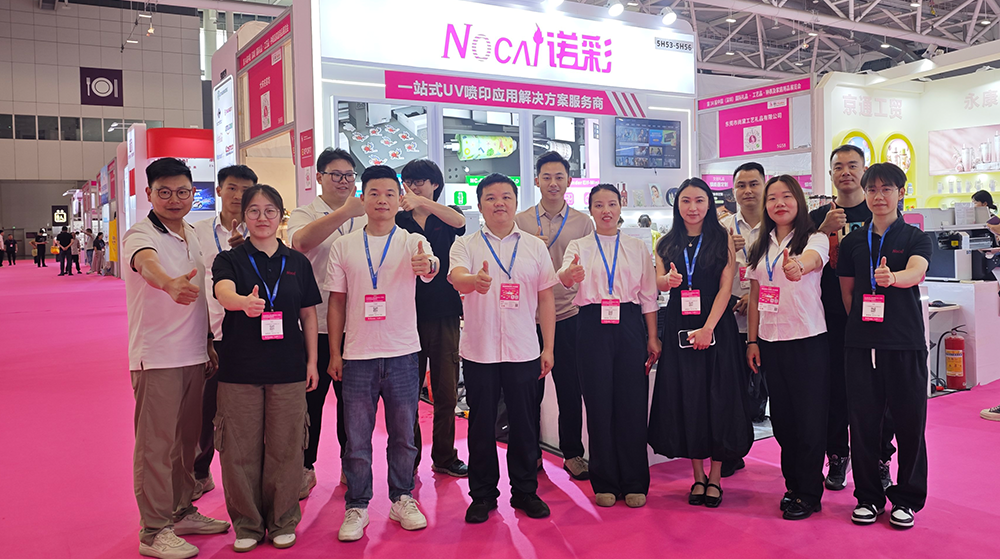
NOCAI’s Shenzhen Gift Fair Successfully Concluded. You Are Warmly Invited to Visit Our Factory for New Cooperation
2026-04-28 -
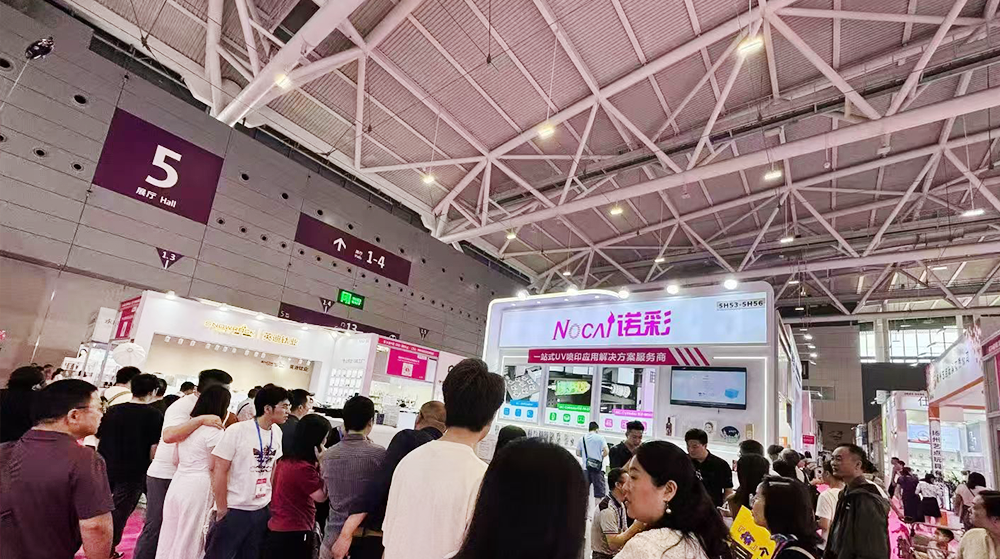
Shenzhen Gift Fair · Day 3|Booming Momentum Continues NOCAI all-scenario customized gift printing solutions unlock new industry business opportunities
2026-04-27 -
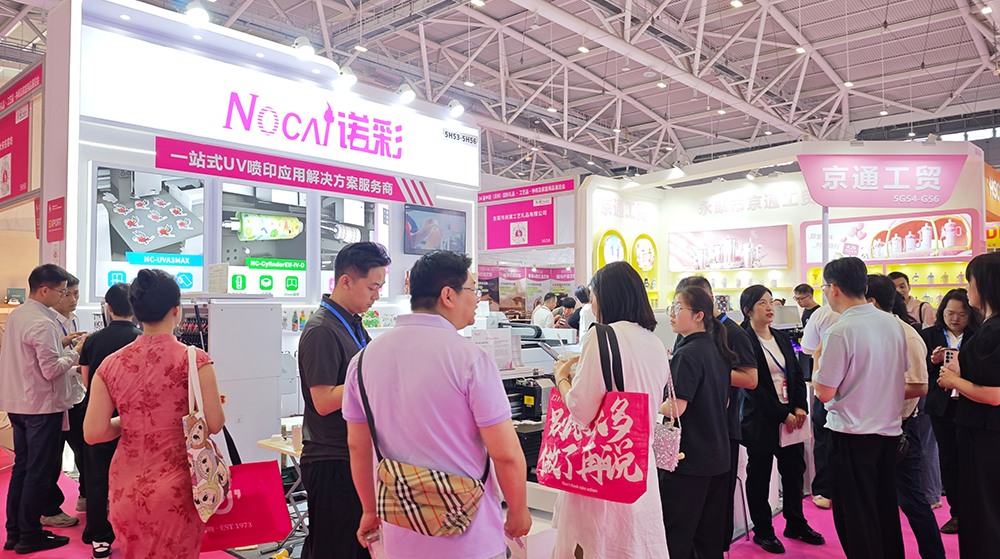
Shenzhen Gift Fair Day 2 | NOCAI Booth Packed! Explore New UV Printing Game — Unlimited Materials & Instant Drying
2026-04-27 -
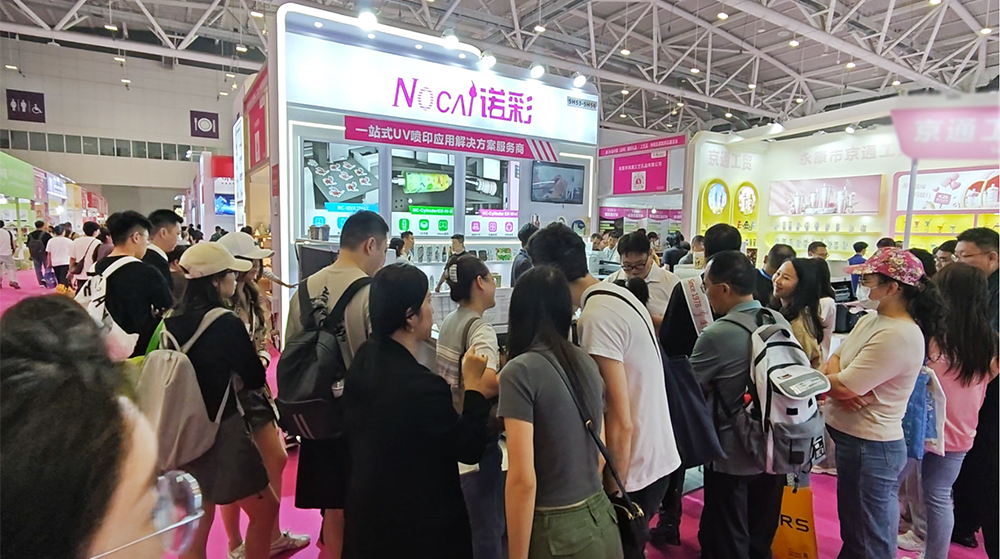
Day 1 of Shenzhen Gift Fair | NOCAI UV Inkjet Printing Technology, Unlock Infinite Creativity for Gifts
2026-04-25 -
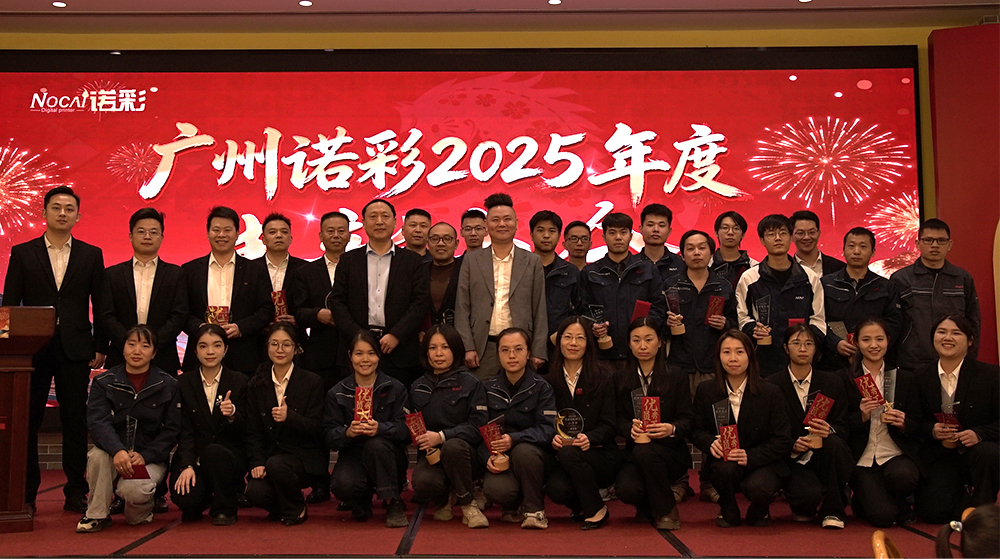
Guangzhou NOCAI 2025 Annual Recognition Conference Successfully Concluded
2026-02-24
-

Which Industries Are Suitable for A3 UV Printers? What Value Can They Bring to New Entrepreneurs?
2026-09-21 -
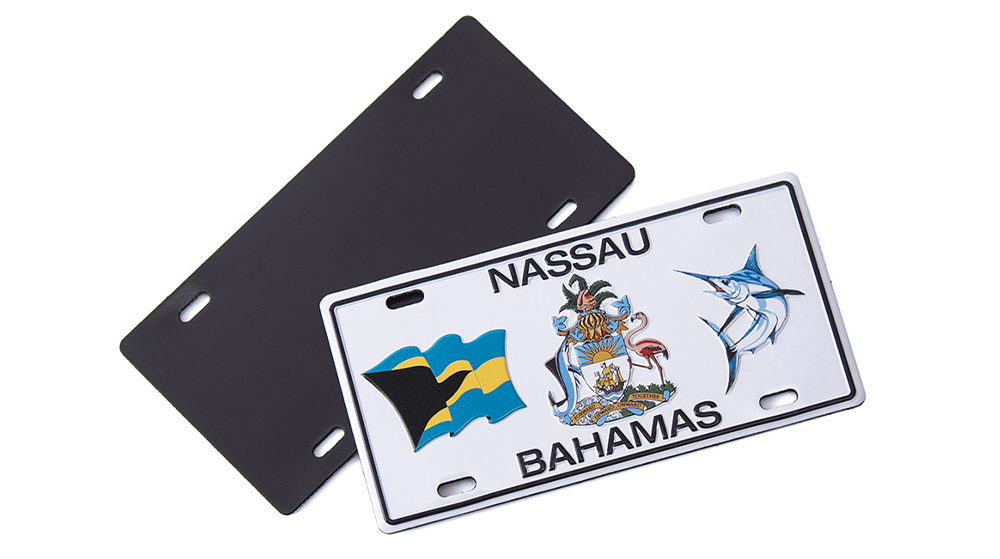
How Critical Is Printhead Technology for UV Flatbed Printers? Professional Comparison Between Ricoh & Epson Printheads
2026-09-21 -

How to Troubleshoot Ink System Issues on a UV Flatbed Printer?
2026-09-17 -

Choosing a UV Printer for Gift Customization Is More Complex Than It Looks: Printheads and Ink Systems Make the Difference
2026-09-17 -

Bought a Rotary Printer but Struggling with Tapered Cups? Auto Height Detection and Printhead Protection Make the Difference
2026-09-10 -
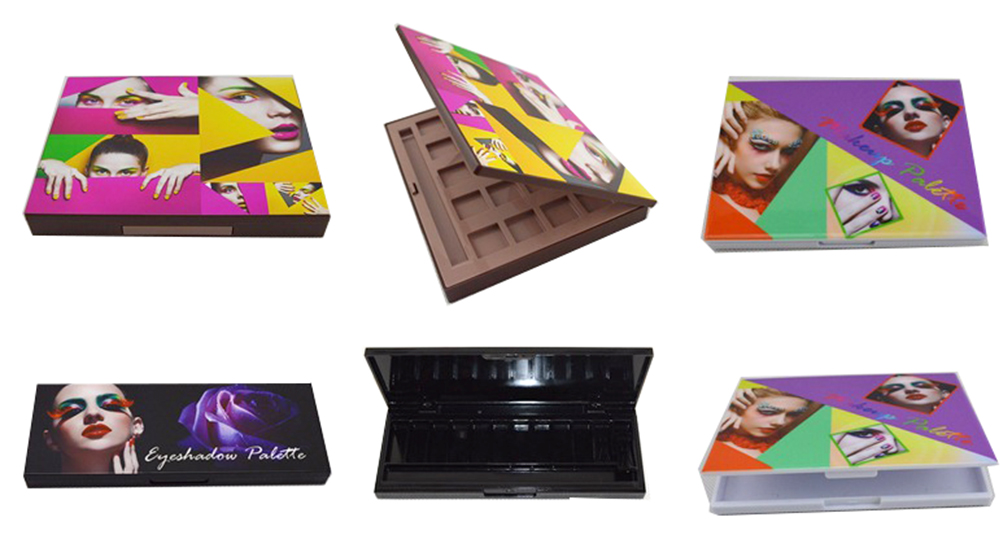
Waiting Days for Samples and Starting Over After Design Changes? How UV Flatbed Printers Help Designers Capture Every Idea
2026-09-10 -

Bought a Rotary Printer but Struggling with Tapered Cups? Auto Height Detection and Printhead Protection Make the Difference
2026-09-03 -

Waiting Days for Samples and Starting Over After Design Changes? How UV Flatbed Printers Help Designers Capture Every Idea
2026-09-03 -

Bought a Rotary Printer but Struggling with Tapered Cups? Auto Height Detection and Printhead Protection Make the Difference
2026-08-25 -

Waiting Days for Samples and Starting Over After Design Changes? How UV Flatbed Printers Help Designers Capture Every Idea
2026-08-25
CONTACT US


Guangzhou Nuocai Digital Products Co., Ltd.
If you would like to keep touch with us directly, please go to contact us
-
![]()
Home
-
![]()
Tel
-
![]()
Email
-
![]()
Contact


