Sign Printing Machines: A Comprehensive Guide to Choosing the Right Equipment
Sign printing machines are indispensable tools for businesses, artists, and marketers who need to create high-quality, visually striking signs. These machines offer the capability to produce everything from small banners and posters to large, eye-catching billboards. In this guide, we’ll explore the types of sign printing machines available, their benefits, and key considerations for selecting the right equipment for your needs. Whether you’re a business owner looking to expand your advertising capabilities or a hobbyist interested in custom signage, this information will help you make an informed decision.
What is a Sign Printing Machine?
A sign printing machine is a specialized device designed to produce a variety of signs using different printing technologies. These machines can handle various substrates, including paper, vinyl, fabric, and rigid materials like metal and wood. Sign printing machines are used for creating promotional banners, trade show displays, vehicle wraps, outdoor signs, and more.
Types of Sign Printing Machines
1. UV Printers
UV printers use ultraviolet light to cure or dry the ink as it is printed. This technology allows for high-quality prints on both rigid and flexible materials. UV printers are known for their durability and vibrant color reproduction.
– Benefits:
– Quick drying time
– High durability and scratch resistance
– Ability to print on a wide range of materials
– Popular Models:
– Canon Arizona 1300 Series
– EFI Pro 24f
2. Eco-Solvent Printers
Eco-solvent printers utilize eco-friendly solvent-based inks, which are less harmful to the environment than traditional solvent inks. They are commonly used for producing outdoor signs and banners due to their ability to withstand various weather conditions.
– Benefits:
– Vibrant and long-lasting prints
– Lower environmental impact
– Suitable for both indoor and outdoor applications
– Popular Models:
– Roland TrueVIS VG2-640
– Mimaki JV300-160 Plus
3. Latex Printers
Latex printers use water-based inks that are both eco-friendly and highly versatile. They are capable of printing on a wide range of materials, including textiles and non-woven surfaces, and are known for their fast drying times and flexibility.
– Benefits:
– Environmentally friendly inks
– High-quality and durable prints
– Versatile media options
– Popular Models:
– HP Latex 700W
– Epson SureColor L-Series
4. Solvent Printers
Solvent printers use solvent-based inks, making them ideal for producing outdoor signs and graphics that need to withstand harsh environmental conditions. These printers are known for their color vibrancy and durability.
– Benefits:
– Excellent outdoor performance
– Wide range of media compatibility
– High-quality, vibrant prints
– Popular Models:
– Mutoh ValueJet 1638UR
– Roland SOLJET Pro 4 XR-640
5. Flatbed Printers
Flatbed printers are designed for printing on large, rigid substrates such as boards and panels. They are perfect for creating large-format signs and displays, offering high resolution and versatility.
– Benefits:
– Ability to print on large, rigid materials
– High-resolution output
– Versatile substrate options
– Popular Models:
– HP Scitex FB750
– Mimaki JFX200-2513
Key Considerations When Choosing a Sign Printing Machine
1. Print Quality
The print quality of a sign printing machine is crucial for achieving professional results. Look for machines that offer high resolution and precise color reproduction to ensure your signs are clear, vibrant, and eye-catching.
2. Media Compatibility
Different printers are compatible with various types of media. Consider the materials you plan to use, such as vinyl, fabric, or rigid boards, and choose a printer that can handle those substrates effectively.
3. Print Size and Capacity
Determine the maximum print size you need and choose a machine that can accommodate that size. If you expect to produce large-format signs or high volumes, select a printer with appropriate capacity and robust performance.
4. Speed and Efficiency
Print speed and efficiency are important for meeting deadlines and maximizing productivity. Look for printers with fast printing capabilities and features such as automatic media handling and high-capacity ink systems.
5. Cost of Consumables
Consider the cost of ink, media, and maintenance when evaluating sign printing machines. Some models may have higher upfront costs but lower ongoing consumables expenses, which can be more economical in the long run.
6. Ease of Use
Choose a printer with user-friendly software and controls. Features such as intuitive interfaces, automated maintenance functions, and reliable customer support can enhance your printing experience and reduce downtime.
7. Budget
Determine your budget and find a printer that offers the best balance of features and cost. While high-end models offer advanced capabilities, there are also cost-effective options that provide excellent performance for smaller operations.
-

Thank You for Every Connection! Nuocai Wraps Up the Shenzhen Gifts & Home Fair Successfully — Visit Our Factory to Discover More
2026-10-23 -

Final Countdown! Day Three at the Shenzhen Gifts & Home Fair: Nuocai’s Last-Chance Show Specials Are Bigger Than Ever
2026-10-22 -

Day Two at the Shenzhen Gifts & Home Fair: Nuocai Keeps the Crowds Coming! Live Demos of 3D Figures, 2.5D Relief Crafts, Perfume Bottles, Tumblers, and UV DTF Stickers
2026-10-22 -

A Decade of Excellence: Nuocai Unveils Its Latest Innovations on Day One of the Shenzhen Gifts & Home Fair! Full-Color 3D Printing Steals the Show
2026-10-20 -

Nuocai Successfully Concludes PRINTING United Expo 2026 in Las Vegas
2026-09-28 -

Making an Impact in Las Vegas — Nuocai Makes a Strong Debut at PRINTING United Expo 2026
2026-09-24 -

Growing Together, Moving Forward with Purpose | Guangzhou Nuocai 2026 Production Trainee Representative Symposium
2026-08-29 -

A Truckload of Henan Melons, A Thousand-Mile Bond with Guangdong|Nocai’s Charitable Purchase: Supporting Farmers, Refreshing Our Team
2026-08-11 -
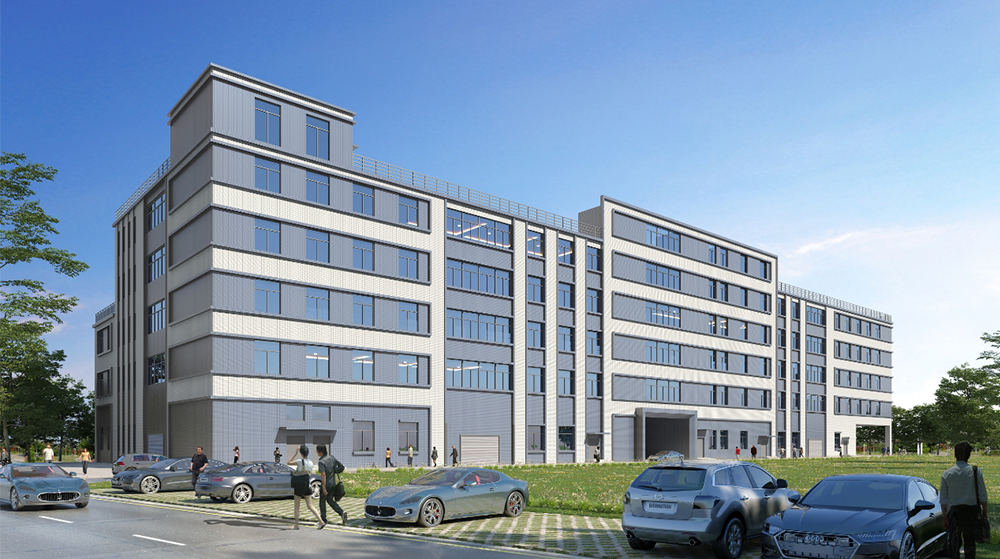
Topping-out Ceremony Successfully Held! NOCAI Digital’s Capital Increase & Capacity Expansion Project Officially Topped Out, Embarking on a New Journey of Smart Manufacturing
2026-04-28 -
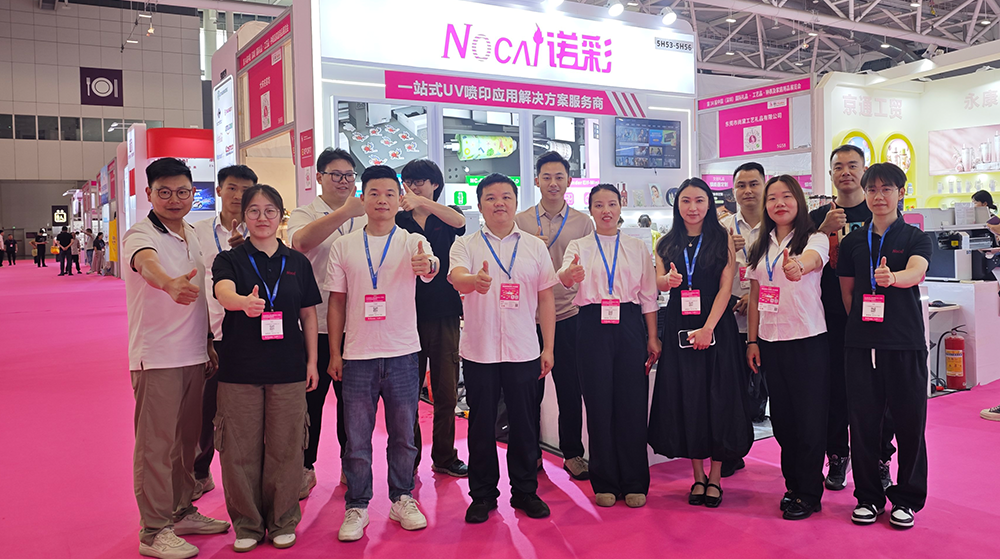
NOCAI’s Shenzhen Gift Fair Successfully Concluded. You Are Warmly Invited to Visit Our Factory for New Cooperation
2026-04-28
-

Tackling the Four Major Pain-Points of Cylindrical UV Printers: Height Variation, Cones, Special-Shaped Parts & Transparent Materials
2026-10-27 -

Simulating Mother-of-Pearl Inlay with UV Printers
2026-10-27 -

What Can a 6090 UV Flatbed Printer Produce? From Phone Cases to Metal Signs and Acrylic Artwork
2026-10-23 -
What to Do When a UV Flatbed Printer Printhead Clogs After Long-Term Inactivity?
2026-10-23 -
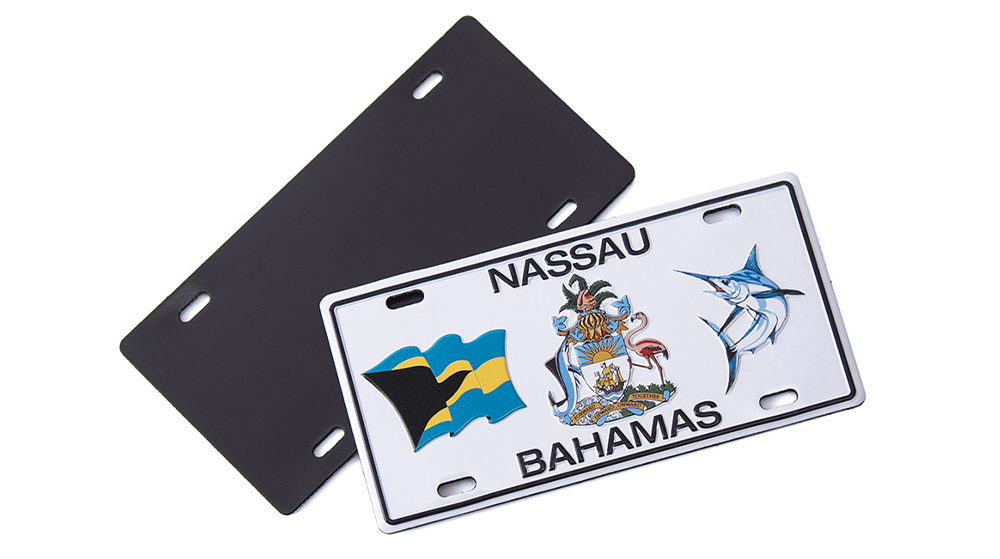
Full-Color Printing, Plate-Free Production, Multi-Material Compatibility — Three Core Advantages of UV Printers
2026-10-23 -
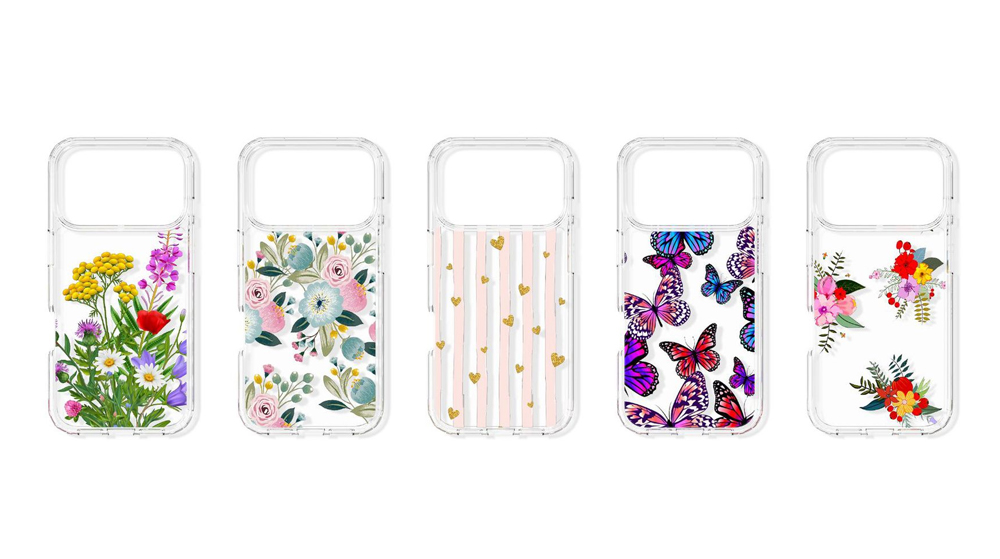
Key Factors Affecting the Actual Print Quality of Small UV Printers
2026-10-23 -
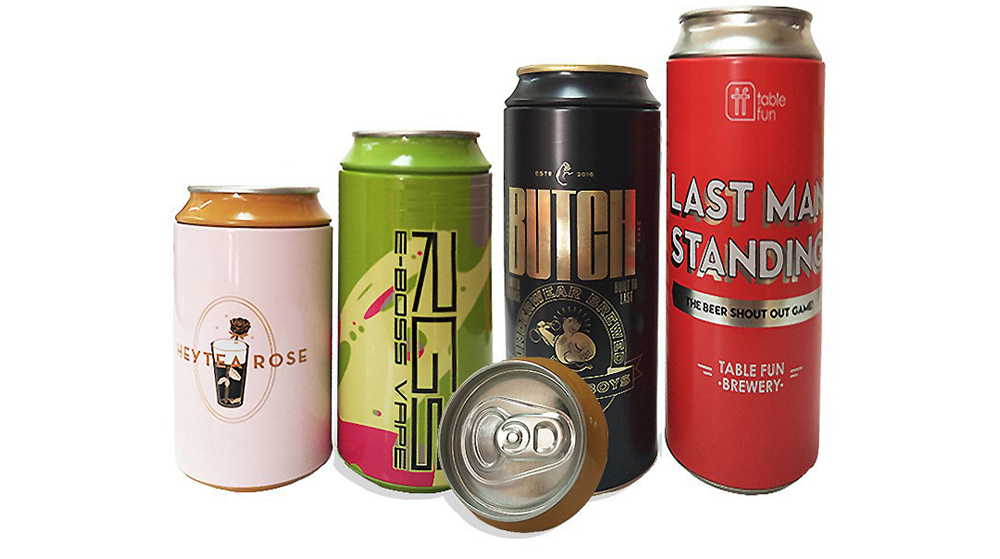
Figure out the differences between flatbed printers and cylindrical printers before purchasing a cosmetic printing machine
2026-10-10 -
Small UV Printer Buying Guide to Avoid Pitfalls: Printhead vs Curing System, Which Matters More?
2026-10-10 -
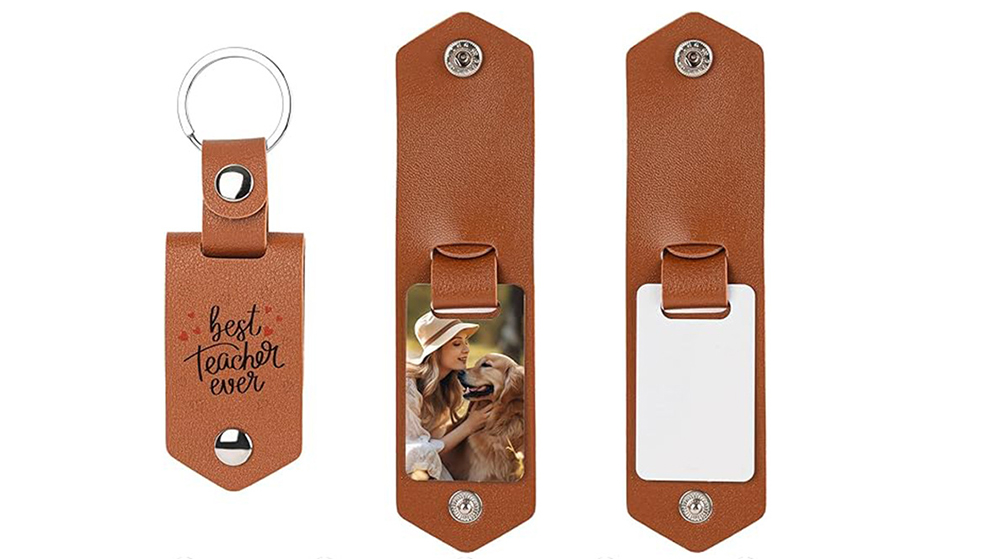
Which Industries Are Suitable for A3 UV Printers? What Value Can They Bring to New Entrepreneurs?
2026-09-21 -
How Critical Is Printhead Technology for UV Flatbed Printers? Professional Comparison Between Ricoh & Epson Printheads
2026-09-21
CONTACT US


Guangzhou Nuocai Digital Products Co., Ltd.
If you would like to keep touch with us directly, please go to contact us
-
![]()
Home
-
![]()
Tel
-
![]()
Email
-
![]()
Contact


