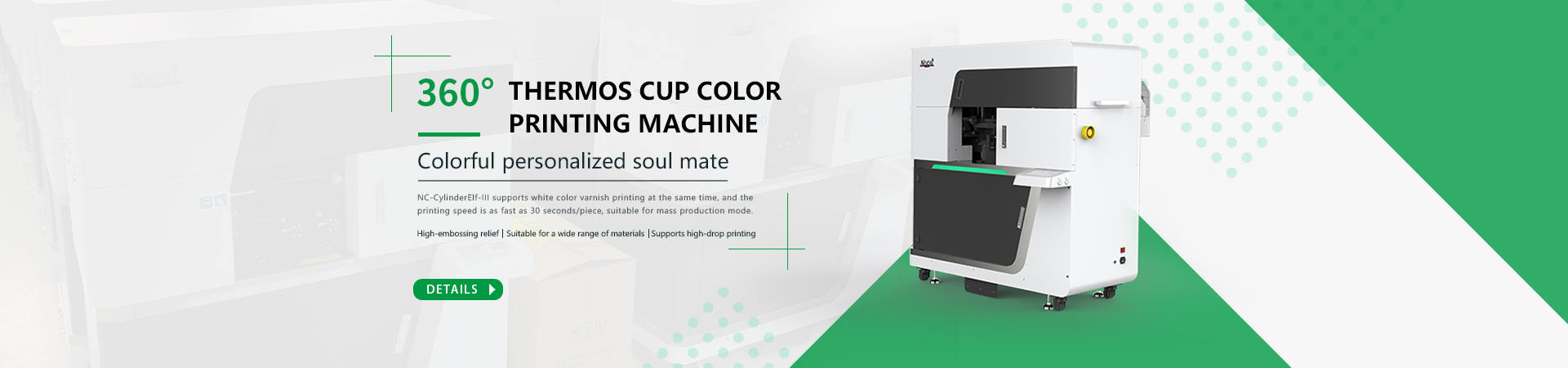
Printer Cases: Essential Protection for Your Printing Equipment
In today’s fast-paced world, printers have become indispensable tools in homes, offices, and businesses. Whether you’re printing important documents, vibrant photos, or creative projects, ensuring the longevity and optimal performance of your printer is crucial. One effective way to protect your investment is by using a printer case. This article will delve into the benefits of using a printer case, the different types available, and tips for selecting the right case to meet your needs.
What is a Printer Case?
A printer case is a protective cover designed to shield your printer from dust, moisture, and physical damage. Printer cases come in various styles and sizes to accommodate different types of printers, including inkjet, laser, and multifunction models. They help extend the life of your printer by providing a barrier against environmental factors that could affect its performance and longevity.
Benefits of Using a Printer Case
1. Protection from Dust and Debris
Dust and debris can accumulate inside your printer, leading to clogged nozzles, poor print quality, and potential malfunctions. A printer case acts as a shield, preventing dust and debris from settling on your printer’s delicate components. This is especially important in environments with high levels of dust or where the printer is used infrequently.
2. Guard Against Moisture
Moisture can cause significant damage to electronic devices, including printers. Printer cases offer protection against accidental spills, humidity, and other moisture-related issues. By keeping your printer dry, you reduce the risk of internal damage and ensure consistent performance.
3. Physical Protection
Accidental bumps, knocks, and scratches can cause cosmetic and functional damage to your printer. A sturdy printer case provides a physical barrier, reducing the risk of damage from everyday wear and tear. This is particularly valuable in busy environments where the printer is frequently moved or accessed.
4. Enhanced Portability
For those who need to transport their printer between locations, a case with handles or wheels can make the process much easier. Portable printer cases often include compartments for accessories and supplies, allowing for convenient transport and setup.
5. Organizational Benefits
Many printer cases come with additional storage compartments for printer cartridges, paper, and other accessories. This built-in organization helps keep your workspace tidy and ensures that everything you need is readily accessible.
Types of Printer Cases
1. Soft-Sided Cases
Soft-sided printer cases are typically made from fabric or nylon and offer lightweight, portable protection. They are ideal for home or office use where the printer is not exposed to extreme conditions. Soft-sided cases often come with handles and additional storage pockets for accessories.
– Benefits:
– Lightweight and easy to carry
– Often includes extra pockets for accessories
– Affordable and versatile
– Popular Models:
– AmazonBasics Printer Carrying Case
– Kensington Contour 17” Laptop Case (fits some printers)
2. Hard-Sided Cases
Hard-sided printer cases are constructed from durable materials like plastic or metal and provide robust protection against physical impacts. These cases are suitable for environments where the printer is subject to more rigorous handling or where maximum protection is required.
– Benefits:
– Superior protection against physical damage
– Durable and long-lasting
– Often includes secure locking mechanisms
– Popular Models:
– Pelican 1510 Case (customizable for printers)
– Gator Cases G-MIXERBAG-1812
3. Custom-Fit Cases
Custom-fit printer cases are designed specifically for individual printer models, offering a tailored fit and maximum protection. These cases are often made to match the exact dimensions and features of the printer, ensuring a snug and secure fit.
– Benefits:
– Precise fit for optimal protection
– Tailored design for specific printer models
– Enhanced functionality with custom features
– Popular Models:
– Hama Printer Case for Canon PIXMA Series
– Inateck Printer Case for HP OfficeJet Series
4. Portable Rolling Cases
For frequent travelers or those who need to transport their printer regularly, portable rolling cases offer convenience and mobility. These cases come with wheels and extendable handles, making it easy to move the printer from one location to another.
– Benefits:
– Easy to transport with wheels and handle
– Often includes additional storage for accessories
– Ideal for mobile professionals
– Popular Models:
– Case Logic DCB-304 SLR Camera and Printer Case
– BUBM Large Rolling Laptop Case (fits some printers)
Tips for Choosing the Right Printer Case
1. Determine Your Printer’s Size and Type
Measure your printer’s dimensions and consider its type (inkjet, laser, multifunction) to ensure that you choose a case that fits properly. Custom-fit cases are ideal for specific models, while soft-sided and hard-sided cases offer more flexibility.
2. Consider Your Protection Needs
Think about the level of protection required based on your printer’s environment and usage. If you need high-impact protection, opt for a hard-sided case. For general dust and moisture protection, a soft-sided case may suffice.
3. Check for Additional Features
Look for cases with extra storage compartments for printer supplies, accessories, and cables. Additional features like handles, wheels, or shoulder straps can enhance convenience and portability.
4. Evaluate Quality and Durability
Choose a case made from high-quality materials that offer durability and reliability. Read reviews and consider the reputation of the manufacturer to ensure that the case meets your expectations.
5. Set a Budget
Printer cases come in a range of prices, from budget-friendly soft-sided options to more expensive hard-sided and custom-fit cases. Determine your budget and select a case that offers the best value for your needs.
Conclusion
A printer case is an essential accessory for anyone looking to protect their printer from dust, moisture, and physical damage. With various types of cases available, including soft-sided, hard-sided, custom-fit, and portable rolling options, you can find a solution that meets your specific needs and preferences. By investing in a high-quality printer case, you ensure the longevity and optimal performance of your printer, while also benefiting from enhanced organization and convenience. Whether you use your printer at home, in the office, or on the go, a well-chosen printer case is a smart investment in protecting your valuable equipment.
-

Nuocai Successfully Concludes PRINTING United Expo 2026 in Las Vegas
2026-09-28 -

Making an Impact in Las Vegas — Nuocai Makes a Strong Debut at PRINTING United Expo 2026
2026-09-24 -

Growing Together, Moving Forward with Purpose | Guangzhou Nuocai 2026 Production Trainee Representative Symposium
2026-08-29 -

A Truckload of Henan Melons, A Thousand-Mile Bond with Guangdong|Nocai’s Charitable Purchase: Supporting Farmers, Refreshing Our Team
2026-08-11 -

Topping-out Ceremony Successfully Held! NOCAI Digital’s Capital Increase & Capacity Expansion Project Officially Topped Out, Embarking on a New Journey of Smart Manufacturing
2026-04-28 -
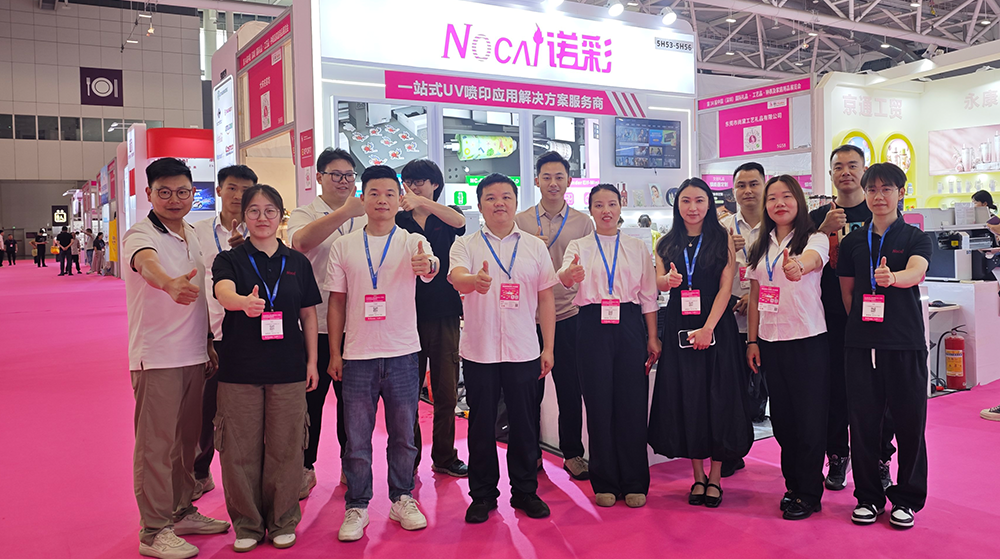
NOCAI’s Shenzhen Gift Fair Successfully Concluded. You Are Warmly Invited to Visit Our Factory for New Cooperation
2026-04-28 -
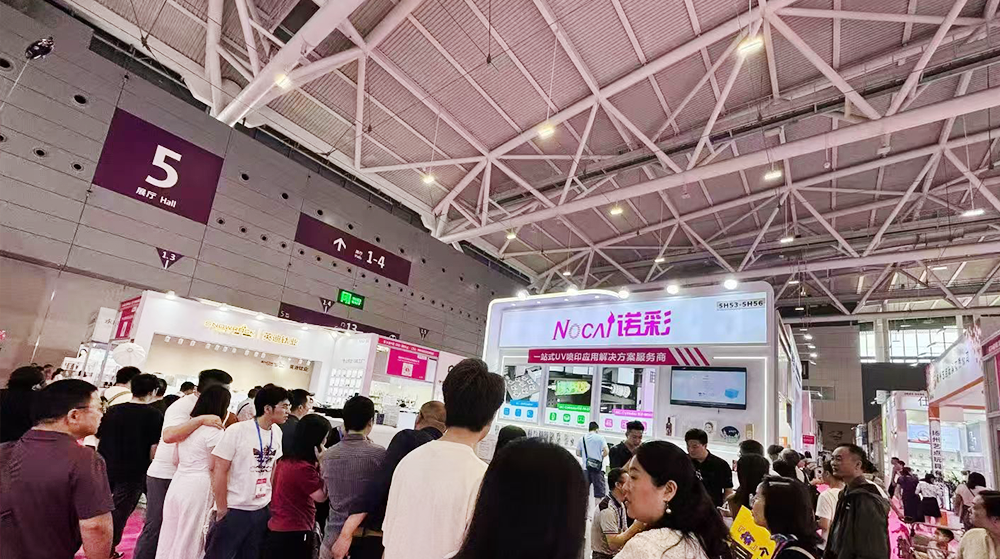
Shenzhen Gift Fair · Day 3|Booming Momentum Continues NOCAI all-scenario customized gift printing solutions unlock new industry business opportunities
2026-04-27 -

Shenzhen Gift Fair Day 2 | NOCAI Booth Packed! Explore New UV Printing Game — Unlimited Materials & Instant Drying
2026-04-27 -
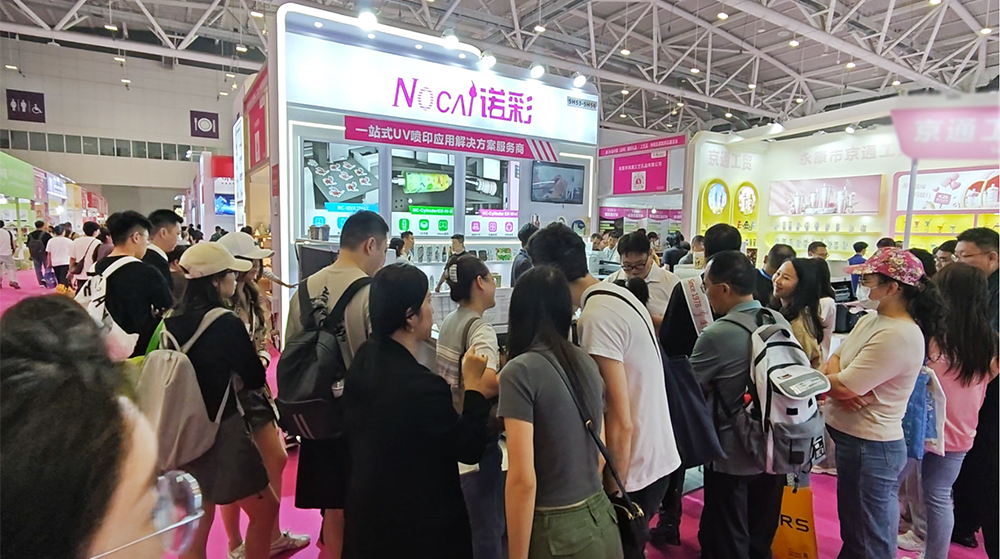
Day 1 of Shenzhen Gift Fair | NOCAI UV Inkjet Printing Technology, Unlock Infinite Creativity for Gifts
2026-04-25 -
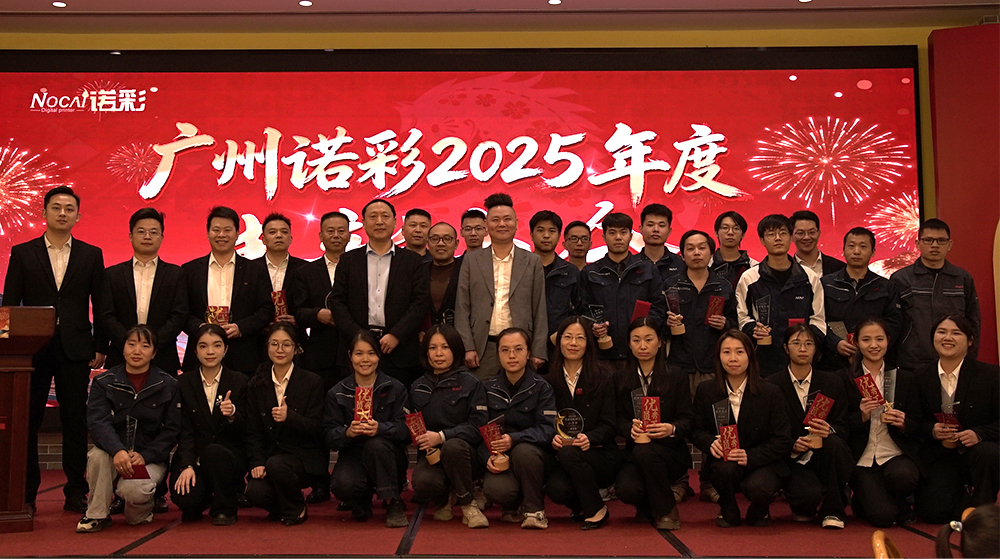
Guangzhou NOCAI 2025 Annual Recognition Conference Successfully Concluded
2026-02-24
-
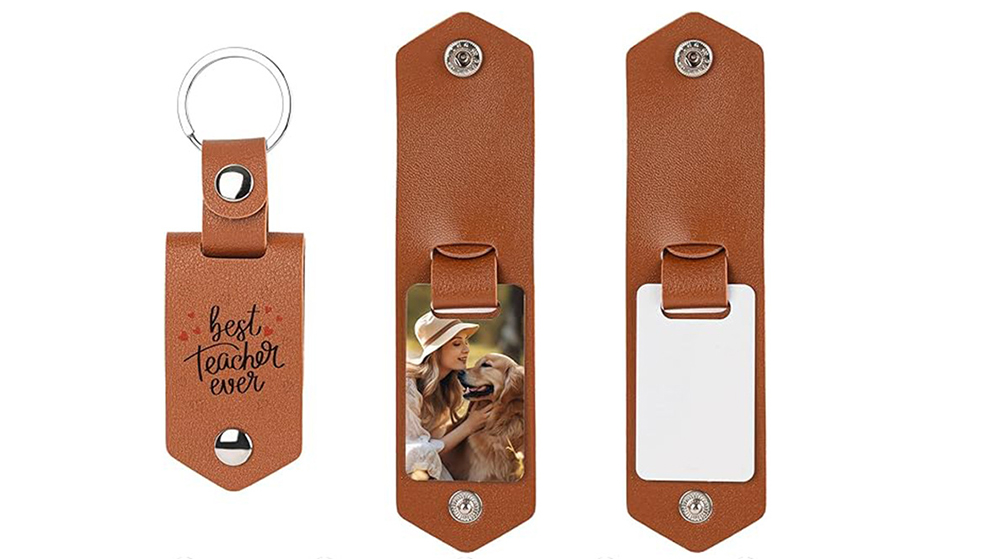
Which Industries Are Suitable for A3 UV Printers? What Value Can They Bring to New Entrepreneurs?
2026-09-21 -
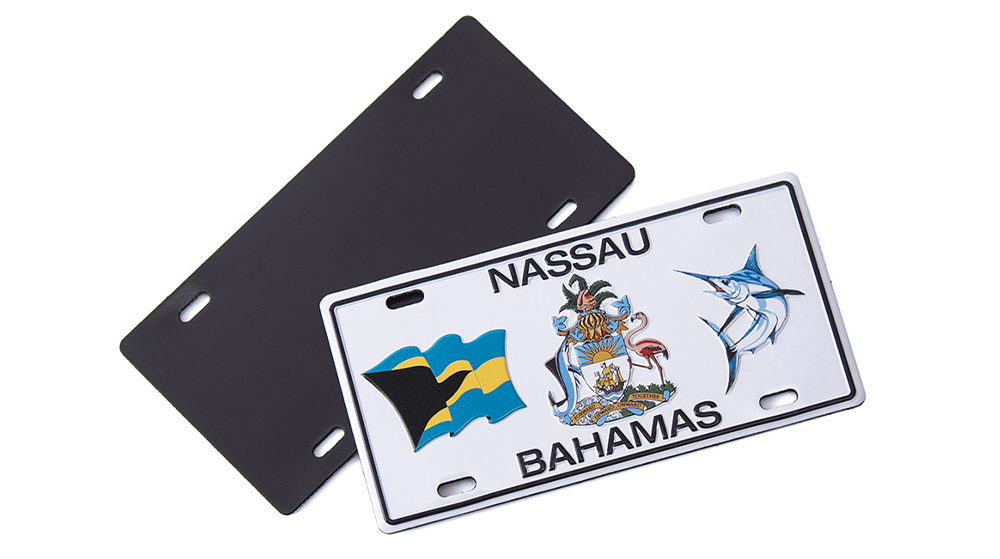
How Critical Is Printhead Technology for UV Flatbed Printers? Professional Comparison Between Ricoh & Epson Printheads
2026-09-21 -

How to Troubleshoot Ink System Issues on a UV Flatbed Printer?
2026-09-17 -
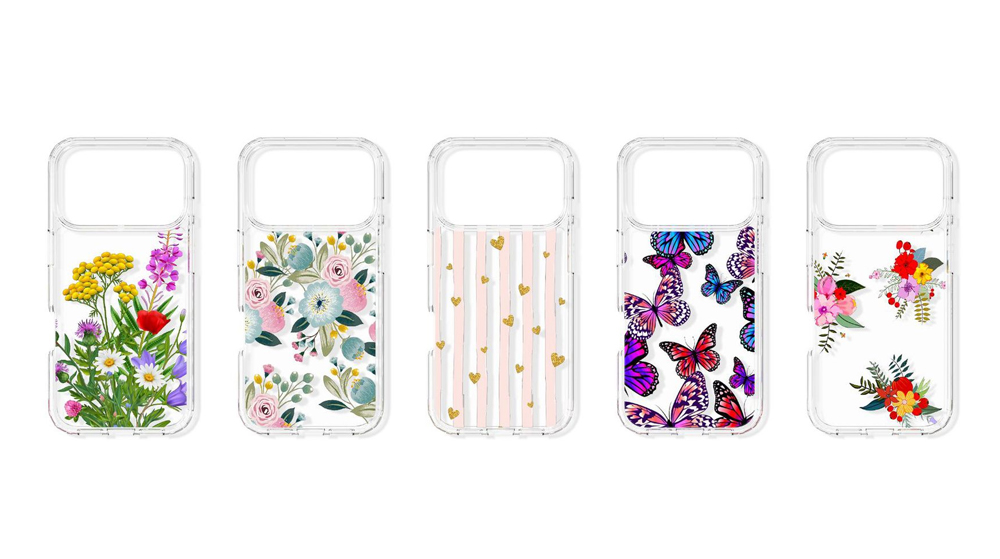
Choosing a UV Printer for Gift Customization Is More Complex Than It Looks: Printheads and Ink Systems Make the Difference
2026-09-17 -
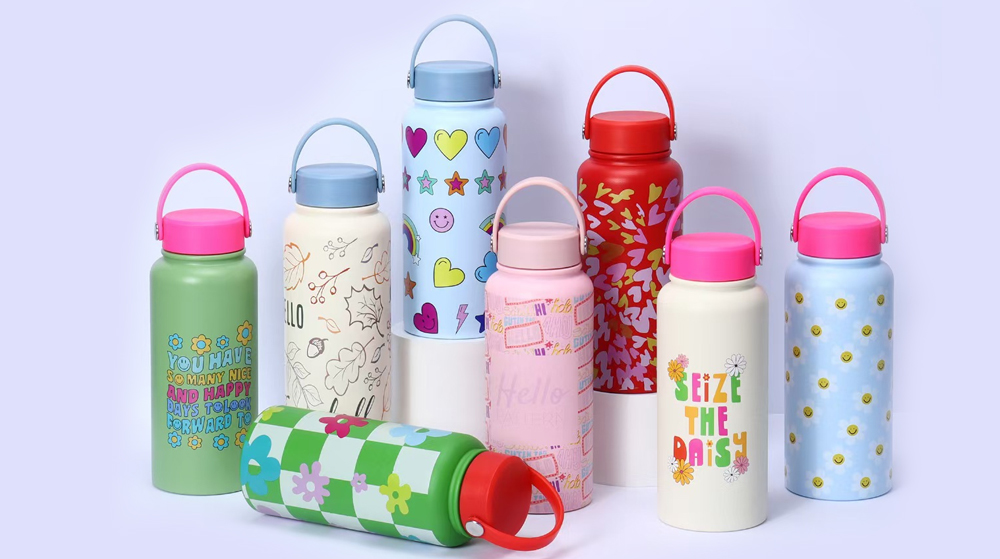
Bought a Rotary Printer but Struggling with Tapered Cups? Auto Height Detection and Printhead Protection Make the Difference
2026-09-10 -
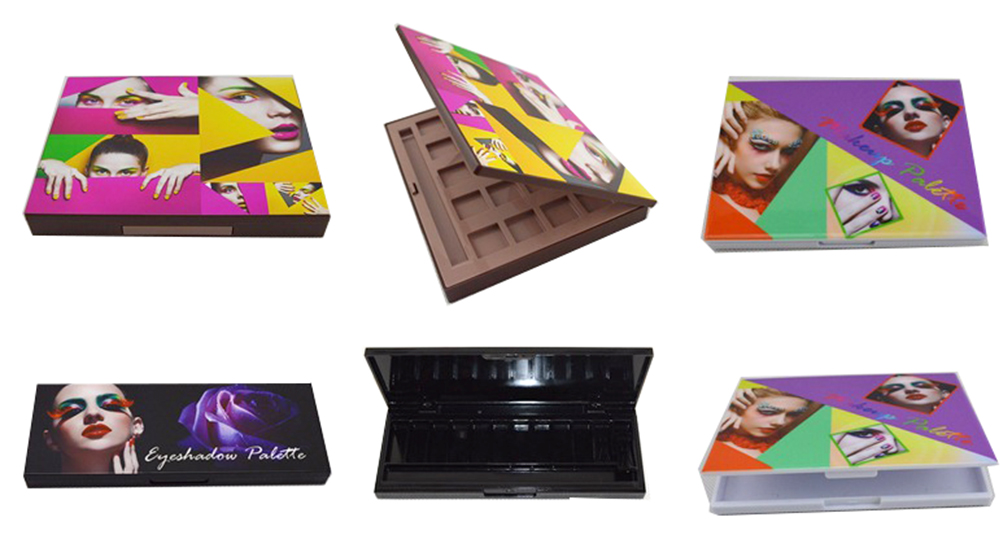
Waiting Days for Samples and Starting Over After Design Changes? How UV Flatbed Printers Help Designers Capture Every Idea
2026-09-10 -

Bought a Rotary Printer but Struggling with Tapered Cups? Auto Height Detection and Printhead Protection Make the Difference
2026-09-03 -

Waiting Days for Samples and Starting Over After Design Changes? How UV Flatbed Printers Help Designers Capture Every Idea
2026-09-03 -
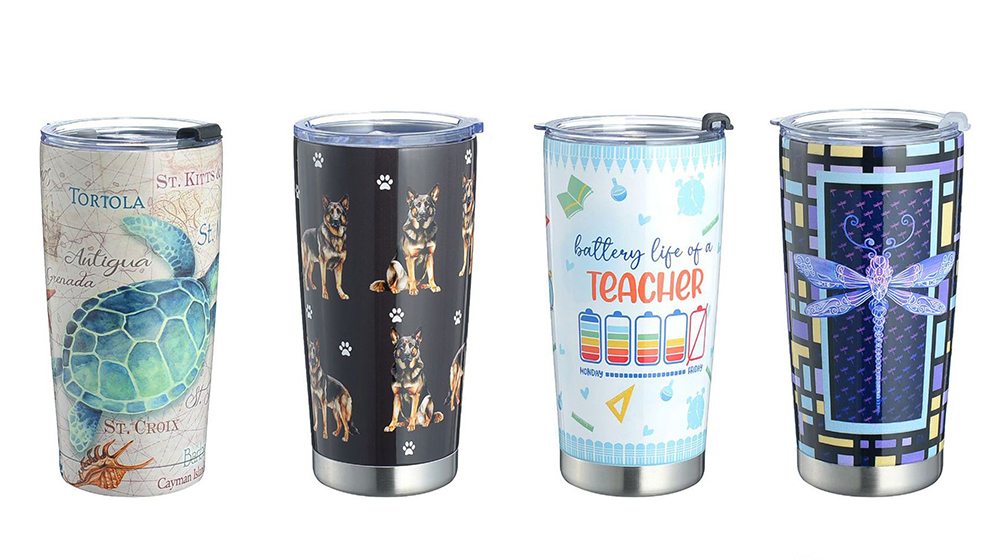
Bought a Rotary Printer but Struggling with Tapered Cups? Auto Height Detection and Printhead Protection Make the Difference
2026-08-25 -

Waiting Days for Samples and Starting Over After Design Changes? How UV Flatbed Printers Help Designers Capture Every Idea
2026-08-25
CONTACT US


Guangzhou Nuocai Digital Products Co., Ltd.
If you would like to keep touch with us directly, please go to contact us
-
![]()
Home
-
![]()
Tel
-
![]()
Email
-
![]()
Contact


