
Beginner’s Guide to Printhead Maintenance: Extend Service Life & Avoid Downtime
In daily operation of digital printing equipment, the printhead is regarded as the core component. Its working condition directly determines printing quality and production efficiency. Many users often encounter nozzle clogging, broken ink lines and ink splashing issues, which ruin print effects or even cause unexpected shutdowns for repairs. Mastering basic maintenance skills can effectively prolong printhead lifespan and reduce losses caused by unplanned downtime.
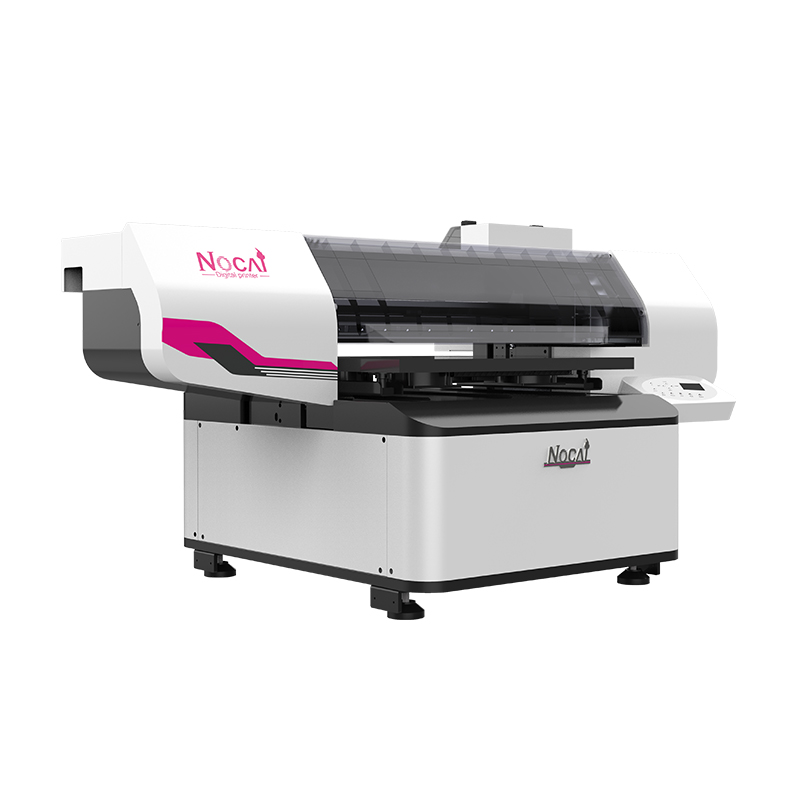
Keep Stable Ink Supply System
Smooth printhead operation relies heavily on a steady ink delivery system. It is recommended to use original factory ink or certified qualified ink only, and never mix inks of different brands or types. Mismatched ink particle size, viscosity and surface tension will cause sediment and chemical reaction inside the printhead, accelerating aging. Besides, regularly check for air bubbles inside ink dampers and tubes, which lead to discontinuous ink output, broken lines and blank marks. Ensure all ink line joints are well sealed and vent air bubbles timely to keep smooth ink circulation.
Stick to Daily Cleaning Routines
Timely surface cleaning is essential. Residual ink on and around the printhead will mix with dust and harden to block nozzles. Inspect ink buildup before daily startup, then wipe gently with special non-woven cloth and dedicated cleaning solution to avoid scratching the nozzle plate. For UV printers, residual ink cures rapidly under UV light, so more frequent cleaning is required. Never use hard or rough tools to touch the printhead to prevent physical damage.
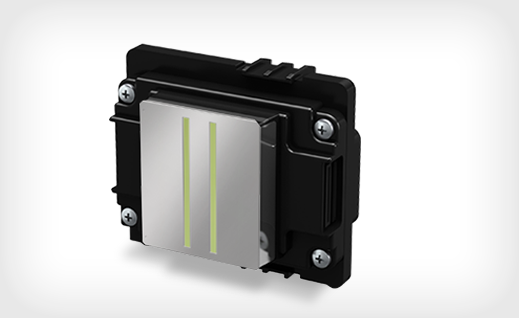
Perform Standard Printhead Cleaning Properly
Use the built-in cleaning function to fix slight broken lines and skewed printing. Normally, 1 to 2 standard cleaning cycles are sufficient for recovery. If the problem persists after repeated cleaning, inspect the ink system and printhead status instead of running excessive cleaning, which wastes ink and damages the printhead coating. For models equipped with automatic maintenance parts such as ink pads and wiper blades, keep them in correct position and clean at all times.
Pre-Maintenance Before Long-Term Shutdown
If the machine will be idle for more than three days, conduct targeted maintenance according to printhead type and ambient environment. Return the printhead to the capping station, make sure the ink pad fits tightly with the printhead and is fully filled with protective liquid to prevent nozzle dry clogging. This moisture preservation measure is especially vital in low-temperature and dry environments.
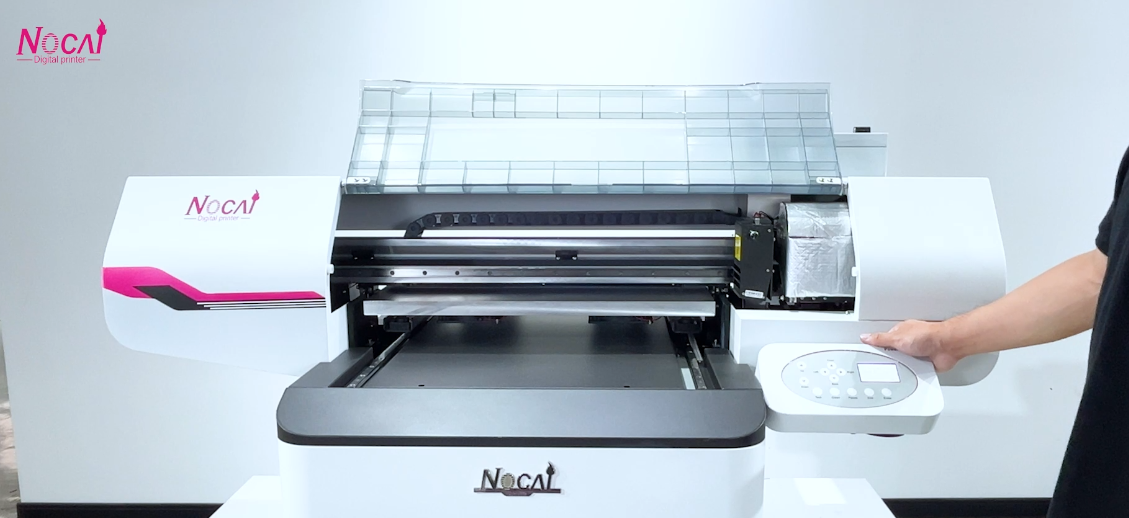
Keep Maintenance Records
It is advisable to keep simple maintenance logs to record cleaning, calibration and troubleshooting records. By tracking data changes, you can detect early printhead performance decline, arrange maintenance and spare parts in advance, and avoid sudden production halt.
Proper and careful maintenance ensures long-term stable printhead performance. Standardized daily operation is the most effective way to extend its service life.
-

Nuocai Successfully Concludes PRINTING United Expo 2026 in Las Vegas
2026-09-28 -

Making an Impact in Las Vegas — Nuocai Makes a Strong Debut at PRINTING United Expo 2026
2026-09-24 -

Growing Together, Moving Forward with Purpose | Guangzhou Nuocai 2026 Production Trainee Representative Symposium
2026-08-29 -

A Truckload of Henan Melons, A Thousand-Mile Bond with Guangdong|Nocai’s Charitable Purchase: Supporting Farmers, Refreshing Our Team
2026-08-11 -

Topping-out Ceremony Successfully Held! NOCAI Digital’s Capital Increase & Capacity Expansion Project Officially Topped Out, Embarking on a New Journey of Smart Manufacturing
2026-04-28 -
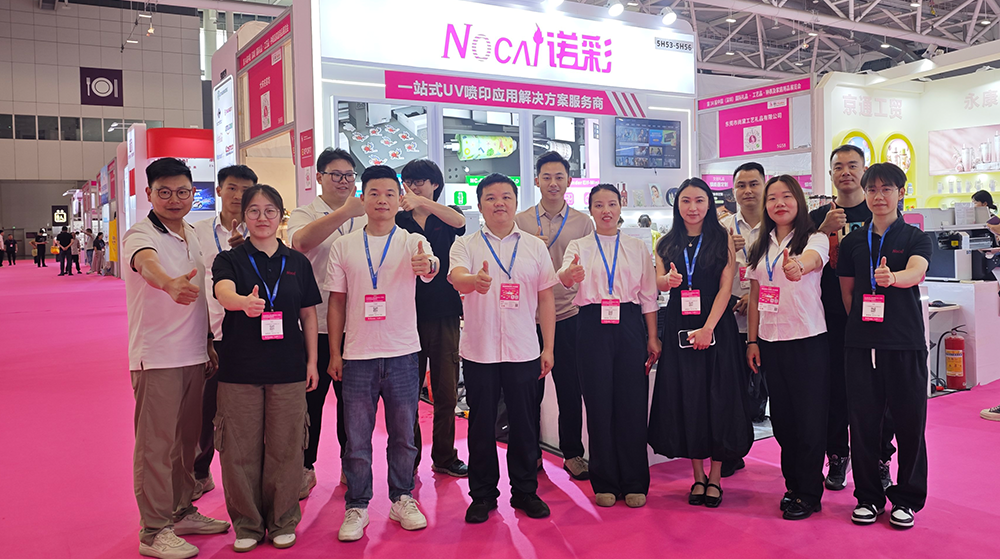
NOCAI’s Shenzhen Gift Fair Successfully Concluded. You Are Warmly Invited to Visit Our Factory for New Cooperation
2026-04-28 -
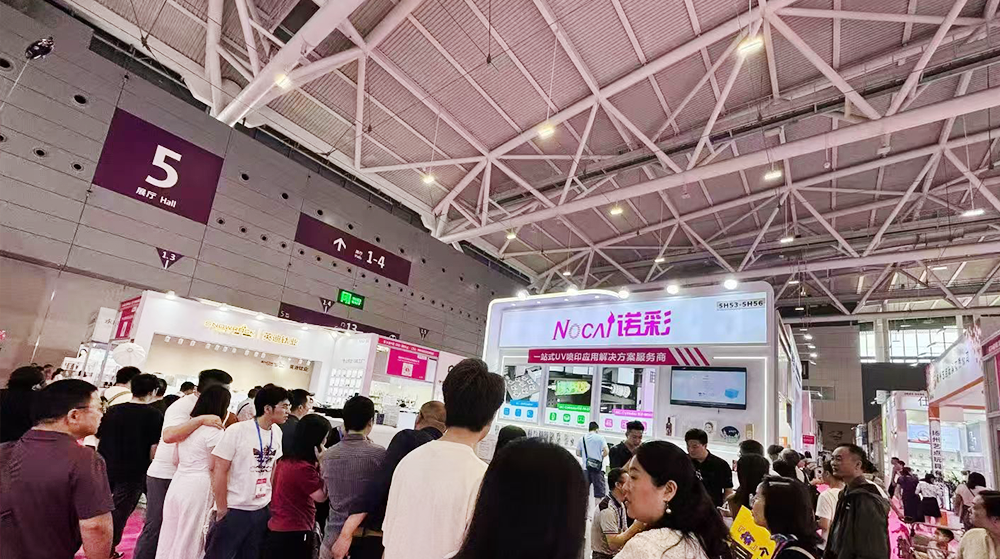
Shenzhen Gift Fair · Day 3|Booming Momentum Continues NOCAI all-scenario customized gift printing solutions unlock new industry business opportunities
2026-04-27 -
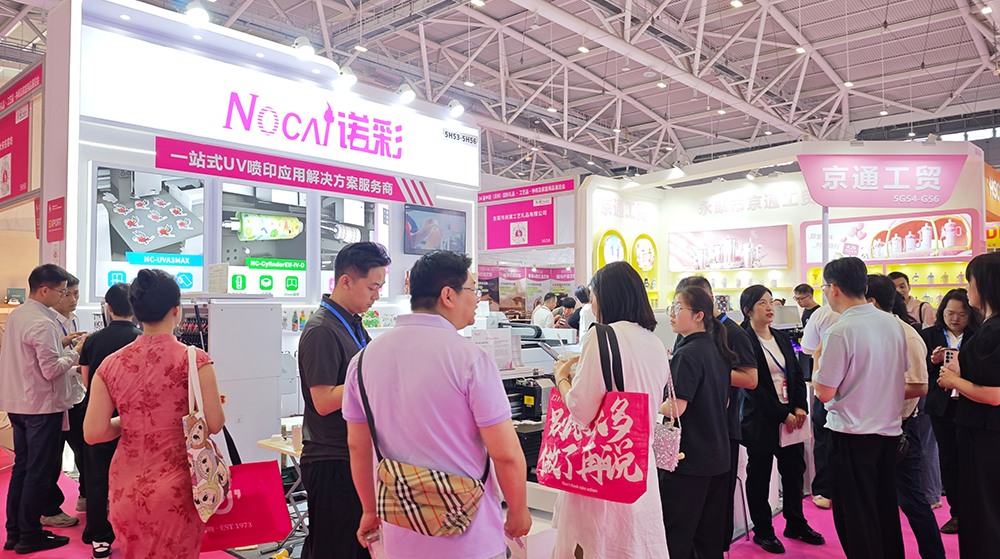
Shenzhen Gift Fair Day 2 | NOCAI Booth Packed! Explore New UV Printing Game — Unlimited Materials & Instant Drying
2026-04-27 -
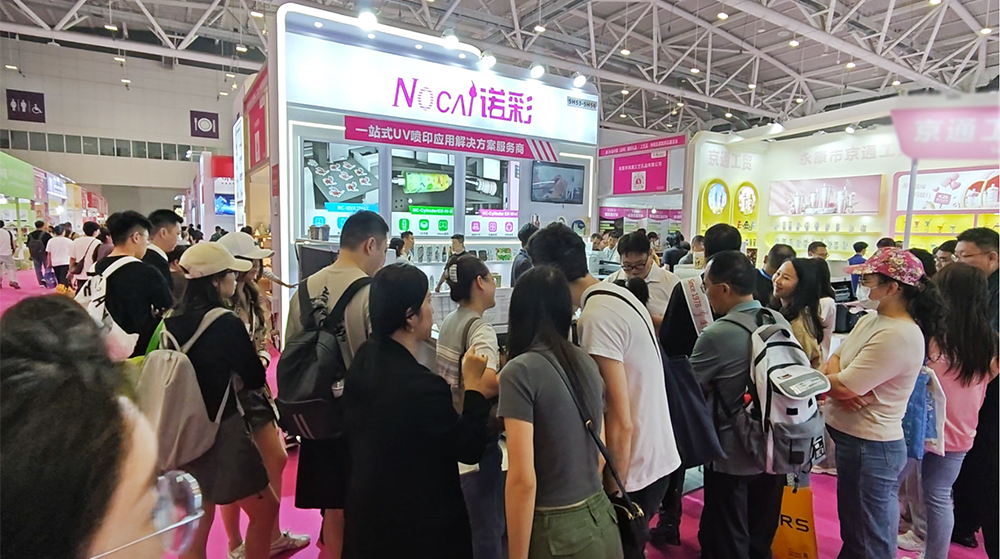
Day 1 of Shenzhen Gift Fair | NOCAI UV Inkjet Printing Technology, Unlock Infinite Creativity for Gifts
2026-04-25 -
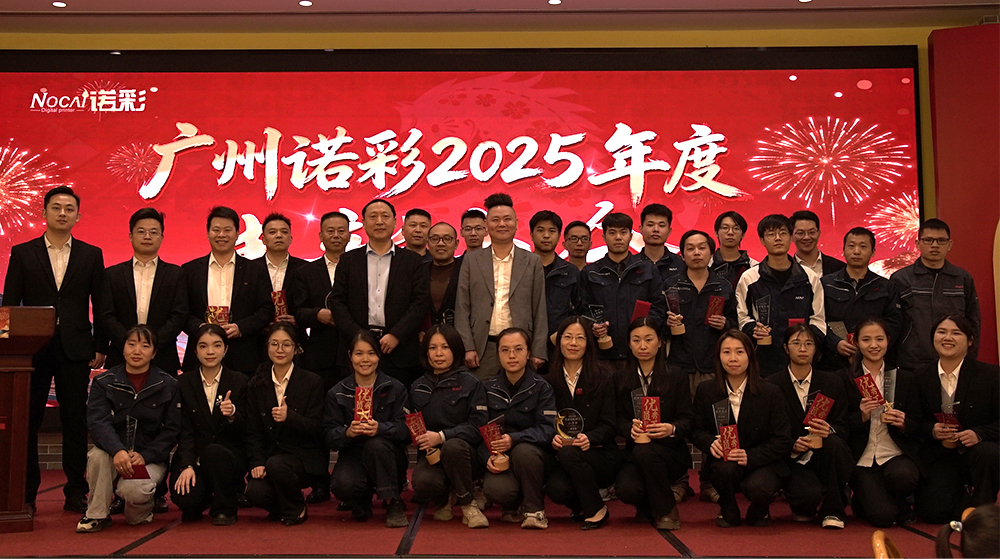
Guangzhou NOCAI 2025 Annual Recognition Conference Successfully Concluded
2026-02-24
-

Which Industries Are Suitable for A3 UV Printers? What Value Can They Bring to New Entrepreneurs?
2026-09-21 -
How Critical Is Printhead Technology for UV Flatbed Printers? Professional Comparison Between Ricoh & Epson Printheads
2026-09-21 -

How to Troubleshoot Ink System Issues on a UV Flatbed Printer?
2026-09-17 -

Choosing a UV Printer for Gift Customization Is More Complex Than It Looks: Printheads and Ink Systems Make the Difference
2026-09-17 -

Bought a Rotary Printer but Struggling with Tapered Cups? Auto Height Detection and Printhead Protection Make the Difference
2026-09-10 -
Waiting Days for Samples and Starting Over After Design Changes? How UV Flatbed Printers Help Designers Capture Every Idea
2026-09-10 -

Bought a Rotary Printer but Struggling with Tapered Cups? Auto Height Detection and Printhead Protection Make the Difference
2026-09-03 -

Waiting Days for Samples and Starting Over After Design Changes? How UV Flatbed Printers Help Designers Capture Every Idea
2026-09-03 -

Bought a Rotary Printer but Struggling with Tapered Cups? Auto Height Detection and Printhead Protection Make the Difference
2026-08-25 -

Waiting Days for Samples and Starting Over After Design Changes? How UV Flatbed Printers Help Designers Capture Every Idea
2026-08-25
CONTACT US


Guangzhou Nuocai Digital Products Co., Ltd.
If you would like to keep touch with us directly, please go to contact us
-
![]()
Home
-
![]()
Tel
-
![]()
Email
-
![]()
Contact


