
Printhead Clogging: Causes, Prevention, and Recovery Steps
The printhead is the core component of a UV flatbed printer and one of the parts most prone to issues. Understanding the causes of printhead clogging, adopting proper preventive measures, and following the correct recovery procedures can help extend printhead lifespan and reduce maintenance costs.
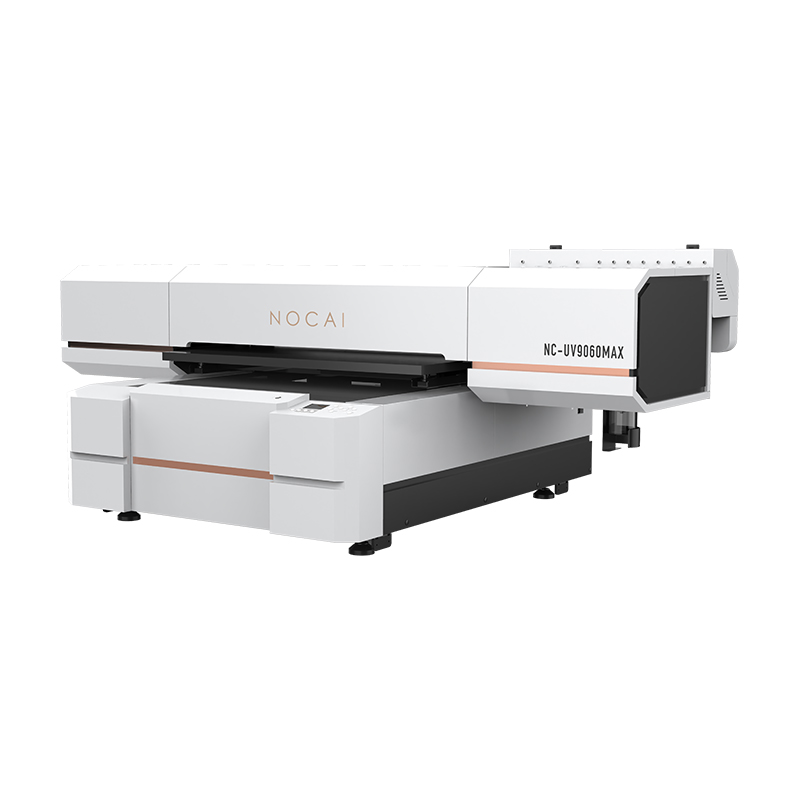
Common Causes
Printhead clogging is mainly caused by three factors.
First, ink curing. When the printer remains idle for an extended period, the moisture and solvents in the ink residue on the printhead surface gradually evaporate, causing pigments or resin components to dry and accumulate around the nozzles.
Second, dust contamination. Fine particles suspended in the printing environment can settle on the printhead surface and mix with ink, forming blockages.
Third, air bubbles in the ink system. When air enters the printhead, it can disrupt normal ink flow, resulting in missing nozzles or complete ink interruption.
Preventive Measures
The key to preventing printhead clogging is consistent daily maintenance.
After each printing session, perform a printhead cleaning cycle and park the printhead on the capping station to keep it sealed from the air.
Keep the printing environment clean and place the printer in an area with minimal dust and stable temperature and humidity levels whenever possible.
Regularly inspect the ink delivery system to ensure that no air bubbles accumulate in the ink tubes.
Even if the printer is not in use, it is recommended to power it on every three to five days and perform a routine printhead cleaning cycle.
Recovery Steps
If the printhead experiences minor clogging, follow these steps in sequence.
First, run an automatic cleaning cycle through the printer software and check the nozzle test pattern to see whether the issue has been resolved.
If the result is unsatisfactory, try manual ink priming. Use a syringe or the printer’s ink priming function to gently push ink toward the printhead, allowing a small amount of ink to flow through the nozzles and remove the blockage.
For more stubborn clogs, a soaking method may be used. Fill the capping station with an appropriate amount of dedicated cleaning solution and park the printhead on it. Allow the printhead to soak for 20 minutes to several hours so the cleaning solution can dissolve cured ink deposits. Then perform another cleaning cycle.
If none of these methods restore normal printing performance, contact the printer manufacturer’s technical support team for assistance.
Conclusion
Although printhead clogging cannot be completely avoided, most issues can be resolved without damaging the printhead through proper preventive maintenance and correct recovery procedures.
-

Nuocai Successfully Concludes PRINTING United Expo 2026 in Las Vegas
2026-09-28 -

Making an Impact in Las Vegas — Nuocai Makes a Strong Debut at PRINTING United Expo 2026
2026-09-24 -

Growing Together, Moving Forward with Purpose | Guangzhou Nuocai 2026 Production Trainee Representative Symposium
2026-08-29 -

A Truckload of Henan Melons, A Thousand-Mile Bond with Guangdong|Nocai’s Charitable Purchase: Supporting Farmers, Refreshing Our Team
2026-08-11 -

Topping-out Ceremony Successfully Held! NOCAI Digital’s Capital Increase & Capacity Expansion Project Officially Topped Out, Embarking on a New Journey of Smart Manufacturing
2026-04-28 -
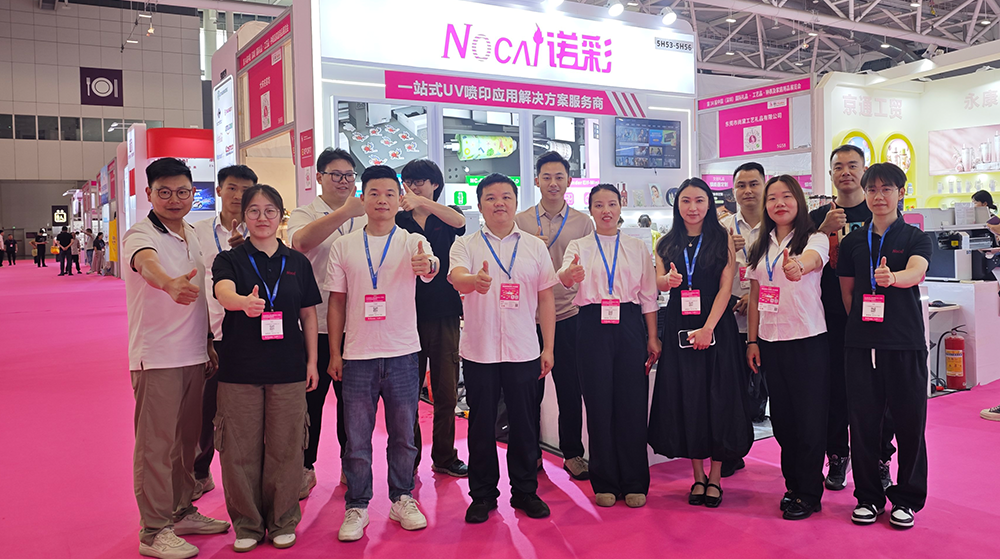
NOCAI’s Shenzhen Gift Fair Successfully Concluded. You Are Warmly Invited to Visit Our Factory for New Cooperation
2026-04-28 -
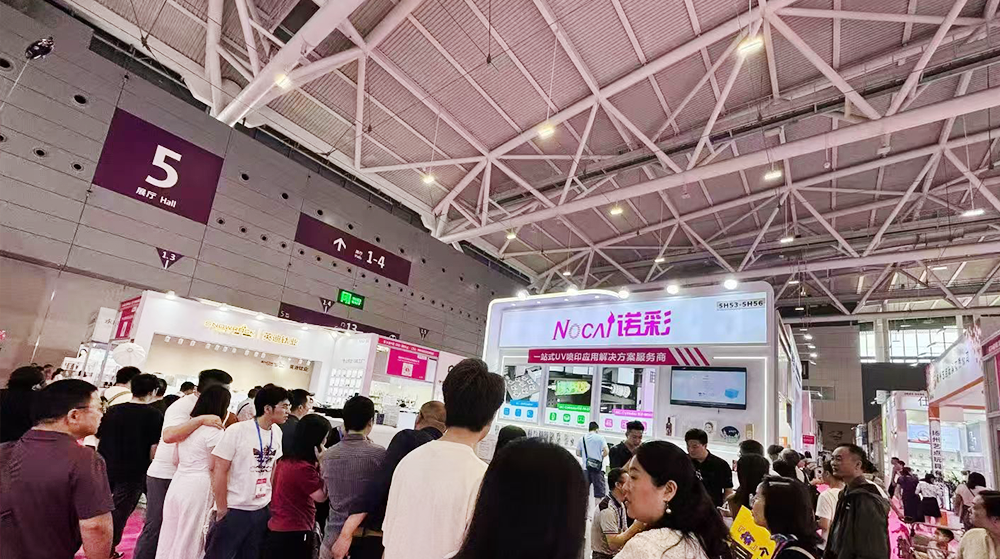
Shenzhen Gift Fair · Day 3|Booming Momentum Continues NOCAI all-scenario customized gift printing solutions unlock new industry business opportunities
2026-04-27 -
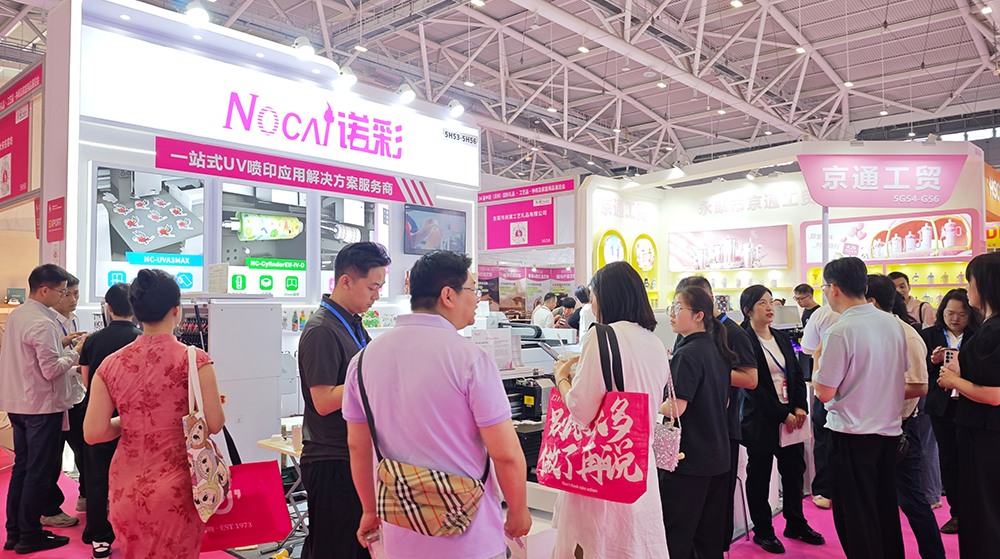
Shenzhen Gift Fair Day 2 | NOCAI Booth Packed! Explore New UV Printing Game — Unlimited Materials & Instant Drying
2026-04-27 -
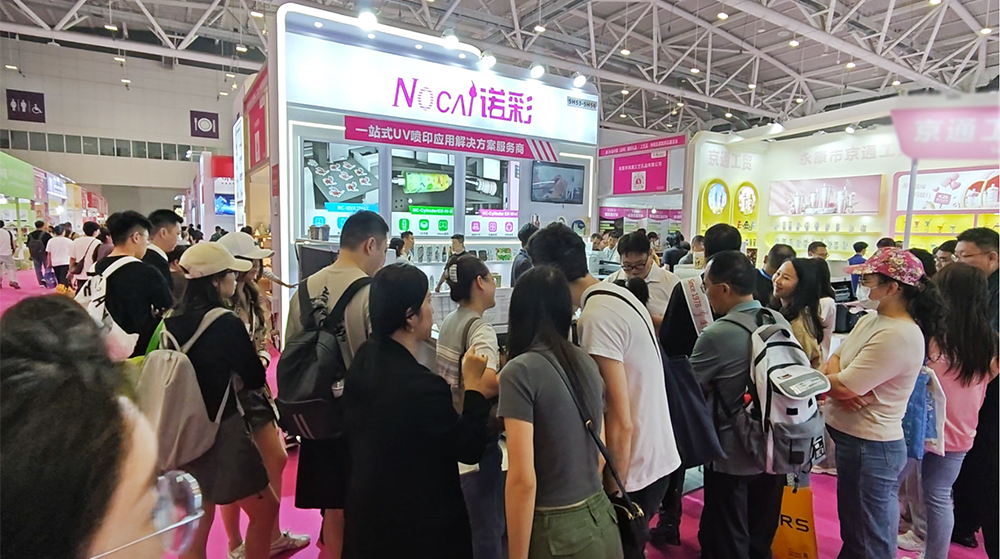
Day 1 of Shenzhen Gift Fair | NOCAI UV Inkjet Printing Technology, Unlock Infinite Creativity for Gifts
2026-04-25 -
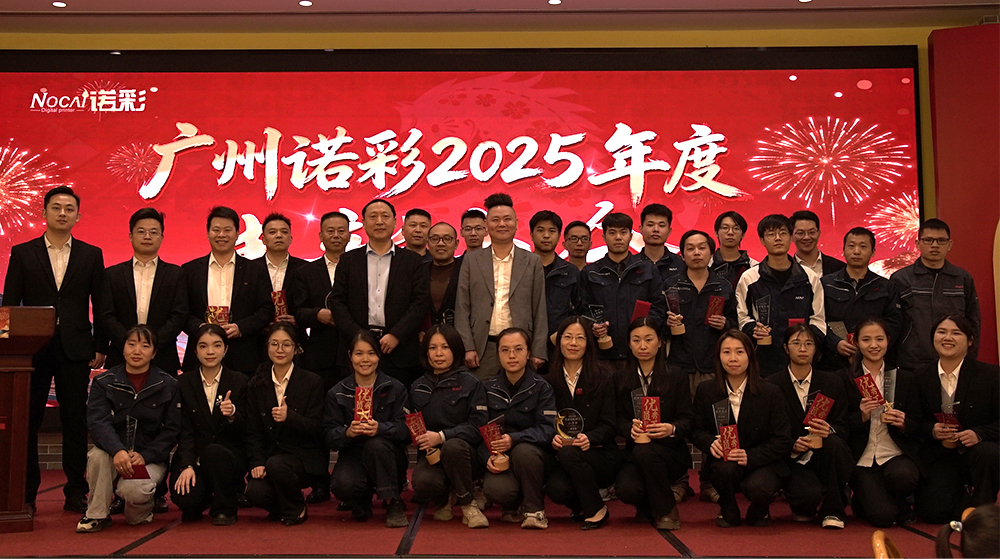
Guangzhou NOCAI 2025 Annual Recognition Conference Successfully Concluded
2026-02-24
-
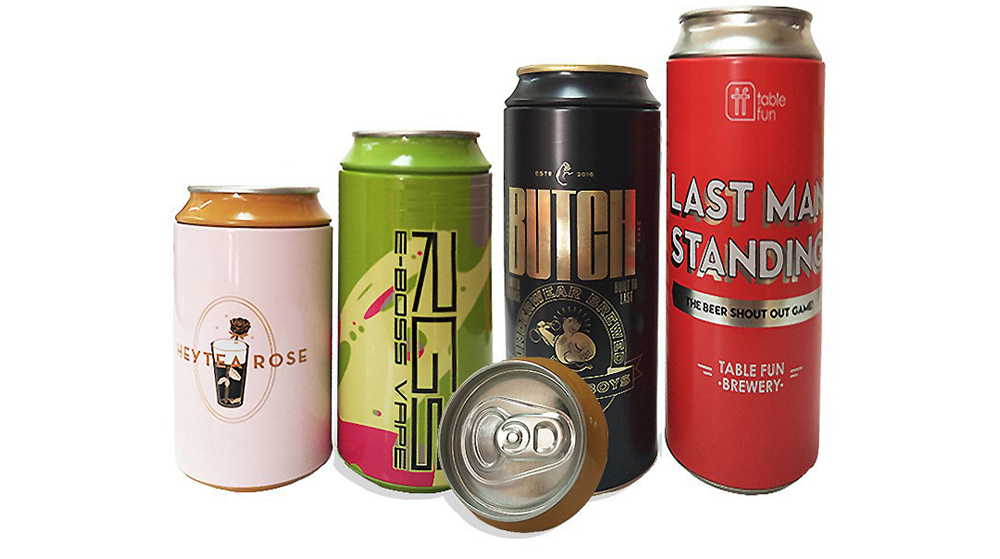
Figure out the differences between flatbed printers and cylindrical printers before purchasing a cosmetic printing machine
2026-10-10 -
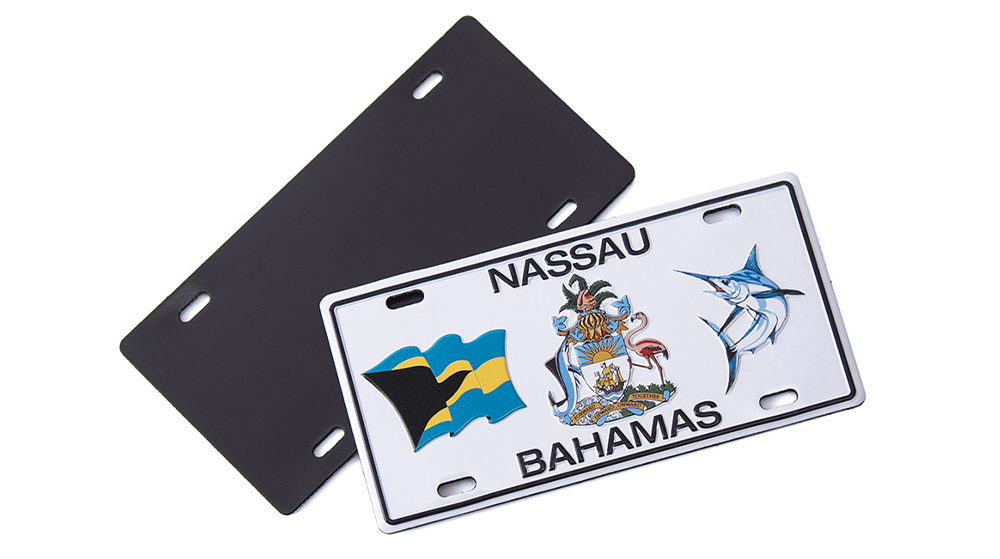
Small UV Printer Buying Guide to Avoid Pitfalls: Printhead vs Curing System, Which Matters More?
2026-10-10 -
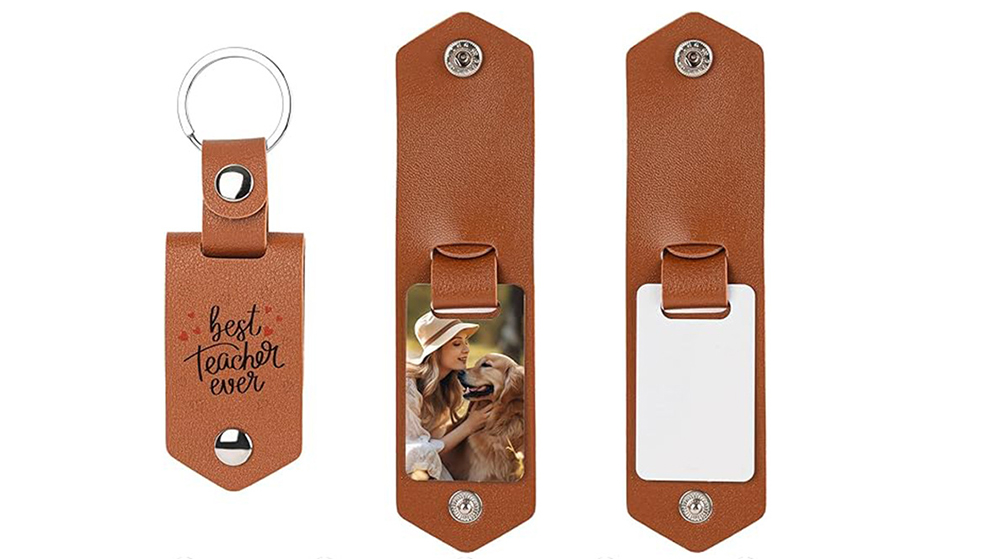
Which Industries Are Suitable for A3 UV Printers? What Value Can They Bring to New Entrepreneurs?
2026-09-21 -
How Critical Is Printhead Technology for UV Flatbed Printers? Professional Comparison Between Ricoh & Epson Printheads
2026-09-21 -

How to Troubleshoot Ink System Issues on a UV Flatbed Printer?
2026-09-17 -

Choosing a UV Printer for Gift Customization Is More Complex Than It Looks: Printheads and Ink Systems Make the Difference
2026-09-17 -

Bought a Rotary Printer but Struggling with Tapered Cups? Auto Height Detection and Printhead Protection Make the Difference
2026-09-10 -
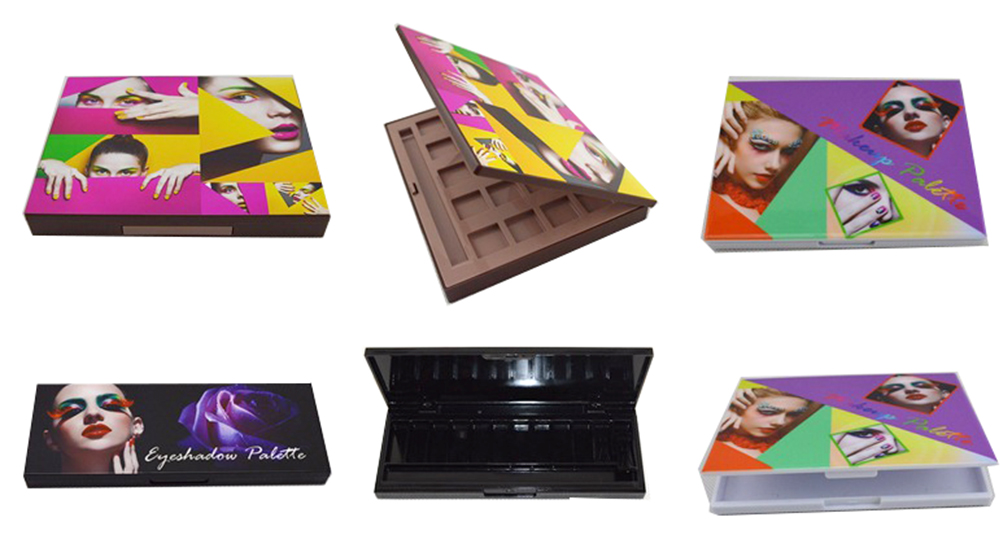
Waiting Days for Samples and Starting Over After Design Changes? How UV Flatbed Printers Help Designers Capture Every Idea
2026-09-10 -

Bought a Rotary Printer but Struggling with Tapered Cups? Auto Height Detection and Printhead Protection Make the Difference
2026-09-03 -

Waiting Days for Samples and Starting Over After Design Changes? How UV Flatbed Printers Help Designers Capture Every Idea
2026-09-03
CONTACT US


Guangzhou Nuocai Digital Products Co., Ltd.
If you would like to keep touch with us directly, please go to contact us
-
![]()
Home
-
![]()
Tel
-
![]()
Email
-
![]()
Contact


