
Clogged Printhead Again? 90% of Users Don’t Realize These 3 Habits Are “Killing” It
“Clogged printhead again!” — a common headache for print shops and production factories. Replacing a printhead can cost thousands, and downtime means delayed orders and unhappy customers.
But here’s the truth: most printheads don’t fail from use—they fail from misuse.
These three everyday habits might be silently shortening your printhead’s lifespan.
Mistake 1: Frequently cutting power to “save trouble”
Many users think turning off the machine completely when not in use saves energy and improves safety. In reality, frequent power cuts can seriously damage the printhead.
When the printer is running, the printhead is filled with ink. If power is suddenly cut, the automatic cleaning cycle cannot run. Residual ink in the nozzles quickly evaporates and hardens, causing stubborn clogs.
Worse, without proper standby mode, the ink system loses pressure balance. When restarting, pressure fluctuations can occur, potentially damaging the piezoelectric components inside the printhead.
Best practice:
- For short downtime (e.g., overnight), keep the machine in standby mode so it can perform automatic micro-jetting or flushing.
- If unused for more than 3 days, power off only after completing a proper cleaning and shutdown procedure.
Mistake 2: Mixing inks to cut costs
Some users switch between ink brands or mix cheaper inks with original ones to reduce costs. This is a slow but serious mistake.
Different inks have different chemical formulations—solvent ratios, surface tension, viscosity, and pH levels all vary. Mixing them can cause chemical reactions, forming sediments or gel-like particles.
These particles act like “clots,” blocking internal filters and microscopic nozzles. Even if the printer seems to work at first, long-term use can lead to faster aging, nozzle deflection, and irreversible damage.
Best practice:
- Stick to the same brand and preferably the same batch of ink
- Use manufacturer-approved inks whenever possible
- When switching inks, thoroughly clean the entire ink system—never mix directly
Mistake 3: Ignoring environment & maintenance
The printhead is a precision component and highly sensitive to temperature, humidity, and dust. Yet many workshops operate in poor conditions—high heat in summer, dry air in winter, and dusty environments—with little to no proactive maintenance.
- Dust can cause physical blockages
- High temperatures accelerate ink evaporation and thickening
- Low humidity leads to ink drying at the nozzle surface
Even more common: maintenance is only done after a clog appears. Daily basics like purging, wiping, and cleaning the wiper blade are often neglected.
Best practice:
- Maintain a stable environment:
Temperature: 25–28°C
Humidity: 40–60%
- Perform daily startup maintenance (ink priming, wiper cleaning)
- Inspect the printhead surface and capping station weekly
- Keep a maintenance log—prevent issues instead of reacting to them
Final thoughts
Printheads rarely “wear out”—they are often “misused to failure.”Frequent power cuts, mixed inks, and poor maintenance are the three biggest hidden killers.Change these habits, and you can double the lifespan of your printhead—saving not just replacement costs, but also valuable production time and customer trust. Stable machines mean stable business. That’s the real way to reduce costs and improve efficiency.
-

Nuocai Successfully Concludes PRINTING United Expo 2026 in Las Vegas
2026-09-28 -

Making an Impact in Las Vegas — Nuocai Makes a Strong Debut at PRINTING United Expo 2026
2026-09-24 -

Growing Together, Moving Forward with Purpose | Guangzhou Nuocai 2026 Production Trainee Representative Symposium
2026-08-29 -

A Truckload of Henan Melons, A Thousand-Mile Bond with Guangdong|Nocai’s Charitable Purchase: Supporting Farmers, Refreshing Our Team
2026-08-11 -

Topping-out Ceremony Successfully Held! NOCAI Digital’s Capital Increase & Capacity Expansion Project Officially Topped Out, Embarking on a New Journey of Smart Manufacturing
2026-04-28 -
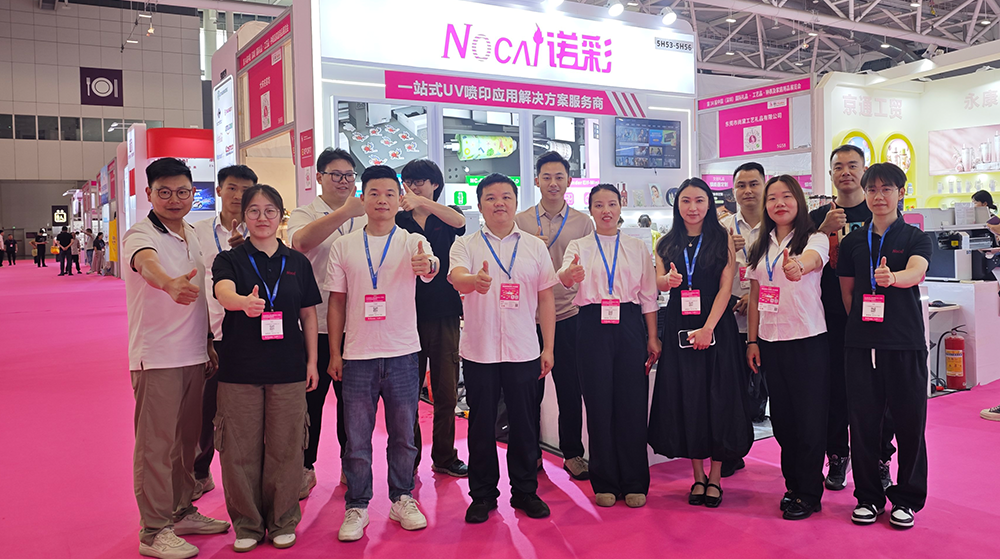
NOCAI’s Shenzhen Gift Fair Successfully Concluded. You Are Warmly Invited to Visit Our Factory for New Cooperation
2026-04-28 -
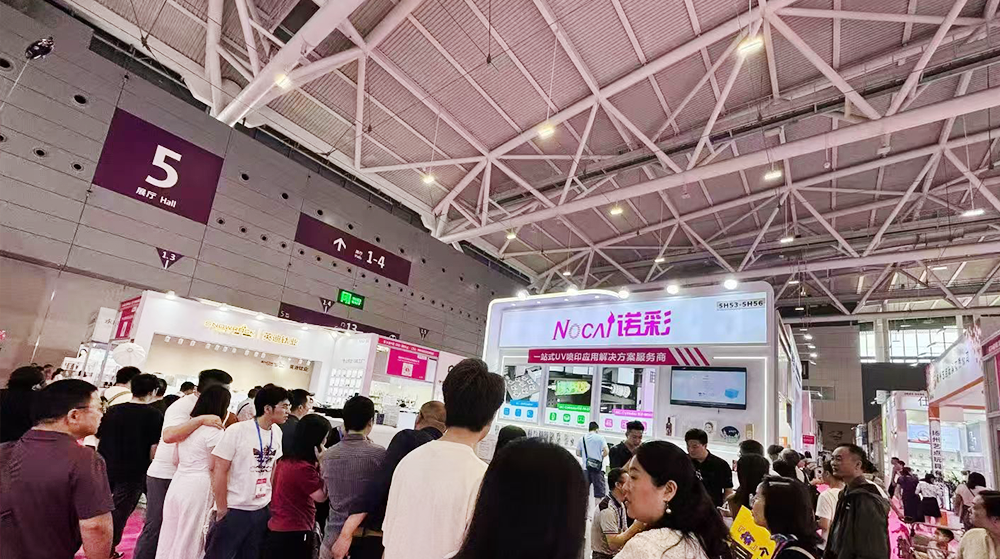
Shenzhen Gift Fair · Day 3|Booming Momentum Continues NOCAI all-scenario customized gift printing solutions unlock new industry business opportunities
2026-04-27 -
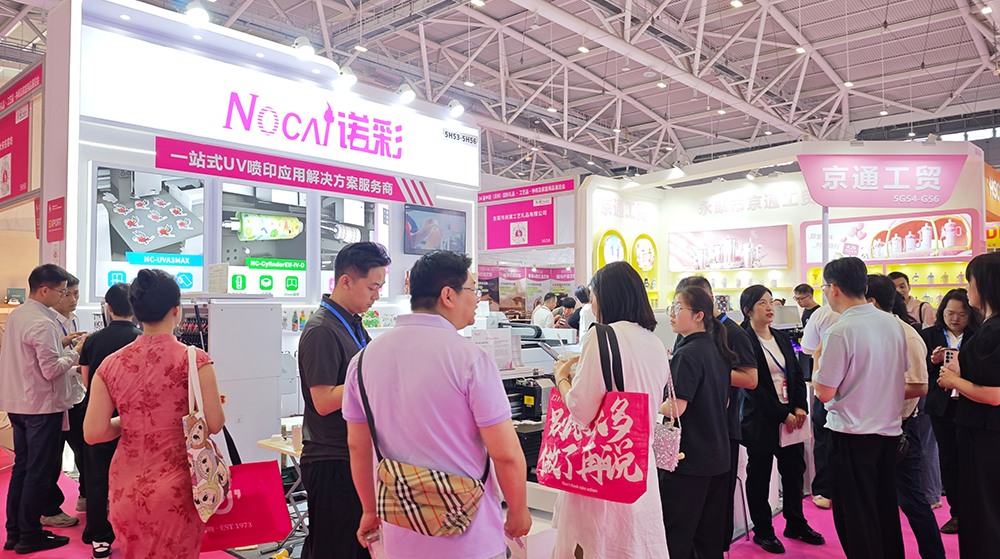
Shenzhen Gift Fair Day 2 | NOCAI Booth Packed! Explore New UV Printing Game — Unlimited Materials & Instant Drying
2026-04-27 -
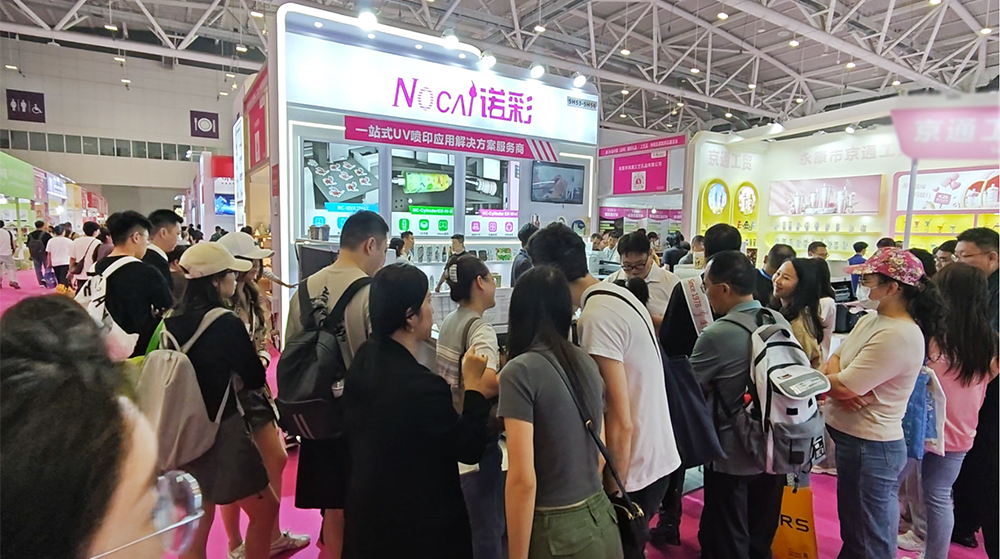
Day 1 of Shenzhen Gift Fair | NOCAI UV Inkjet Printing Technology, Unlock Infinite Creativity for Gifts
2026-04-25 -
Guangzhou NOCAI 2025 Annual Recognition Conference Successfully Concluded
2026-02-24
-

Which Industries Are Suitable for A3 UV Printers? What Value Can They Bring to New Entrepreneurs?
2026-09-21 -
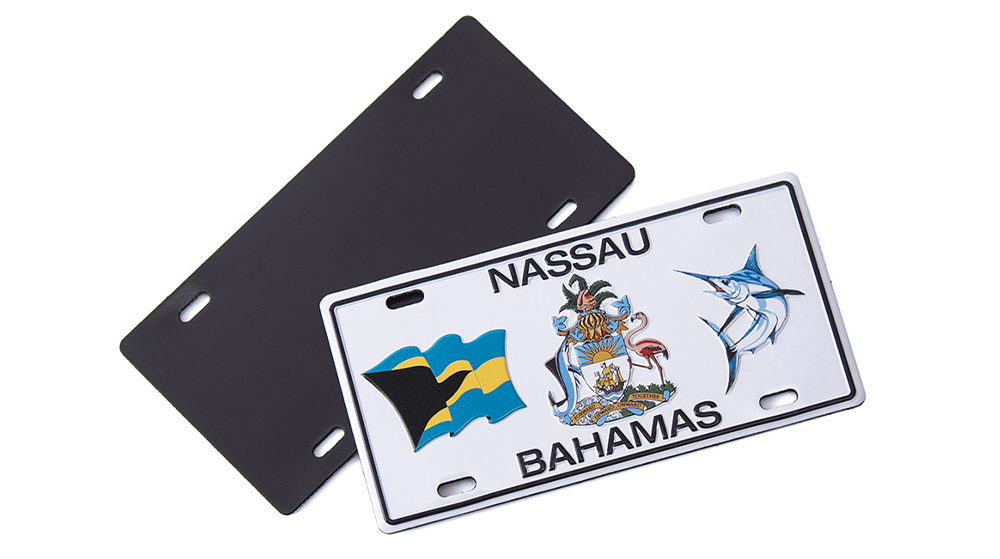
How Critical Is Printhead Technology for UV Flatbed Printers? Professional Comparison Between Ricoh & Epson Printheads
2026-09-21 -

How to Troubleshoot Ink System Issues on a UV Flatbed Printer?
2026-09-17 -

Choosing a UV Printer for Gift Customization Is More Complex Than It Looks: Printheads and Ink Systems Make the Difference
2026-09-17 -

Bought a Rotary Printer but Struggling with Tapered Cups? Auto Height Detection and Printhead Protection Make the Difference
2026-09-10 -
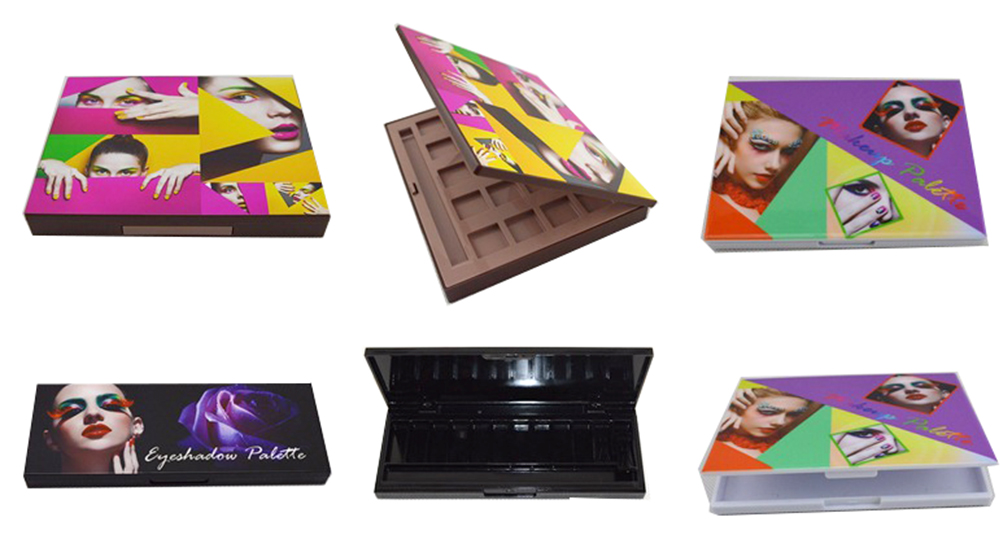
Waiting Days for Samples and Starting Over After Design Changes? How UV Flatbed Printers Help Designers Capture Every Idea
2026-09-10 -

Bought a Rotary Printer but Struggling with Tapered Cups? Auto Height Detection and Printhead Protection Make the Difference
2026-09-03 -

Waiting Days for Samples and Starting Over After Design Changes? How UV Flatbed Printers Help Designers Capture Every Idea
2026-09-03 -

Bought a Rotary Printer but Struggling with Tapered Cups? Auto Height Detection and Printhead Protection Make the Difference
2026-08-25 -

Waiting Days for Samples and Starting Over After Design Changes? How UV Flatbed Printers Help Designers Capture Every Idea
2026-08-25
CONTACT US


Guangzhou Nuocai Digital Products Co., Ltd.
If you would like to keep touch with us directly, please go to contact us
-
![]()
Home
-
![]()
Tel
-
![]()
Email
-
![]()
Contact


