
UV Printer Noise Troubleshooting Guide: Diagnose by Sound & Save on Repair Costs
“Click, click…” — when your UV printer suddenly makes unusual noises, it’s easy to panic and call a technician right away. But a service visit can cost anywhere from a few hundred to a few thousand—when the issue might take just two minutes to fix yourself.
The truth is, abnormal noises aren’t as scary as they seem. Different sounds often point to specific issues. Learn to diagnose by sound, and you can fix problems faster—and save money.
Here’s a practical self-check guide worth bookmarking.
Type 1: Sharp “Clicking” Sound — Dirty or Worn Encoder Strip
A clear “click-click” noise from the carriage area, often accompanied by misaligned or ghosted prints.
Cause:
The encoder strip acts like a positioning ruler for the printhead carriage. If it’s contaminated with ink mist or dust—or worn over time—the sensor can’t read it properly. This leads to positioning errors and that clicking impact sound.
Quick check:
Open the printer cover
Inspect the transparent encoder strip for ink stains or scratches
Gently clean it with a lint-free cloth and a small amount of alcohol or dedicated cleaning solution
Avoid excessive force to prevent misalignment
Call for service if:
The noise persists after cleaning, or the strip is visibly damaged and needs replacement.
Type 2: Low “Buzzing” Sound — Dry Rails or Worn Bearings
A dull “buzzing” noise when the carriage moves, sometimes with noticeable resistance or stuttering.
Cause:
Lack of lubrication on the guide rails, or worn bearings inside the carriage slider. Dust or debris can also increase friction.
Quick check:
Power off the machine
Manually move the carriage to feel resistance
Clean ink residue and dust from the rails
Apply a thin layer of proper lubricant (e.g., lithium grease or manufacturer-recommended oil)
Move the carriage to distribute the lubricant evenly
Call for service if:
Noise remains after lubrication, especially if you feel grinding or looseness—this may indicate worn sliders that need replacement.
Type 3: High-Pitched “Squeaking” — Loose Belt or Worn Gears
A sharp friction noise, often when the carriage changes direction or during motor operation.
Cause:
A loose belt slipping under motor drive, or worn/damaged gear teeth causing improper engagement.
Quick check:
Check belt tension: press the middle—there should be slight elasticity
Adjust the tensioner if too loose
Inspect for cracks, fraying, or worn gear teeth
Call for service if:
The belt is visibly aged or cracked, or gears are worn. These require part replacement and mechanical disassembly—best handled by professionals.
Type 4: Intermittent “Clunking” — Capping Station or Lift Mechanism Jam
A “clunk” sound during cleaning cycles, wiping, or platform movement, often with jerky motion.
Cause:
Dried ink causing the capping station to stick, or insufficient lubrication / debris in the lift system (lead screw, rails).
Quick check:
Inspect the capping station for dried ink buildup
Clean with a swab and cleaning solution
Apply lubricant to the lift screw and rails
Remove any debris from moving parts
Call for service if:
The issue persists—this may involve motor or sensor faults requiring professional repair.
Preventive Maintenance: Stop Noise Before It Starts
Instead of reacting to problems, build a simple routine:
- Clean encoder strip and rails weekly
- Check belt tension monthly
- Lubricate rails, screws, and gears regularly
- Keep the workspace clean to reduce dust contamination
Final thoughts
Over 90% of unusual noises come from just three components:
encoder strip, guide rails, and belts.
Learn to identify the sound, and you can fix most minor issues yourself—saving hundreds or even thousands in repair costs.Of course, for motor, board, or electrical failures, professional service is still necessary. But at least you won’t overpay for a simple fix.Save this guide—and make your equipment maintenance smarter, faster, and more cost-effective.
-

Nuocai Successfully Concludes PRINTING United Expo 2026 in Las Vegas
2026-09-28 -

Making an Impact in Las Vegas — Nuocai Makes a Strong Debut at PRINTING United Expo 2026
2026-09-24 -

Growing Together, Moving Forward with Purpose | Guangzhou Nuocai 2026 Production Trainee Representative Symposium
2026-08-29 -

A Truckload of Henan Melons, A Thousand-Mile Bond with Guangdong|Nocai’s Charitable Purchase: Supporting Farmers, Refreshing Our Team
2026-08-11 -

Topping-out Ceremony Successfully Held! NOCAI Digital’s Capital Increase & Capacity Expansion Project Officially Topped Out, Embarking on a New Journey of Smart Manufacturing
2026-04-28 -
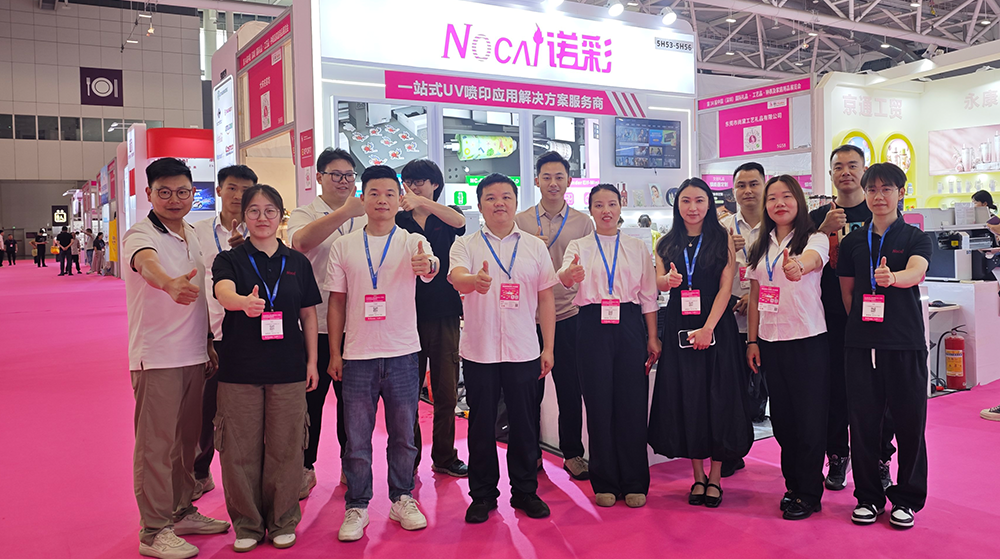
NOCAI’s Shenzhen Gift Fair Successfully Concluded. You Are Warmly Invited to Visit Our Factory for New Cooperation
2026-04-28 -
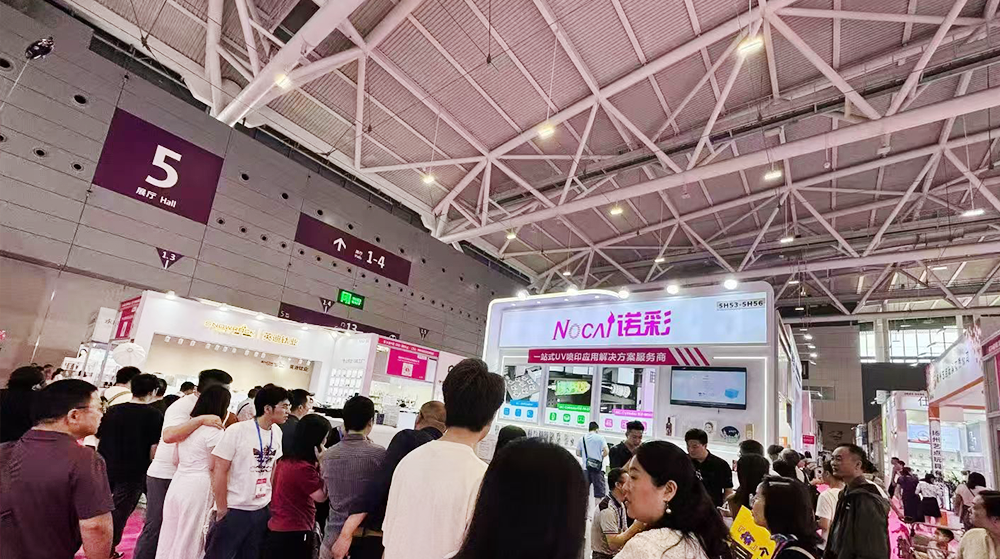
Shenzhen Gift Fair · Day 3|Booming Momentum Continues NOCAI all-scenario customized gift printing solutions unlock new industry business opportunities
2026-04-27 -
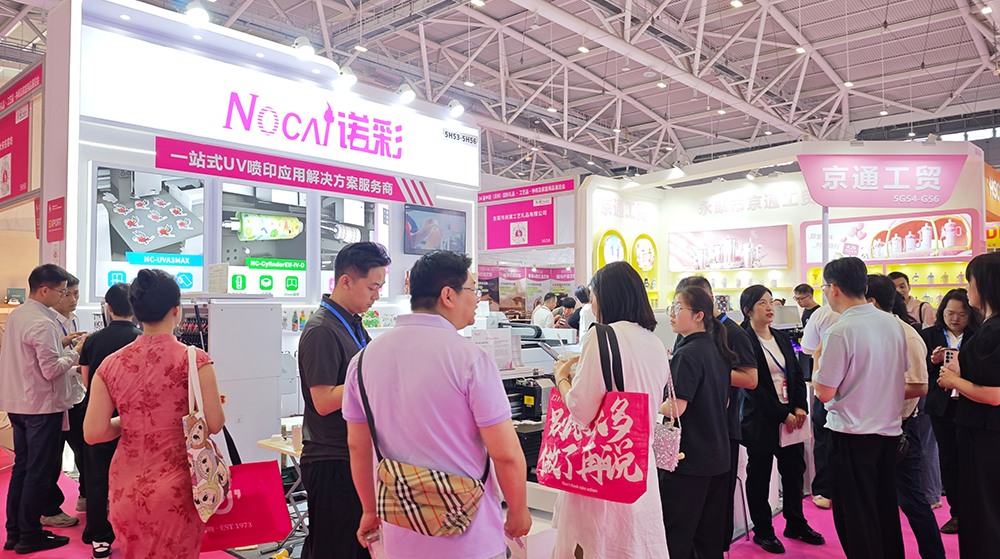
Shenzhen Gift Fair Day 2 | NOCAI Booth Packed! Explore New UV Printing Game — Unlimited Materials & Instant Drying
2026-04-27 -
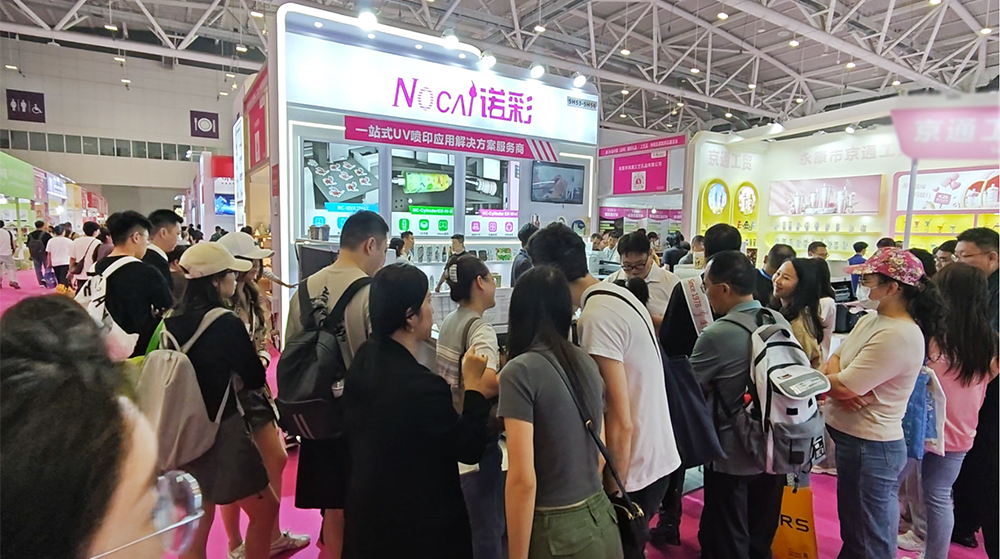
Day 1 of Shenzhen Gift Fair | NOCAI UV Inkjet Printing Technology, Unlock Infinite Creativity for Gifts
2026-04-25 -
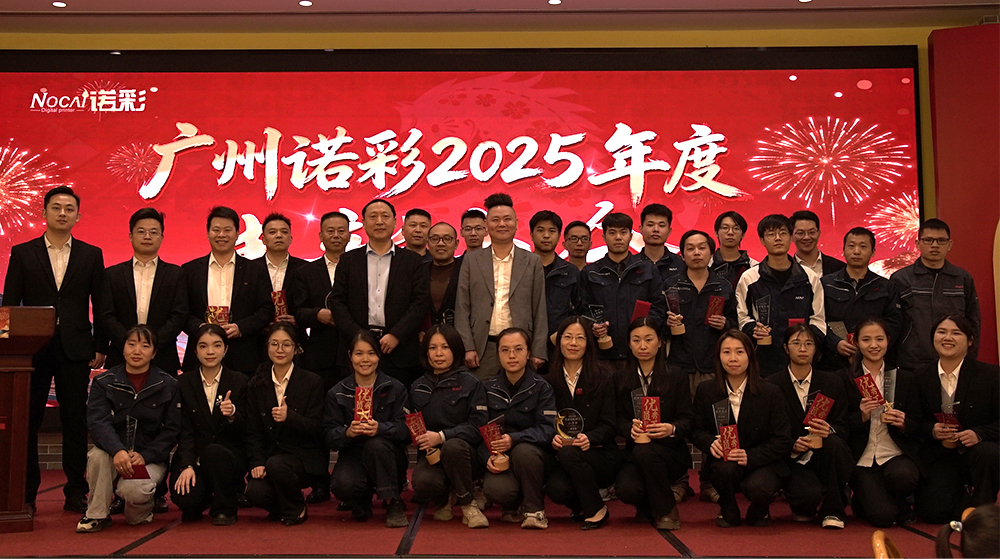
Guangzhou NOCAI 2025 Annual Recognition Conference Successfully Concluded
2026-02-24
-
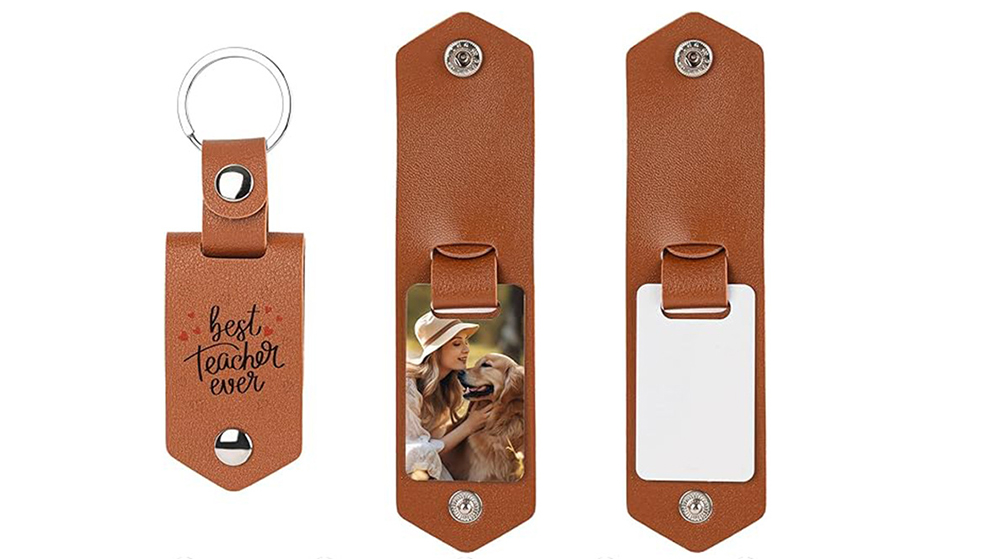
Which Industries Are Suitable for A3 UV Printers? What Value Can They Bring to New Entrepreneurs?
2026-09-21 -
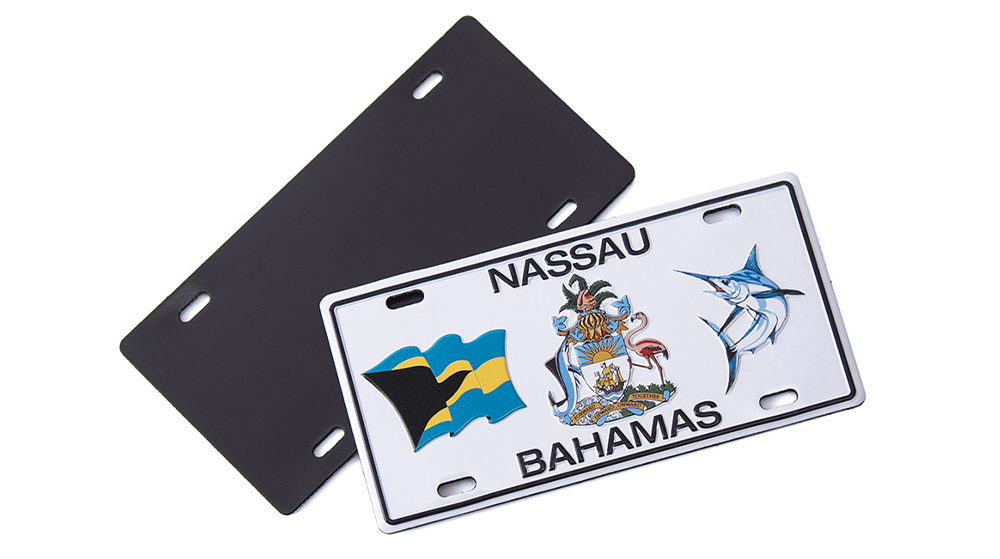
How Critical Is Printhead Technology for UV Flatbed Printers? Professional Comparison Between Ricoh & Epson Printheads
2026-09-21 -

How to Troubleshoot Ink System Issues on a UV Flatbed Printer?
2026-09-17 -

Choosing a UV Printer for Gift Customization Is More Complex Than It Looks: Printheads and Ink Systems Make the Difference
2026-09-17 -

Bought a Rotary Printer but Struggling with Tapered Cups? Auto Height Detection and Printhead Protection Make the Difference
2026-09-10 -
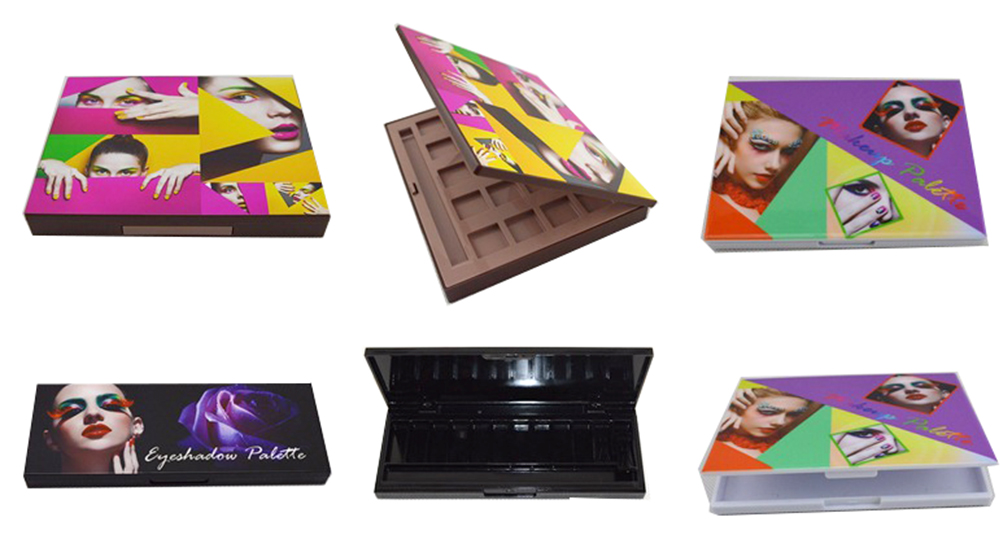
Waiting Days for Samples and Starting Over After Design Changes? How UV Flatbed Printers Help Designers Capture Every Idea
2026-09-10 -

Bought a Rotary Printer but Struggling with Tapered Cups? Auto Height Detection and Printhead Protection Make the Difference
2026-09-03 -

Waiting Days for Samples and Starting Over After Design Changes? How UV Flatbed Printers Help Designers Capture Every Idea
2026-09-03 -

Bought a Rotary Printer but Struggling with Tapered Cups? Auto Height Detection and Printhead Protection Make the Difference
2026-08-25 -

Waiting Days for Samples and Starting Over After Design Changes? How UV Flatbed Printers Help Designers Capture Every Idea
2026-08-25
CONTACT US


Guangzhou Nuocai Digital Products Co., Ltd.
If you would like to keep touch with us directly, please go to contact us
-
![]()
Home
-
![]()
Tel
-
![]()
Email
-
![]()
Contact


